
Winning product discovery
Use the product research workflow to identify bestselling products and compare what competitors are selling, with AI-assisted discovery aimed at Shopify dropshipping research.

PPSPY is a Shopify research and tracking tool for dropshipping sellers and e-commerce marketers. It combines store analysis, product discovery, sales tracking, and Meta/Facebook ad monitoring.
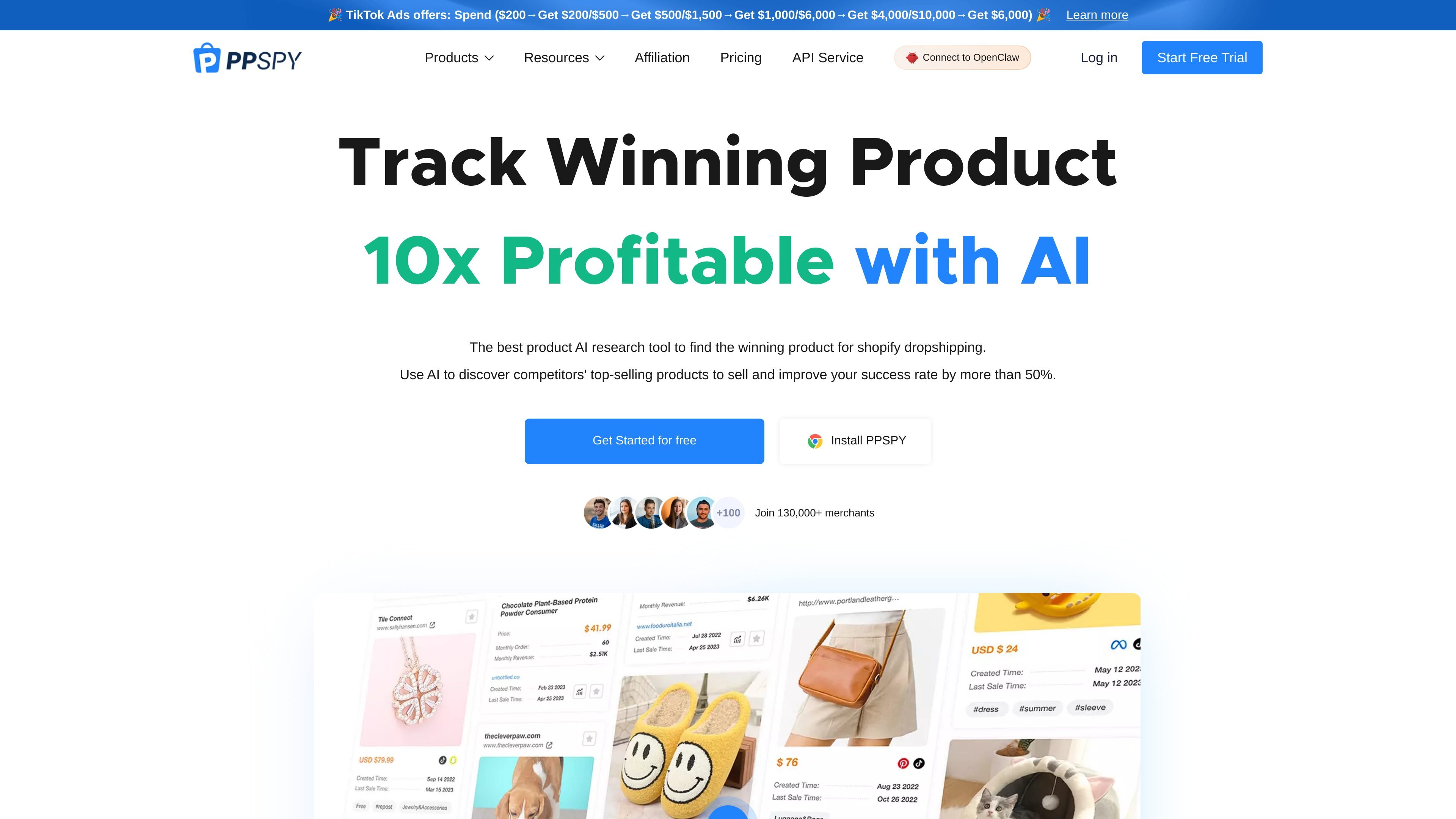
PPSPY is a Shopify research and tracking tool built for people who want to study stores, products, ads, and traffic patterns in one place. The site positions it as a Shopify spy tool, sales tracker, product research tool, store explorer, and ad tracker, with separate workflows for product discovery, competitor analysis, and traffic research.
Its core use case is competitive research for Shopify and dropshipping businesses. The platform says it can help users discover bestselling products, track competitor sales, inspect store themes and apps, and monitor Facebook or Meta ads, while offering a free trial and paid plans for deeper access.
Use the product research workflow to identify bestselling products and compare what competitors are selling, with AI-assisted discovery aimed at Shopify dropshipping research.
Track competitor Shopify stores and view a 15-day sales report generated from the platform’s proprietary AI-powered order prediction model.
Filter stores by revenue, search volume, keywords, traffic sources, region or language, and other store attributes to narrow market research results.
Inspect stores for themes, installed apps, pixels, product tags, and traffic patterns to understand how a store is configured and marketed.
Use the ad tracker to monitor competitor Facebook or Meta ads, including creatives, products, landing pages, ad formats, and ad activity over time.
Export data and download creatives from the paid plans, with browser extension access included on all listed plans.
Use PPSPY to find product ideas by reviewing bestselling items, monthly sales, monthly revenue, and product trends before choosing what to test in a store.
Use store filters and sales tracking to monitor competitors, estimate performance, and compare how different Shopify stores are growing over time.
Use the ad tracker to watch new Facebook or Meta ads, inspect creatives and landing pages, and capture changes in competitor campaigns.
Use theme, app, pixel, and traffic research to study how stores are built and how they acquire visitors, then apply those patterns to your own store work.
Use the platform’s one-product store and theme-design workflows to study niche stores, landing page structure, and product presentation patterns.
Yes. The pricing page states that PPSPY offers a trial, and you can register with an email address without a credit card.
The pricing page shows Monthly and Yearly billing options, with the yearly option advertised at a discount.
The pricing page says you can cancel in Account > Subscription, and after cancellation no further charges will be deducted.
The pricing page says invoices are available in Account > Invoice, where you can also fill in invoice details such as country, company name, address, and VAT information.
The site says subscription upgrades can be done by selecting the new plan directly, with the previous subscription cancelled automatically.