
Creator and keyword targeting
Set up automated commenting around specific creators or keyword groups so PowerIn can engage with relevant posts instead of generic feeds.

PowerIn automates LinkedIn and Twitter/X comments for creators, brands, and professionals with targeted, contextual replies, dashboards, and reports.
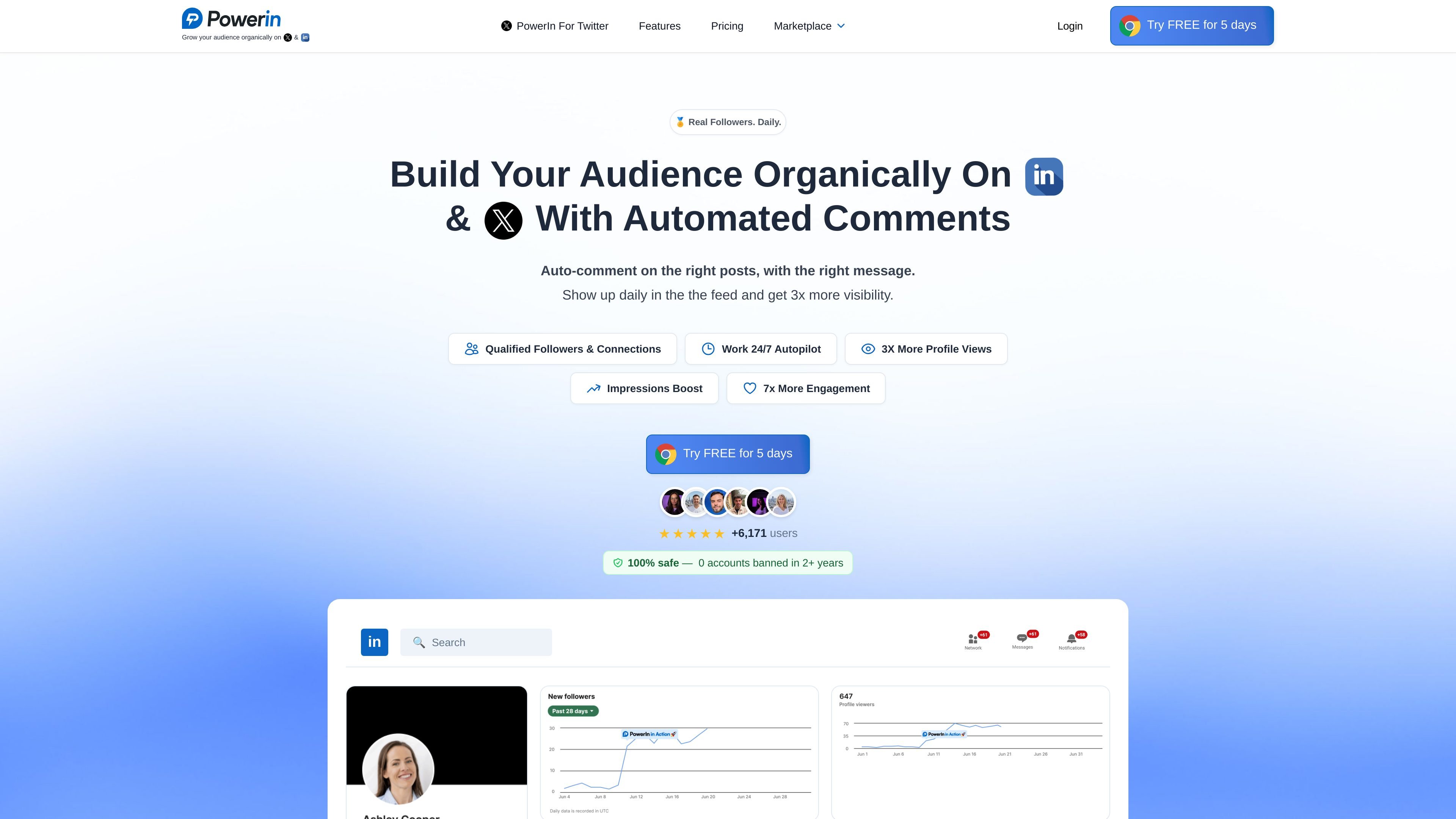
PowerIn is an AI commenting tool for LinkedIn and Twitter/X. It automates the process of finding relevant posts and leaving contextual comments so users can stay visible without manually monitoring feeds throughout the day.
The site positions PowerIn for creators, brands, and professionals who want to grow their audience through targeted engagement. Its workflow centers on choosing creators or keywords, setting a tone of voice, and letting the system comment within rate limits while reporting results through a dashboard and email summaries.
Set up automated commenting around specific creators or keyword groups so PowerIn can engage with relevant posts instead of generic feeds.
PowerIn generates comments based on the full post context and lets you set a preferred voice such as professional, casual, witty, or expert.
The product spaces activity through the day and caps daily actions automatically, with a manual approval mode available for review before publishing.
PowerIn detects the language of each post and writes the comment in the same language, with timezone filtering for local posting hours.
A dashboard and daily email report summarize comments placed, impressions, profile views, followers, connections, and engagement on LinkedIn and X.
The site indicates support for unlimited connected accounts on paid plans, with separate plan tiers for different comment volumes.
Automate daily commenting on posts from selected industry creators so your profile appears in front of a consistent audience without manual monitoring.
Track relevant keywords such as a niche, job function, or topic and respond to matching posts as they appear in the feed.
Use tone controls and manual approval when a brand or client needs comments reviewed before publishing.
Run multilingual commenting across international audiences, with comments matched to the language of each post and local business hours where needed.
Monitor comment volume, impressions, and profile activity to understand whether the workflow is creating measurable exposure on LinkedIn and X.
PowerIn automates comments on LinkedIn and Twitter/X by finding targeted posts and generating contextual replies. It is positioned as a tool for growing visibility, engagement, and audience reach on those platforms.
Setup is described as taking about 5 minutes: connect your LinkedIn account, choose creators or keywords to target, and set your preferred tone. The product then starts commenting automatically.
PowerIn supports two targeting modes: specific creators and keywords. It can also match the language of the post and lets you filter by timezone for local business hours.
The source says comments can be reviewed through a manual approval mode, and users can define tone, emojis or hashtags, and words to avoid. PowerIn also provides a dashboard and daily email reports for tracking activity.
The site shows a 5-day free trial and monthly plans billed yearly. The pricing pages list Growth, Advanced, and Scale plans, but the captured text does not include a separate pricing table page beyond those plan summaries.