
Instant PDF summarization
Upload a PDF by drag and drop or file browse, then let the tool analyze the document and return a concise summary in seconds.

PDFSummarizer.net is a free AI PDF summarizer that turns PDFs into concise summaries, with chat, translation, and key insight extraction.
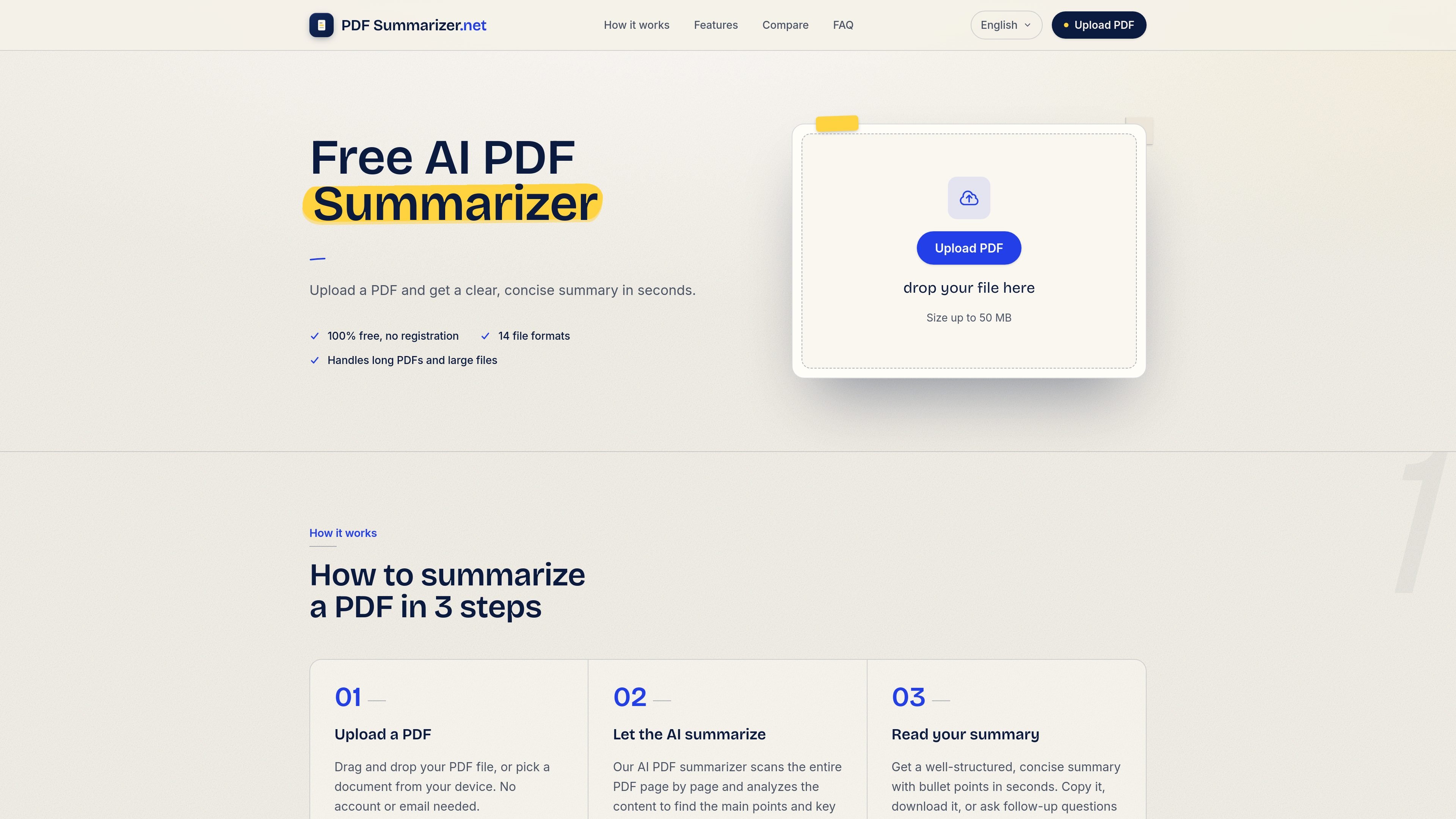
PDFSummarizer.net is a web-based AI PDF summarizer that turns uploaded PDF documents into concise summaries and lets users continue working with the file through chat. The homepage positions it as a free tool for quickly extracting key points from long documents.
The product is aimed at readers who need to understand the main ideas of a PDF without reading it line by line. The site specifically mentions research papers, contracts, manuals, essays, academic articles, business reports, and ebooks, and it describes the tool as useful for students, researchers, and professionals.
Upload a PDF by drag and drop or file browse, then let the tool analyze the document and return a concise summary in seconds.
Continue working with the document after the summary by asking follow-up questions about the PDF content.
Ask the tool to translate sections of a document into another language when you need a multilingual workflow.
Extract the most important points, rephrase text, or look for specific information inside the document.
The site says it adds direct references and page references when answering questions, which helps users locate supporting sections in the source PDF.
Use the service in a browser on Mac, Windows, iOS, or Android without installing desktop software.
Get a concise overview of a long research paper or academic article before deciding whether to read the full document.
Review contracts, manuals, or other reference documents and ask follow-up questions about specific sections.
Use the summary and chat flow to prepare notes, presentations, or meeting points from a PDF quickly.
Translate or rephrase sections of a PDF when working with multilingual content or when you need simpler wording.
Summarize ebooks or long book files to extract the main ideas without reading every page.
Yes. The site states that PDFSummarizer.net is completely free to use, with no hidden fees or subscriptions required to summarize PDFs.
You upload a PDF, wait for the AI to analyze it, then review the generated summary. After that, you can ask follow-up questions, translate sections, or request specific insights.
The site says uploads are encrypted via HTTPS and that files are not stored after processing.
Yes. The tool is described as fully web-based and works on Mac, Windows, iOS, and Android without software installation.
The site says you can summarize research papers, contracts, essays, manuals, ebooks, academic articles, business reports, and other PDF documents.