
Email parsing
Forward emails to a Parsio mailbox and extract structured data from emails such as order confirmations, lead notifications, invoices, and other inbound messages.

Parsio is a data extraction tool for emails, PDFs, documents, and web pages. Turn unstructured content into structured fields and send it to sheets, webhooks, APIs, and apps.
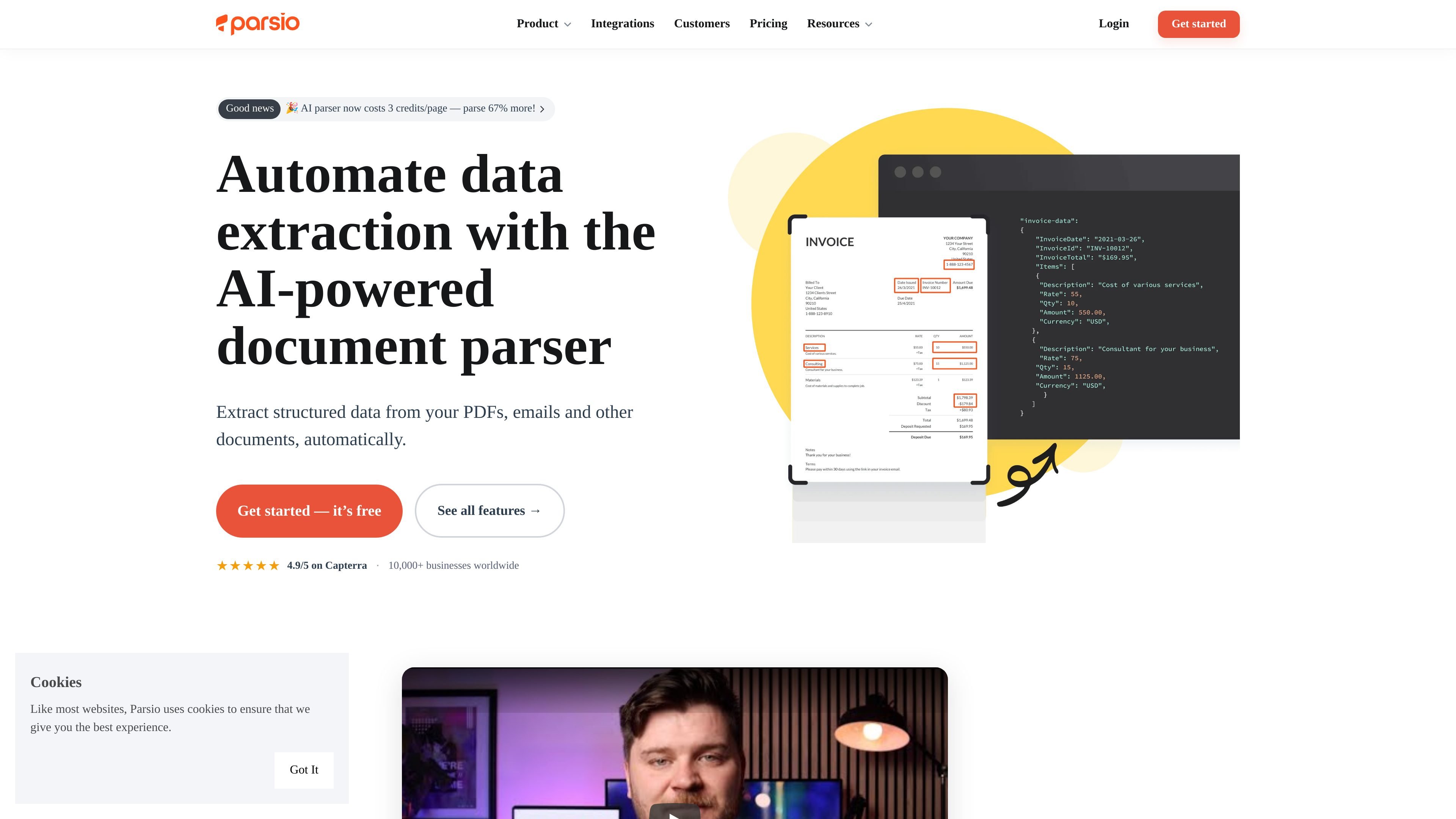
Parsio is a data extraction tool for emails, PDFs, documents, and web pages. It helps users turn incoming unstructured content into structured fields that can be exported to spreadsheets, databases, CRMs, webhooks, and other connected apps.
The product supports several extraction approaches: forwarding emails into a Parsio mailbox, uploading files, importing through automation tools or API calls, and using AI-based, GPT-based, OCR-based, or template-based parsing depending on the source format. It is positioned for teams that want to automate repetitive data entry and document processing without coding.
Forward emails to a Parsio mailbox and extract structured data from emails such as order confirmations, lead notifications, invoices, and other inbound messages.
Parse PDFs, scanned images, and many attachment formats including XLSX, CSV, DOCX, XML, JSON, vCard, HTML, and TXT.
Use pre-trained AI models for common document types, GPT prompts for variable layouts, or template-based parsing for stable formats.
Capture repeating data such as invoice line items, bank transactions, and order details, including multi-row tables across pages.
Apply custom formatting and business logic before export, such as normalizing dates, calculating totals, or splitting fields.
Send extracted data to Google Sheets, webhooks, file downloads, and the REST API, or connect through Zapier, Make, Pabbly Connect, Integrately, and n8n.
Forward invoices, order confirmations, or lead notifications into Parsio, extract the needed fields, and send the results to a spreadsheet or connected app automatically.
Process invoices, receipts, ID documents, business cards, bank statements, and similar files with AI models, OCR, or templates depending on whether the layout is standard or variable.
Capture line items, bank transactions, and other repeating structures from multi-row tables, including documents that span more than one page.
Normalize dates, calculate totals, or split fields before export so the output is ready for downstream systems without extra manual cleanup.
Route parsed data into Google Sheets, webhooks, cloud storage, or business apps through direct integrations or automation tools such as Zapier, Make, Pabbly Connect, Integrately, and n8n.
Parsio creates parsers by highlighting the text you want to capture, by describing fields in plain English for GPT-based extraction, or by using pre-built AI models for common document types. The free Sandbox plan is available for trying it out.
Yes. Parsio supports unlimited mailboxes and parsing templates on its plans, and the pricing page says unlimited team members are included on the listed plans.
Parsio can export data to Google Sheets, Excel, CSV, JSON, webhooks, the REST API, and 6,000+ integrations through tools such as Zapier, Make, Pabbly Connect, Integrately, and n8n.
Parsio supports email forwarding, file uploads, API imports, and automation platforms for bringing in documents. The features page also lists web page URLs as an import source.
The source pages describe Parsio as a no-code tool with API access. Pricing also distinguishes plan tiers by credits, data retention, team members, and support level, with a custom plan available for usage above 100,000 credits.