
Task API
Performs deep web research with structured outputs for tasks such as database enrichment and workflow automation.

Parallel is a web search and research API platform for AI builders and frontier teams, with search, extraction, chat, monitoring, structured research, pay-as-you-go pricing, and up to 16,000 free requests.
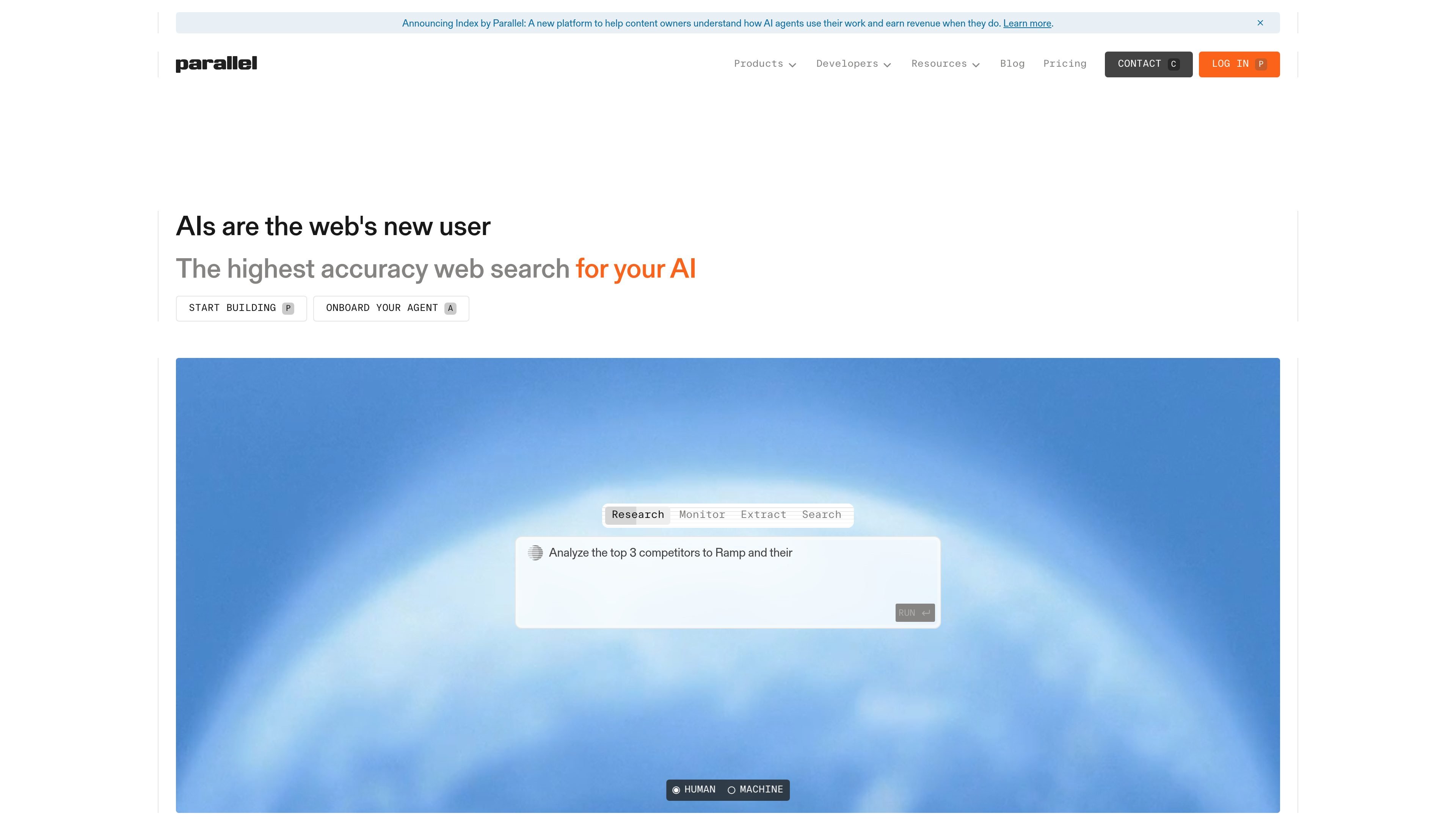
Parallel is a web search and research platform with multiple APIs for building AI-powered workflows. The product surface includes Task, Search, Extract, Chat, Monitor, and Find All APIs, each aimed at a different step in gathering, structuring, or monitoring web information.
The home page positions Parallel as the “highest accuracy web search for your AI” and notes that it is built for frontier teams and trusted by Fortune 500 companies. The pricing page shows pay-as-you-go pricing and a free allowance of up to 16,000 requests, with per-request pricing varying by API.
Performs deep web research with structured outputs for tasks such as database enrichment and workflow automation.
Returns ranked web URLs with compressed excerpts for agentic search workflows.
Extracts full page contents and compressed excerpts directly from a URL.
Produces fast, web-researched LLM completions with free text or structured JSON output.
Tracks changes to web events over time and returns new events asynchronously.
Creates structured datasets from text queries by finding all matching entities.
Use Task API when you need deep web research that returns structured enrichments for a database or downstream workflow.
Use Search API when an agent needs ranked web results and compressed excerpts to decide which pages to inspect next.
Use Extract API when a workflow needs page content pulled directly from a URL for parsing or analysis.
Use Monitor API when you need to watch a query or event over time and capture new changes as they appear.
Use Find All API when you need to build a structured dataset from text by identifying every matching entity.
Parallel offers multiple APIs, including Task, Search, Extract, Chat, Monitor, and Find All, so teams can choose the workflow that matches their use case.
The pricing page shows a pay-as-you-go model, with per-request pricing listed for each API. It also states that you can run up to 16,000 requests for free.
The source highlights SOC2 as the security standard across the APIs listed on the pricing page.
The pricing page presents separate playground links for each API, which suggests users can try the products from the platform.