
Simple website installation
OpenWidget focuses on no-code widgets that can be added to a website by copying a generated snippet into HTML or by using the WordPress plugin.

OpenWidget is a free no-code website widget platform for contact forms, product cards, FAQs, reviews, and more. Add widgets via embed or WordPress plugin.
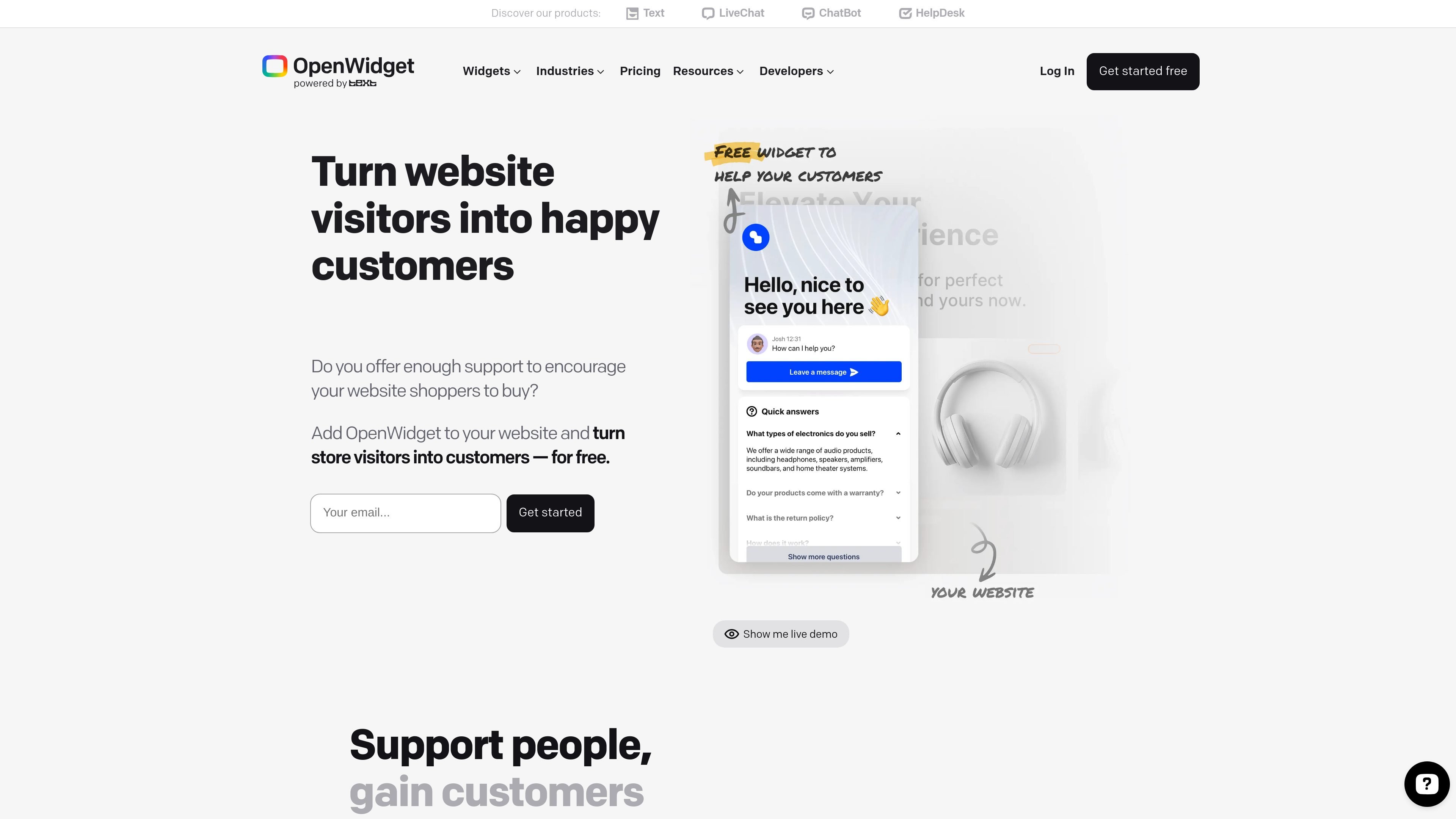
OpenWidget is a website widget platform for adding no-code customer-facing tools to a site. The product pages emphasize widgets for contact, product promotion, FAQs, social proof, and AI-assisted content updates.
Its core workflow is straightforward: create a free account, configure the widget in the OpenWidget app, copy the generated snippet, and paste it into your site. The site also offers a dedicated WordPress plugin and states support for common CMS and e-commerce platforms.
OpenWidget presents itself as a free product and says there are no additional costs or credit card requirements. That makes it a lightweight option for site owners who want to add simple support and engagement tools without committing to a paid widget suite.
OpenWidget focuses on no-code widgets that can be added to a website by copying a generated snippet into HTML or by using the WordPress plugin.
The widget set includes Contact Form, Product Cards, FAQ Template, Visitor Counter, Google Reviews, Product Recommendations, ChatGPT widget, WhatsApp Chat Widget, Facebook Messenger Widget, and more.
Widgets can be styled to match a site by adjusting colors, uploading a logo, and changing the welcome message.
OpenWidget supports practical contact workflows, such as forwarding form messages to email and letting site owners define working hours and response expectations.
Product Cards can pull product details from a URL, allow manual edits, and support labels, descriptions, prices, pictures, and promo badges.
OpenWidget includes AI enhancements for generating text variations and improving product descriptions.
Add a contact form widget so visitors can submit questions, feedback, or shipping concerns from any page without navigating away from the site.
Show product cards for deals, promotions, or new items, using product URLs and editable details to create a visual product gallery.
Add an FAQ template to surface common answers before visitors contact support, reducing repetitive questions and helping shoppers self-serve.
Display Google Reviews or a visitor counter to add social proof and transparency on a storefront or service site.
Use the AI-enhancement tools to rewrite or refresh product descriptions before publishing them in widgets.
OpenWidget provides setup instructions in its app and Help Center. For a website, you sign up for a free account, copy the generated snippet from the Add to website section, and paste it before the closing body tag. WordPress users can install the dedicated free plugin.
The widget pages describe OpenWidget as compatible with a range of CMS and site builders, including WordPress, Joomla, Drupal, Shopify, Squarespace, BigCommerce, OpenCart, Weebly, WooCommerce, and sites that support custom HTML/JavaScript snippets. The product pages also mention a dedicated WordPress plugin.
Yes. The pricing page says OpenWidget is completely free to use and does not require credit card details. The widget pages repeat that the features shown, including Contact Form and Product Cards, are free of charge.
For Contact Form, messages are forwarded to the email address you set during configuration, so you can reply from your preferred email client or mobile device. The widget also lets you define working hours and customize the greeting message.
For Product Cards, OpenWidget automatically scans the product URL you paste into the app to gather the product name, description, and preview image. You can then edit the fields, add pricing details, and choose a promo badge before embedding the widget.