
Multi-format creation studio
Generate images, short videos, story videos, characters, worlds, voice, music, and sound effects in one place. The home page positions OpenArt as an all-in-one creation platform rather than a single-purpose generator.

OpenArt is a web-based AI creator studio for images, videos, audio, and character-driven stories, with paid plans, team options, and MCP support.
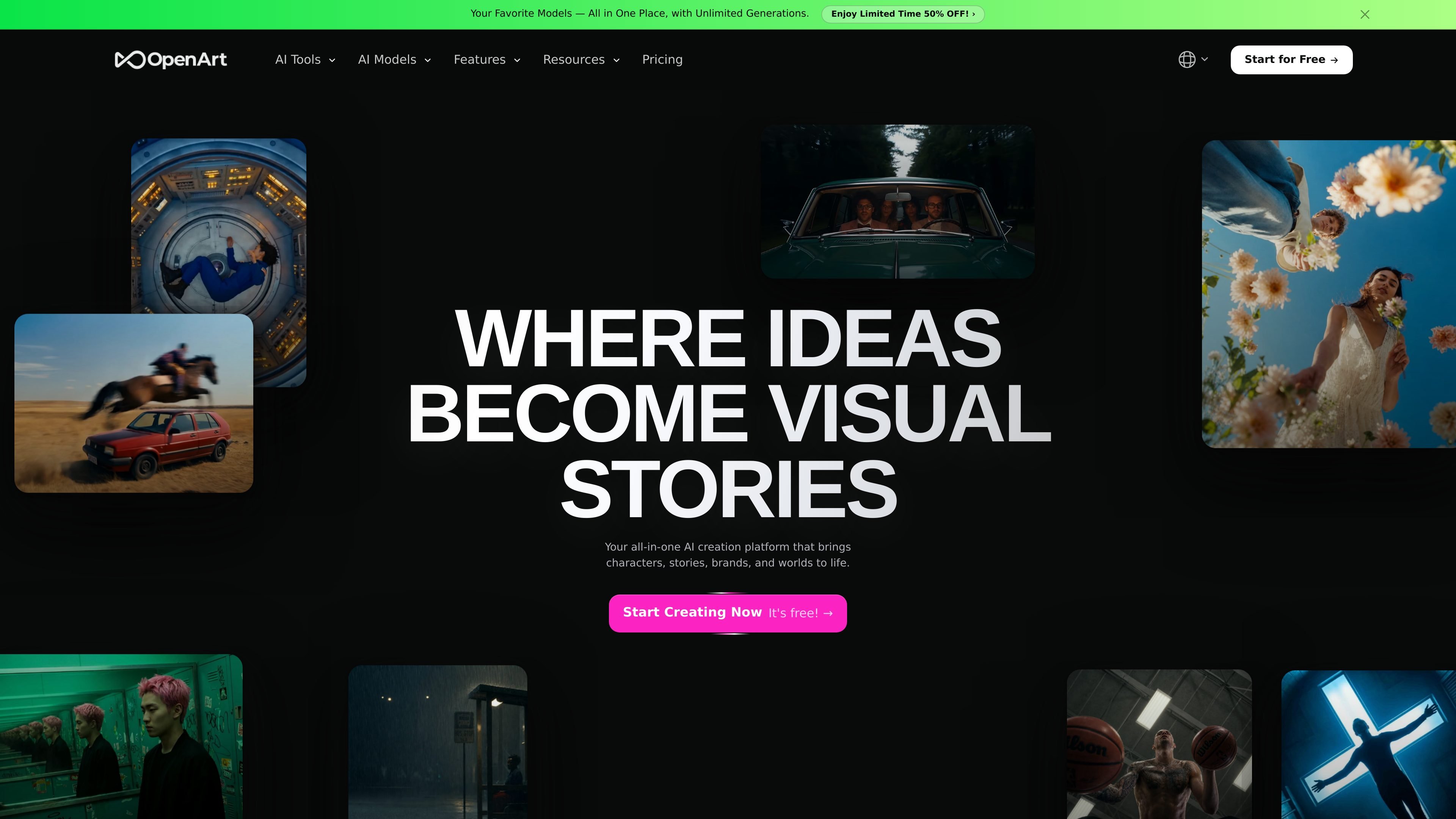
OpenArt is a web-based AI creation studio for generating and editing images, videos, audio, and character-driven stories. The homepage describes it as an all-in-one platform for bringing characters, stories, brands, and worlds to life, while the pricing page frames it as a creator studio built around shared workflows and top model integrations.
The product combines generation and editing in one workspace. Users can create short videos from prompts or reference images, generate and refine images on the same canvas, build reusable characters and worlds, add voice or music, and move from a script to a multi-scene story video without switching tools.
OpenArt also surfaces a model marketplace-style layer across major AI systems, including Google Veo, Kling, Seedance, Nano Banana Pro, Sora, and OpenAI image models. In addition to direct creation inside the studio, the MCP page shows it can connect to external AI agents through a single URL and OAuth sign-in for image and video generation.
Generate images, short videos, story videos, characters, worlds, voice, music, and sound effects in one place. The home page positions OpenArt as an all-in-one creation platform rather than a single-purpose generator.
Create videos from text prompts or reference images, with support for clips up to 15 seconds and up to 4K resolution. The site also says users can refine or edit each generation after it is created.
Generate and edit images in the same canvas, including erase, expand, background replacement, restyling, and upscaling. The product also says likeness can hold across edits when a reference image is used.
Build persistent characters from reference images or a text brief and reuse them across later generations. The product emphasizes character consistency across images and videos, including scene-to-scene continuity for stories.
Create multi-scene story videos from a script or outline, then reshoot scenes or rewrite lines while preserving continuity. Export options are described for different platforms and aspect ratios.
Generate voiceovers, original music, and sound layers, with 30+ supported languages for voice and export formats including WAV and MP3. The site also mentions voice cloning from a reference sample or preset voices.
Create branded product shots and campaign videos with consistent styling, then export in social-friendly formats such as 9:16 and 16:9.
Produce short-form social content such as reels, memes, lip-sync clips, and dance loops with pre-sized outputs for TikTok, Reels, and Shorts.
Build a character once and reuse the same face, outfits, and expressions across image and video generations for recurring roles or narratives.
Turn an outline or script into a multi-scene story video, then rewrite individual lines or reshoot scenes while preserving continuity.
Add voiceovers, music, and sound effects to generated footage, including multilingual voice output and voice cloning from a reference sample.
OpenArt provides a browser-based AI creation studio for images, videos, characters, worlds, voice, music, and audio. The help center also includes setup, billing, credit, privacy, and support topics, which suggests the product is designed for general creators rather than a narrow technical workflow.
The help center includes questions about sign-up, device compatibility, billing, credit usage, video and image generation, characters, privacy, and support. That indicates users can get started from the web and learn the workflow through the help center and tutorials, although the site text does not spell out every onboarding step in detail.
The pricing page shows tiered plans with monthly and annual billing, add-on credits, and a Team and Enterprise path. It also lists commercial use rights on paid plans, but the site text does not state full team-seat rules beyond shared credits, collaborative workspaces, and model integrations.
OpenArt’s pricing page lists multiple plan tiers and says some plans include unlimited creation, while the help center has an FAQ entry for how unlimited generation works. The source text does not provide the full rule set in the collected excerpt, so the safest summary is that unlimited generation is available on higher tiers and is subject to product-specific terms.
The help center includes FAQs about commercial use, privacy, data storage, deleting account data, and whether uploads are used to train models. The collected text supports that these topics are addressed, but the exact policy details are not included in the excerpt.
Traffic-Daten dienen nur als Referenz.
| Apr | 9137972 |
|---|---|
| Mai | 10913009 |
| Jun | 9275883 |