
Automated assistant setup
NoForm AI can generate an assistant from a website URL and says setup takes minutes, which keeps initial configuration simple for teams without technical help.

NoForm AI is a website-based AI sales assistant that captures and qualifies leads, answers visitor questions, and provides 24/7 pre-sales support with no-code setup.
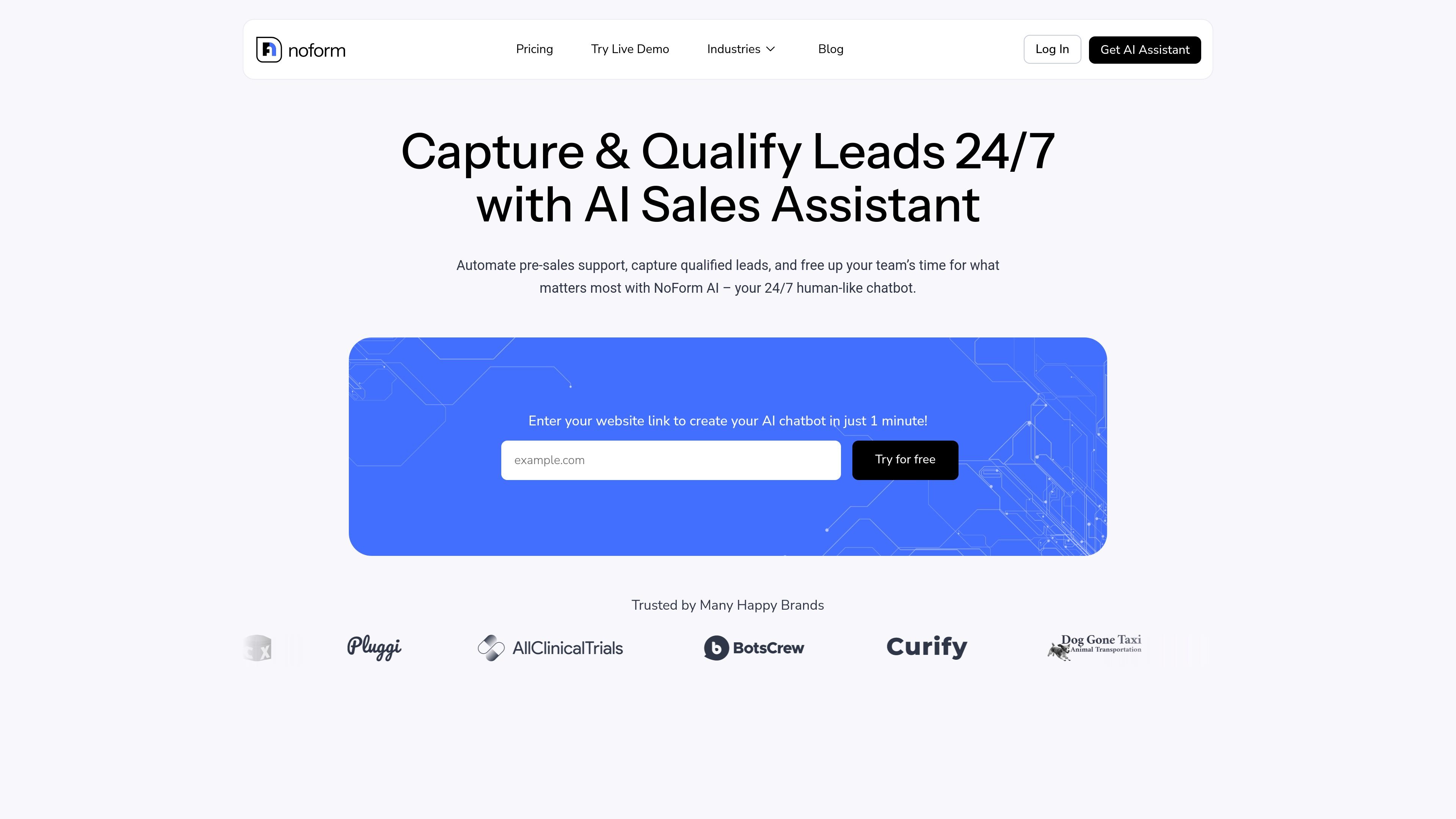
NoForm AI is an AI sales assistant for websites that focuses on capturing and qualifying leads, answering visitor questions, and providing pre-sales support around the clock. The homepage describes it as a human-like chatbot that can be created from a website URL and embedded without coding.
The product is aimed at businesses that want to replace or reduce static forms with conversational lead capture. Its published materials emphasize fast setup, website-trained responses, lead notifications, analytics, and optional integrations with common website platforms and automation tools.
NoForm AI can generate an assistant from a website URL and says setup takes minutes, which keeps initial configuration simple for teams without technical help.
The chatbot answers website questions around the clock and is positioned to capture and qualify leads even when the team is offline.
The product collects lead details such as name, email, and phone number, then uses qualifying conversations to help route higher-intent prospects to sales follow-up.
The pricing page describes analytics dashboards, chat summaries, visitor and chat location tracking, and page or campaign source tracking for reviewing conversation performance and lead sources.
Users can change branding, response behavior, chat placement, and conversation starters so the assistant fits different pages or campaigns.
The site says the chatbot embeds by copy-and-pasting code and works with platforms including WordPress, Framer, Wix, and Webflow, with webhook support for broader integrations.
Use NoForm AI on a marketing or sales website when you want to greet visitors instantly, answer first questions, and collect lead details without asking people to fill out a long form.
Use it for teams that need around-the-clock answers for pricing, booking, service, or availability questions so visitors can keep moving without waiting for office hours.
Use it when sales staff need a quicker way to separate high-intent prospects from casual inquiries based on the visitor’s answers and captured contact details.
Use the analytics, chat summaries, and source tracking to see which pages or campaigns generate the most conversations and where visitors are dropping off.
Use it for websites with different service pages or campaigns where each page needs different prompts, instructions, or conversation starters.
NoForm AI is presented as an AI sales assistant that can be created from a website URL. The homepage says you can enter your website link to create a chatbot in about 1 minute, and the pricing page describes an automated assistant configuration flow that analyzes your website content.
The site says NoForm AI works with websites and can be embedded by copy-and-pasting code. The homepage names WordPress, Framer, Wix, and Webflow as compatible platforms, and the pricing page adds that webhook-based connections can support 60+ integrations via Zapier or Make.
NoForm AI is positioned for businesses that want to capture leads, answer visitor questions, qualify prospects, and provide 24/7 pre-sales support. The pricing page also highlights customer support, lead capture, analytics, and CRM connection features.
The pricing page shows paid plans for Business, Enterprise, and Agency/Resellers. Business and Enterprise list introductory first-month pricing followed by monthly pricing, while Enterprise and Agency/Resellers also use contact-sales flows for custom arrangements.
The site positions NoForm AI as a tool for qualifying website visitors and collecting lead information, but it does not describe a no-code visual flow builder in detail beyond simple setup from a website URL and copy-paste installation.