
Smart Chat
Use Smart Chat to ask questions about a document, get feedback, and make edits directly in the writing environment. The homepage says it is GPT-4 powered and supports highlighting text for precise changes.

Moonbeam is an AI writing assistant for long-form drafting and editing, with notes-to-outline workflows, first drafts, document refinement, and team collaboration.
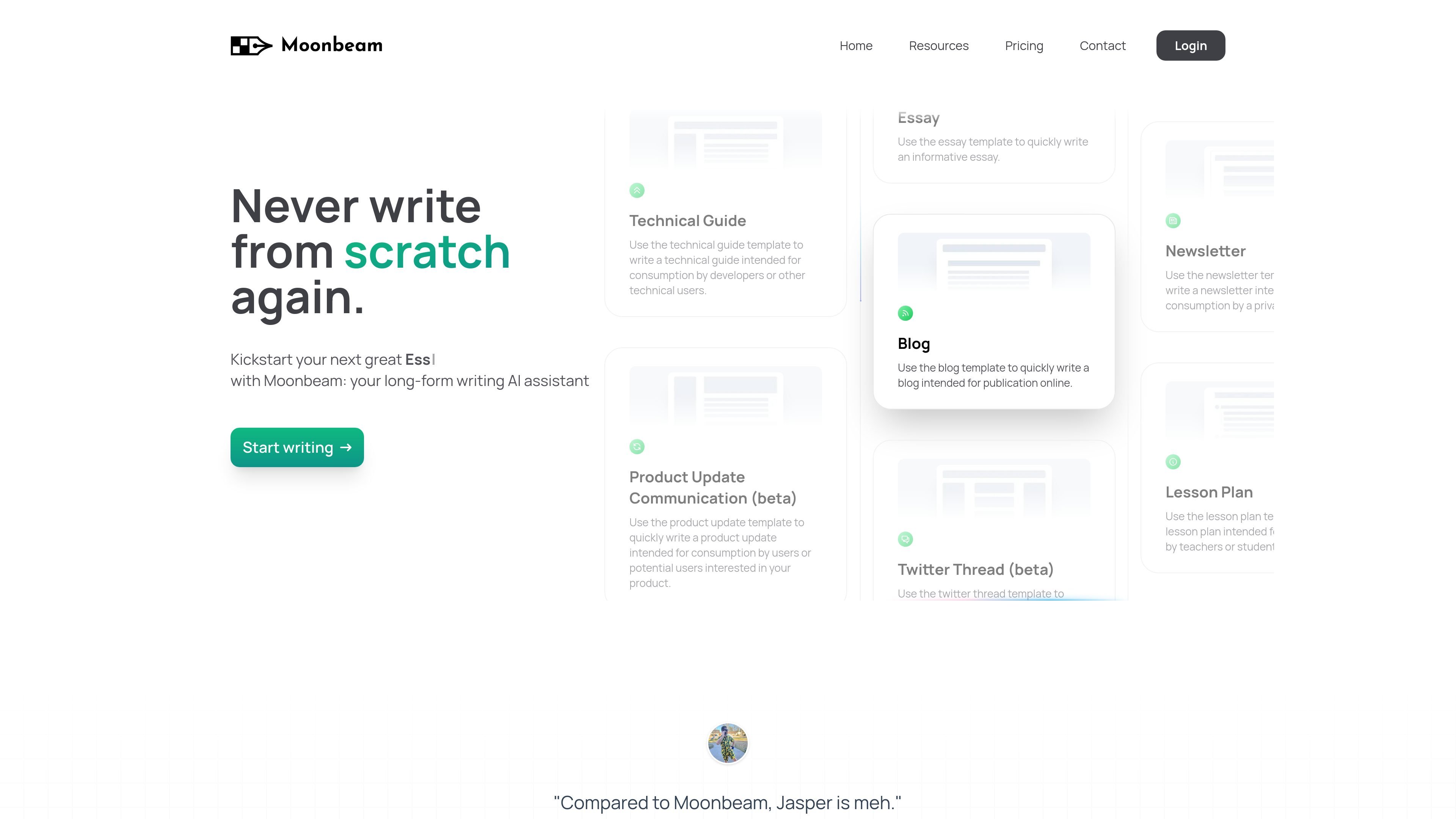
Moonbeam is an AI writing assistant focused on long-form content. The homepage positions it for essays, stories, articles, blogs, newsletters, lesson plans, technical guides, and other writing formats where users need help getting from rough notes to a usable draft.
The product combines several drafting and editing workflows: a Wizard that turns notes into outlines and paragraphs, Luna for prompt-based first drafts, Smart Chat for document-level editing, and a text editor that supports rewriting, rich media, and collaboration. The pricing page shows individual and team plans, with team features aimed at multi-user writing workflows.
Use Smart Chat to ask questions about a document, get feedback, and make edits directly in the writing environment. The homepage says it is GPT-4 powered and supports highlighting text for precise changes.
Generate content clusters from a prompt or keyword, including 10+ content ideas, post outlines, and full blog posts. The site also says this workflow is built on GPT-4 technology.
Write and revise in a text editor that supports paraphrasing, complete rewrites through Boss Mode, and one-click content generation.
Add links, images, or uploaded visuals to drafts, and share public drafts when you want others to view them.
Work on documents with teammates in a Google Docs-like collaboration mode, with real-time editing for team use.
Generate text in different styles with the custom style generator and use the Wizard or Ask Luna to start from notes or short prompts.
Start with a few notes or a rough idea, then use the Wizard to turn them into an outline and draft paragraphs for a blog post, article, or essay.
Use the freelance proposal workflow to build a proposal from a job description and add portfolio items that help clients see relevant proof of work.
Draft or revise content with teammates in the Team plan using shared editing and multi-user collaboration for documents that need group input.
Ask Smart Chat for feedback, targeted edits, or refinements on highlighted text when you need to improve an existing draft instead of starting over.
Generate topic ideas, outlines, and full posts from a keyword or prompt when you need to build a content plan for long-form publishing.
Moonbeam is presented as a long-form writing AI assistant. The source describes it as a tool for starting blog posts, essays, stories, articles, newsletters, lesson plans, discussion posts, and other longer writing tasks.
The homepage highlights two main ways to start: use the Wizard to turn notes into an outline and then paragraphs, or prompt Luna with a short phrase to generate a first draft.
The pricing page lists Moonbeam Pro for one user and a Team plan with multi-user support. The Team plan includes collaborative real-time editing, multiple users, priority support, and integration with your tools.
Moonbeam offers a 100% money-back guarantee for paid plans. The site says you can try a paid plan for 30 days and request a full refund if it is not a fit.
The source does not list specific third-party integrations on the public pages reviewed, although the Team plan says it can integrate with your tools.