
Task execution
Manus is positioned as an action engine rather than a chat-only assistant. The homepage says it can execute tasks, automate workflows, and extend human reach instead of only generating answers.

Manus is an AI automation platform that executes browser tasks, runs parallel research, and builds full-stack web apps from plain-English prompts. It is aimed at users and teams that need software to do work inside a browser or turn ideas into usable applications.
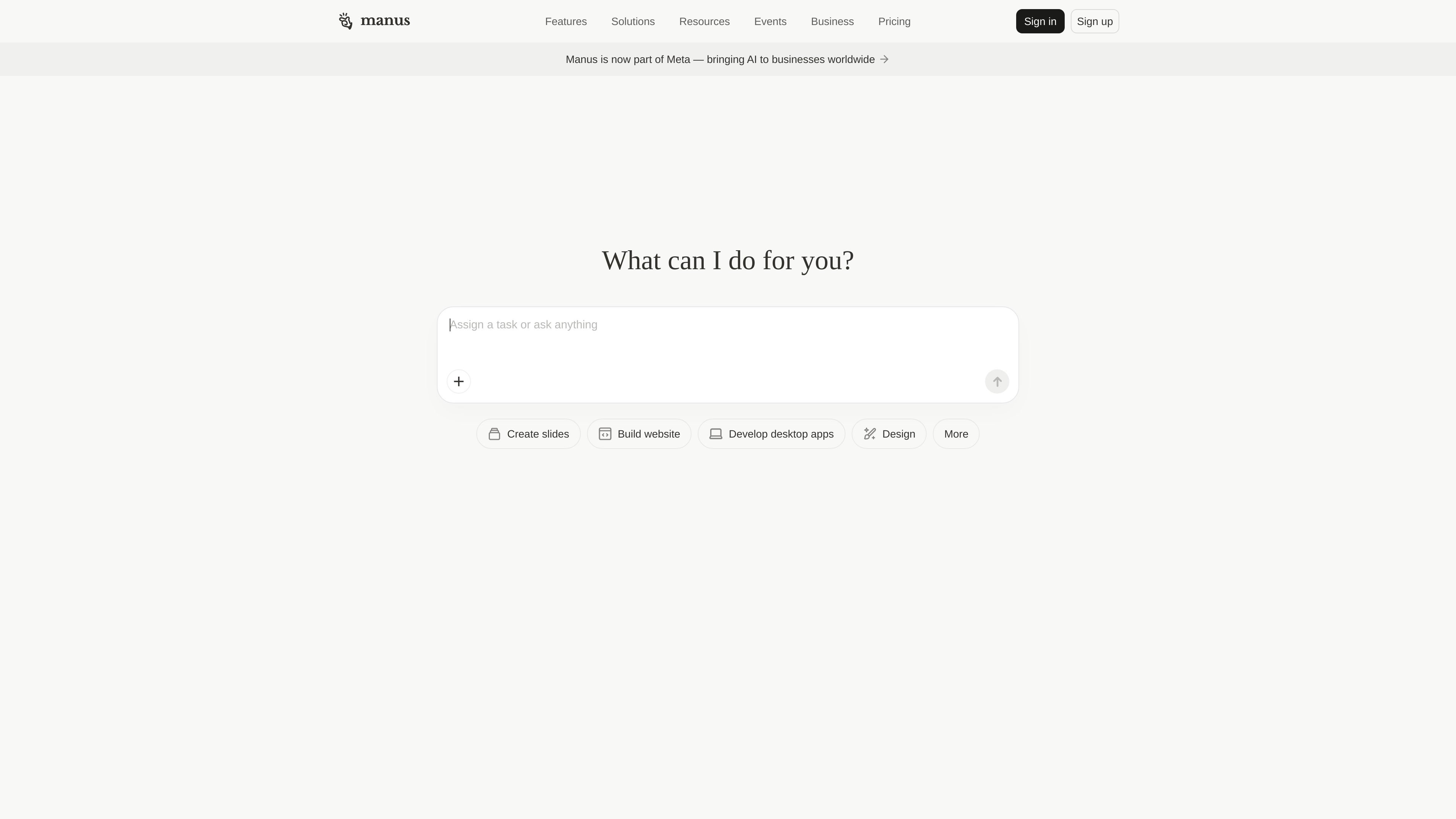
Manus is an AI product platform centered on taking action, not just answering questions. The main site describes it as an action engine that can execute tasks, automate workflows, and extend what a person can do, while the feature pages show separate tools for browser automation, large-scale research, and full-stack web app creation.
The Browser Operator feature turns a desktop browser into an AI-controlled workspace that uses your current session and logged-in tabs. Wide Research is aimed at large, parallel research jobs that go beyond a normal context window, and the web app builder targets teams that want to describe an application in plain English and have Manus generate the code, backend, database, and launch-ready pieces.
Manus is positioned as an action engine rather than a chat-only assistant. The homepage says it can execute tasks, automate workflows, and extend human reach instead of only generating answers.
The Browser Operator feature runs inside your existing browser session, using active tabs and local sessions to work on authenticated sites you already use.
Wide Research breaks large assignments into many independent sub-tasks and runs them in parallel, which is intended to keep quality steady when the item count grows.
The web app builder can generate full-stack applications from a plain-English prompt, including code, backend, database, login, and deployment-oriented setup.
The web app builder includes built-in capabilities for Stripe, analytics, notifications, lead capture, domain connection, version control, and code export.
The product family also points to adjacent creative tools such as slides, design, image generation, and music generation from the main site navigation.
Use Browser Operator when you need an assistant to work inside your authenticated browser session, such as checking messages, drafting replies, posting content, or pulling information from sites that require a logged-in account.
Use Wide Research for projects that involve many similar items, such as competitor analysis, market research, regulatory scanning, or account profiling across dozens or hundreds of entries.
Use the web app builder when you want to create a landing page, dashboard, SaaS-style app, or internal tool from a prompt and then refine it with login, database, and deployment-related features.
Use Manus when a workflow spans multiple sites or steps and you want the system to plan, navigate, click, and complete the sequence with minimal supervision.
Use the product when you want outputs that go beyond a short answer and instead produce reports, datasets, generated web apps, or other actionable artifacts.
Manus can plan and execute multi-step browser tasks within your active session. The Browser Operator feature runs in your current browser context and uses your logged-in tabs to complete tasks, so it is designed for workflows that need authenticated access.
The Browser Operator feature is described for use on a desktop browser, where a browser extension is installed and granted permission to access the browser session.
Wide Research is designed for tasks that need many items analyzed in parallel, such as comparing competitors, profiling accounts, or researching large sets of entities. It uses multiple agents with fresh context to keep output consistent at scale.
The site lists FAQ prompts about security, password handling, stopping a task midway, and plan availability, but the rendered text does not provide those answers. The safest reading is that these are important topics to check in the product's help or trust materials before using the tool.
The website presents a pricing page and business-oriented plans, but it does not show prices in the provided text. That means you can confirm there are paid plans, but not the exact cost from this source.