
Automated expense capture
Upload a bill or snap a receipt photo and the app reads, digitizes, and categorizes the expense automatically.

KlutterAI is an AI expense tracker for iOS and Android that scans receipts, categorizes spending, and helps you monitor budgets and subscriptions.
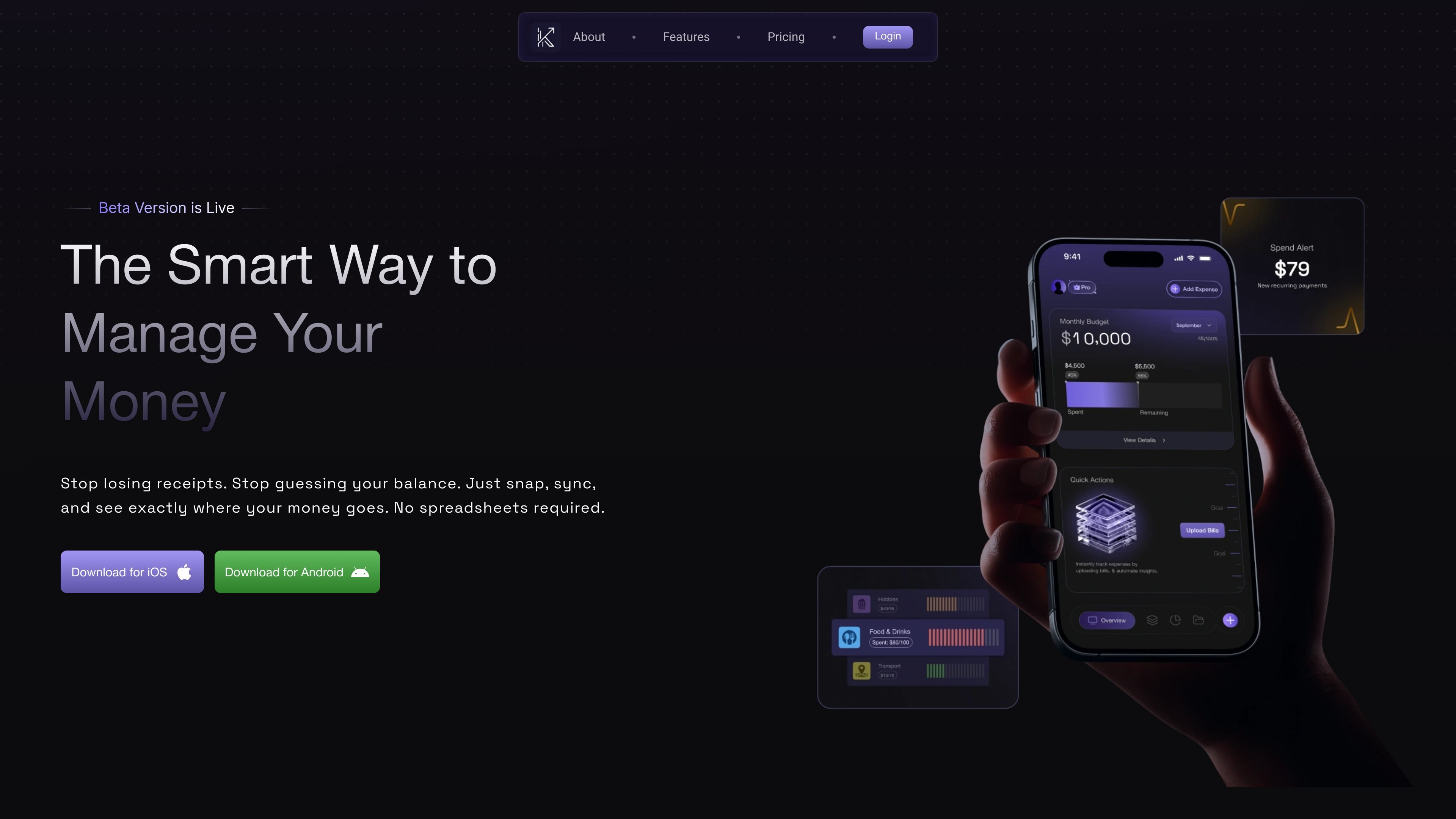
KlutterAI is an AI-powered expense tracker that helps users capture spending, organize transactions, and monitor financial habits from a mobile app experience. The homepage positions it as a way to stop losing receipts, avoid guessing balances, and see where money goes without spreadsheets.
Its core workflow is built around receipt scanning, expense categorization, budget setup, recurring-bill detection, and spend analysis. The site also says the product can forecast spending patterns and surface saving opportunities, which makes it useful for people who want more than simple logging.
Upload a bill or snap a receipt photo and the app reads, digitizes, and categorizes the expense automatically.
The app extracts merchant, amount, category, and date from receipts so users do not need to type details manually.
Set budgets by expense category and receive spending alerts to help monitor each category over time.
The app detects recurring payments and subscriptions to help users keep track of ongoing charges.
Connect email and SMS to surface expenses in one real-time view across multiple accounts and sources.
Generate spend reports and export them to CSV for records or tax use.
Useful for people who want to capture expenses quickly by photographing paper receipts or uploading bills instead of entering transactions by hand.
Helpful for users who need category budgets and alerts to keep day-to-day spending within limits.
Useful for people trying to identify subscriptions and recurring charges that can be easy to overlook in a busy account.
Helpful for anyone who wants a consolidated view of expenses across connected email and SMS sources.
Useful for users who need simple exports of spending data for records or tax preparation.
The site presents KlutterAI as an AI-powered expense tracker with mobile downloads for iOS and Android. The homepage also mentions logging expenses by snapping receipts, syncing accounts, and viewing spending patterns.
The help center shows a support form with categories for general inquiries, technical support, billing questions, feature requests, and bug reports. It also lists a phone number and support email.
The homepage and help center both surface a FAQ area, but the rendered text does not provide full answers for the listed questions. Available topics include password reset, multiple accounts, newsletter subscription, card security, and payment systems.
The pricing page is not available in the collected sources; it returned a 404 page. The homepage does show a pricing table with a free Basic plan and paid tiers, but the pricing page itself could not be confirmed.