
Real-time threat protection
Blocks viruses, malware, ransomware, spyware, and other online threats with real-time protection and anti-malware layers.

Kaspersky is a consumer cybersecurity subscription for home devices on Windows, macOS, Android, iOS, and Linux, with antivirus, payment protection, privacy tools, and performance features.
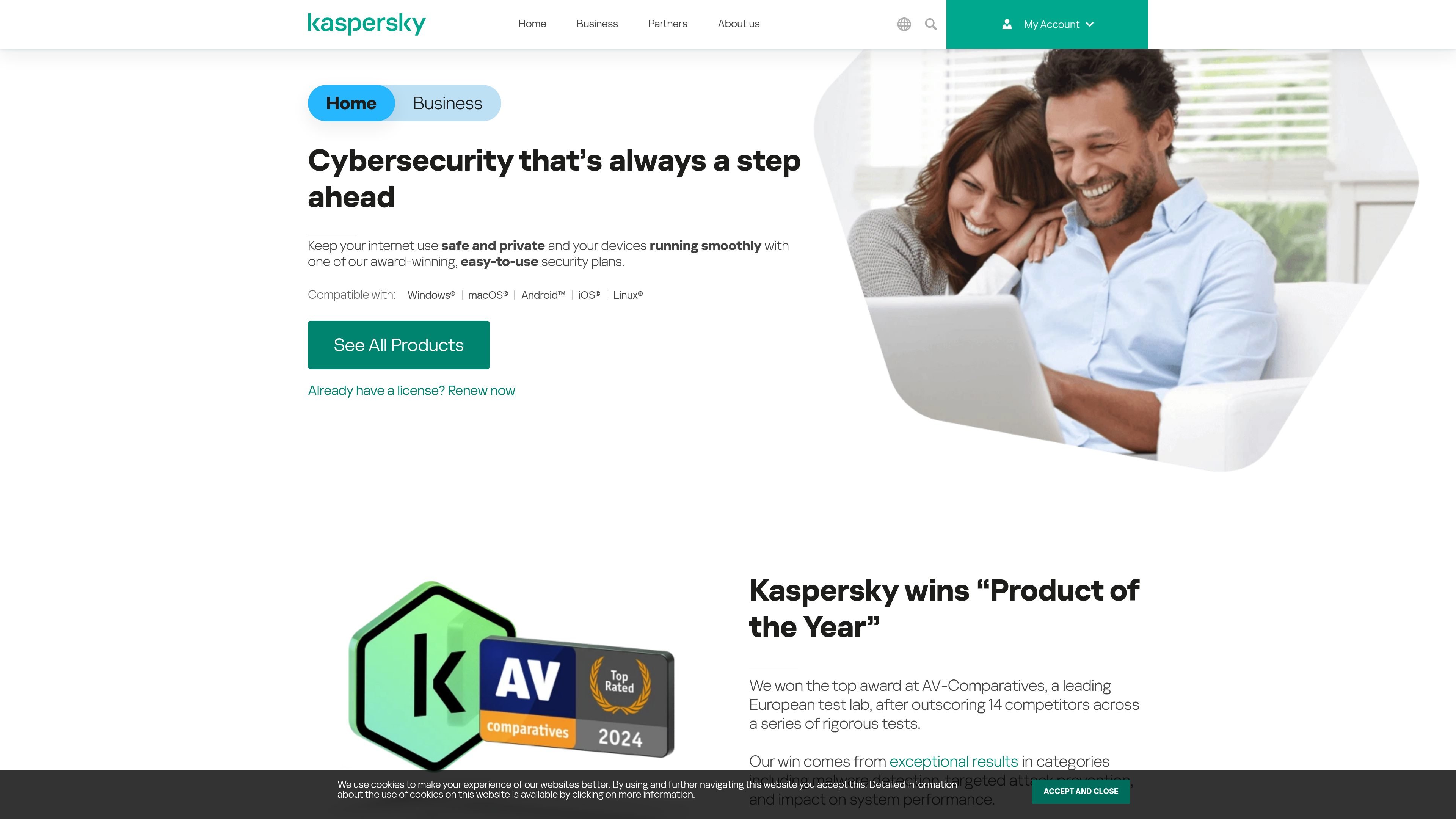
Kaspersky is a consumer cybersecurity platform offering antivirus and internet security subscriptions for home use across Windows, macOS, Android, iOS, and Linux devices. The site presents three consumer tiers — Standard, Plus, and Premium — with different feature sets and device protection levels.
At the product level, Kaspersky combines malware detection, anti-phishing, firewall controls, payment protection, privacy tools, and device performance utilities. The home page also highlights award recognition, independent test results, and a 30-day money-back guarantee on the consumer plans shown.
For everyday use, the product is positioned as software that runs in the background, can be customized by component, and can be managed through an online account. Kaspersky also highlights specialized pages for Mac, iOS, and Android protection, suggesting a cross-platform setup for mixed-device households.
Blocks viruses, malware, ransomware, spyware, and other online threats with real-time protection and anti-malware layers.
Adds anti-phishing, firewall, and anti-hacking controls to help protect browsing, email, and home network activity.
Includes tools for online payments such as Safe Money or online payment protection, depending on the plan.
Provides performance utilities such as disk cleanup, app management, startup control, and optimization tools to reduce clutter and improve responsiveness.
Offers privacy tools like anti-tracking browsing controls, data leak checking, identity protection, and, on Plus, unlimited VPN and password manager.
Lets users pause notifications and updates, customize components, and manage security from an online account.
Install a plan on a household mix of laptops, phones, and tablets to keep a single security subscription across multiple platforms.
Use the payment-protection and anti-phishing tools when shopping or banking online to reduce exposure to fraudulent sites and leaks.
Run the performance tools to clear disk space, manage apps, and optimize startup behavior on a slower computer.
Enable privacy controls and, on Plus, the unlimited VPN and password manager to reduce tracking and strengthen account hygiene.
Manage settings, alerts, and updates from an online account when you want to adjust protection without reinstalling the product.
Kaspersky’s consumer plans are presented as security subscriptions for Windows, macOS, Android, iOS, and Linux devices. The company also notes that plans can be managed through an online account.
The pricing page says Kaspersky offers subscriptions that protect different numbers of devices, and renewal prices are shown for existing subscriptions purchased from the Kaspersky online store.
Kaspersky Standard focuses on antivirus, anti-malware, anti-phishing, firewall, payment protection, and device performance tools.
Kaspersky Plus adds privacy-oriented tools such as an unlimited VPN and password manager, along with payment protection and performance tools like HDD health monitoring.
The site offers a 30-day money-back guarantee on the consumer plans shown on the product pages.