
Embed third-party apps and websites
Open third-party websites or applications inside an embedded virtual computer instead of relying on iframes or custom site-by-site integrations.

Hyperbeam is an API for embedding virtual computers in web apps. Open third-party sites, sync audio and video, and enable multi-user control.
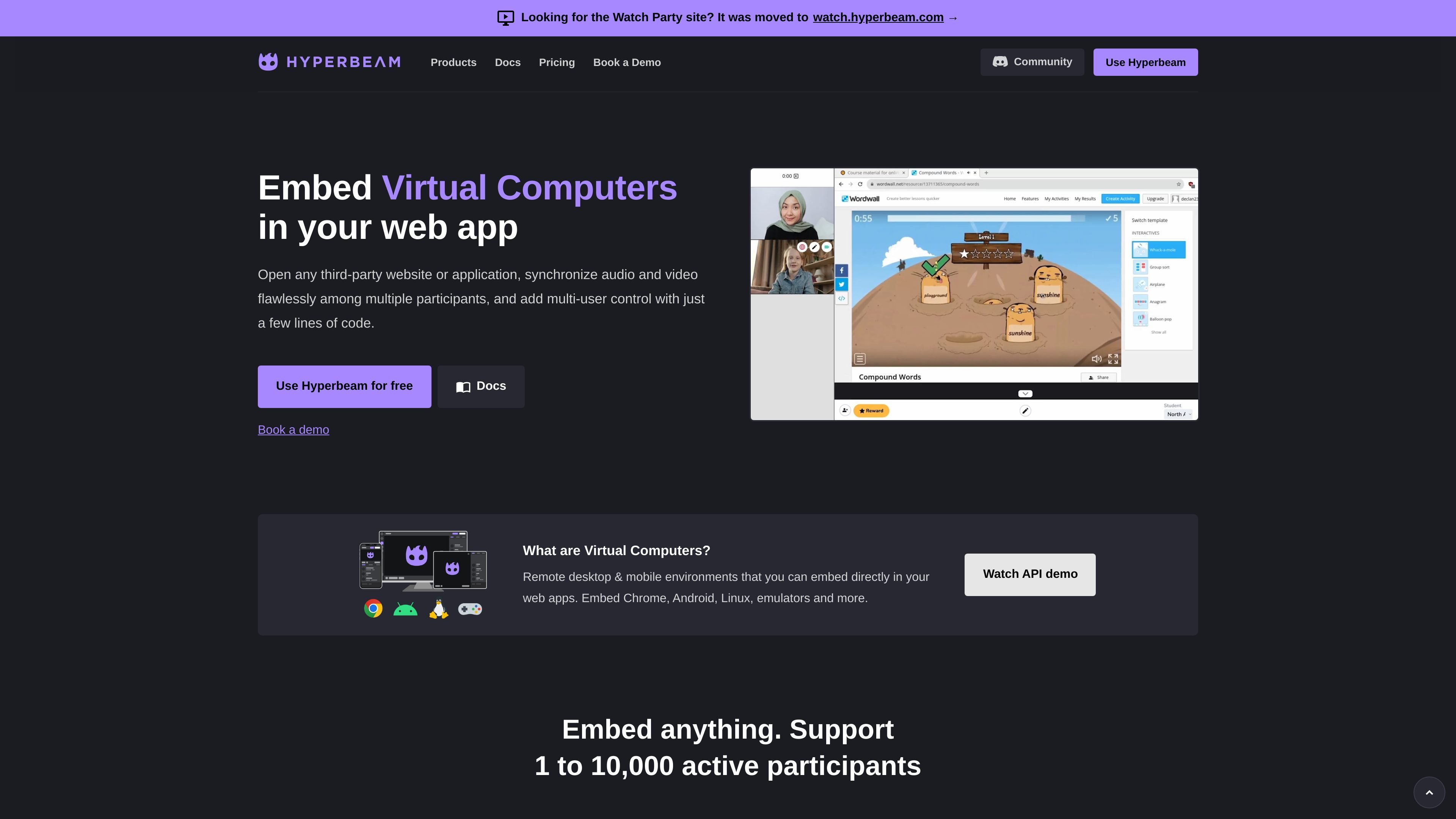
Hyperbeam is an API for embedding virtual computers directly in web applications. The homepage describes virtual computers as remote desktop and mobile environments that can run Chrome, Android, Linux, emulators, and other apps inside a product's own interface.
Its core purpose is to let developers open third-party websites or applications, keep audio and video synchronized for multiple participants, and add shared control without requiring browser extensions or downloads. The site positions it as a way to ship embedded browsing and collaboration features through a REST API and frontend NPM package.
Open third-party websites or applications inside an embedded virtual computer instead of relying on iframes or custom site-by-site integrations.
Keep audio and video aligned for multiple participants, with echo cancellation support for call-style interactions.
Let more than one participant control the same virtual computer, so collaboration is not limited to passive screen sharing.
Programmatically open apps, navigate to URLs, and run scripts to shape the embedded experience from your backend.
Save user sessions so people can return without re-authenticating or reopening their apps.
Support GPU-heavy and interactive content with WebGL support, raw audio and video data, and mobile touch input.
Build collaboration features where multiple people need to view and control the same embedded browser or app session at once.
Add in-app access to third-party websites or tools without maintaining one-off iframe workarounds for each destination.
Ship watch-party or media-sync workflows that need audio and video to stay aligned across participants.
Create embedded desktop or mobile-style environments for product demos, tutorials, or guided workflows inside your own app.
Hyperbeam provides an API for developers who want to embed virtual computers in web apps. The source describes support for opening third-party websites or applications, syncing audio and video among multiple participants, and adding multi-user control.
The source says you can write your backend in any language and use Hyperbeam's REST API, while the frontend is loaded and controlled with Hyperbeam's NPM package. It also points to a hello-world example on GitHub.
The homepage says Hyperbeam can embed Chrome, Android, Linux, emulators, and more, and that it supports embedding third-party websites or applications without browser extensions or downloads.
The homepage offers a free starting point with 10,000 free minutes every month and says pricing is pay-as-you-go afterward. It also notes that volume discounts apply automatically.