
Persistent assignments
You can assign a task once and Hyperagent keeps working on it as the project changes, rather than producing a one-off output only.

Hyperagent is an AI agent platform for teams to handle research, build and delivery work in ongoing workflows via Slack, Telegram, webhooks or schedules.
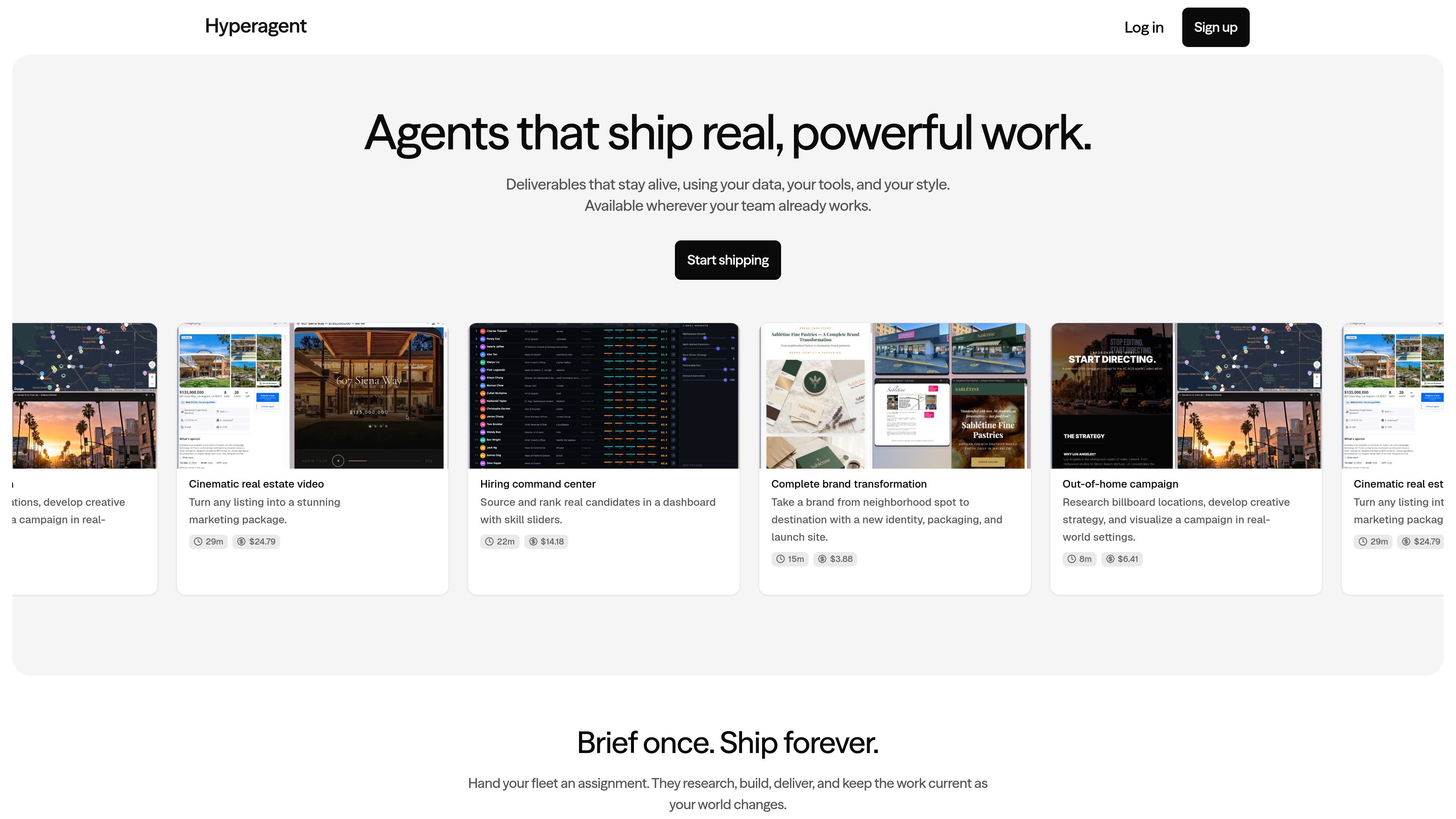
Hyperagent is an agent platform that does real work for teams. The homepage describes it as a system of agents that learns how an organization operates, uses the team's data and tools, and delivers work across the places people already work.
Rather than generating a single static response, Hyperagent is presented as a fleet of agents that can research, build, deliver, and keep outputs current. The site shows examples ranging from campaign research and hiring dashboards to cinematic real estate videos and complete brand transformations.
You can assign a task once and Hyperagent keeps working on it as the project changes, rather than producing a one-off output only.
The site says agents use real browsers, real shells, and real access to your stack so they can search, code, decide, and build with working tools.
Outputs are not limited to documents; the homepage lists websites, video, slides, documents, and dashboards, plus fully functional websites with live HTML.
The product surfaces execution details, including every search, decision, and artifact as it is built, which supports review and debugging.
Hyperagent can be reached from Slack, Telegram, webhooks, or scheduled runs, which makes it easier to fit into existing workflows.
Each agent comes with its own computing environment, and the product presents deployment, connection, and management from a single command center.
Turn a broad assignment into an agent-run research and production workflow, such as campaign planning or market research that needs a deliverable, not just notes.
Create campaign assets and related artifacts, including billboard research, creative strategy, and visual mockups for out-of-home work.
Build team-facing operational views such as candidate slates, hiring dashboards, or ranking interfaces that stay current as inputs change.
Produce client- or business-facing assets like landing pages, documents, slides, or videos when the work needs to be handed off in a finished form.
Use Slack, Telegram, or webhook-based triggers when the team wants agents to work inside existing communication and automation tools.
Hyperagent is positioned as a system of agents that can be told what to build, then research, draft, share, and polish the work before delivering it back to the team. The homepage says it can be used through Slack, Telegram, webhooks, or scheduled runs.
The homepage highlights outputs such as websites, video, slides, documents, dashboards, and live HTML artifacts. It also shows example deliverables including campaign research, a real estate video, a hiring dashboard, and a brand transformation package.
The site says you can "deploy, connect, and manage" agents from one command center, and that each agent has its own computing environment. It does not publish setup steps beyond connecting to the supported channels.
The pricing page at `/pricing` returned a 404, so no public pricing details are available from the provided source.