
AI faceswap editor
Swap faces or replace heads in uploaded videos, photos, and GIFs through a guided upload-and-select workflow.
HeyEditor is a web-based AI video and photo editor for faceswap, anime-style conversion, and photo enhancement. Edit photos or videos in the browser without installing software.
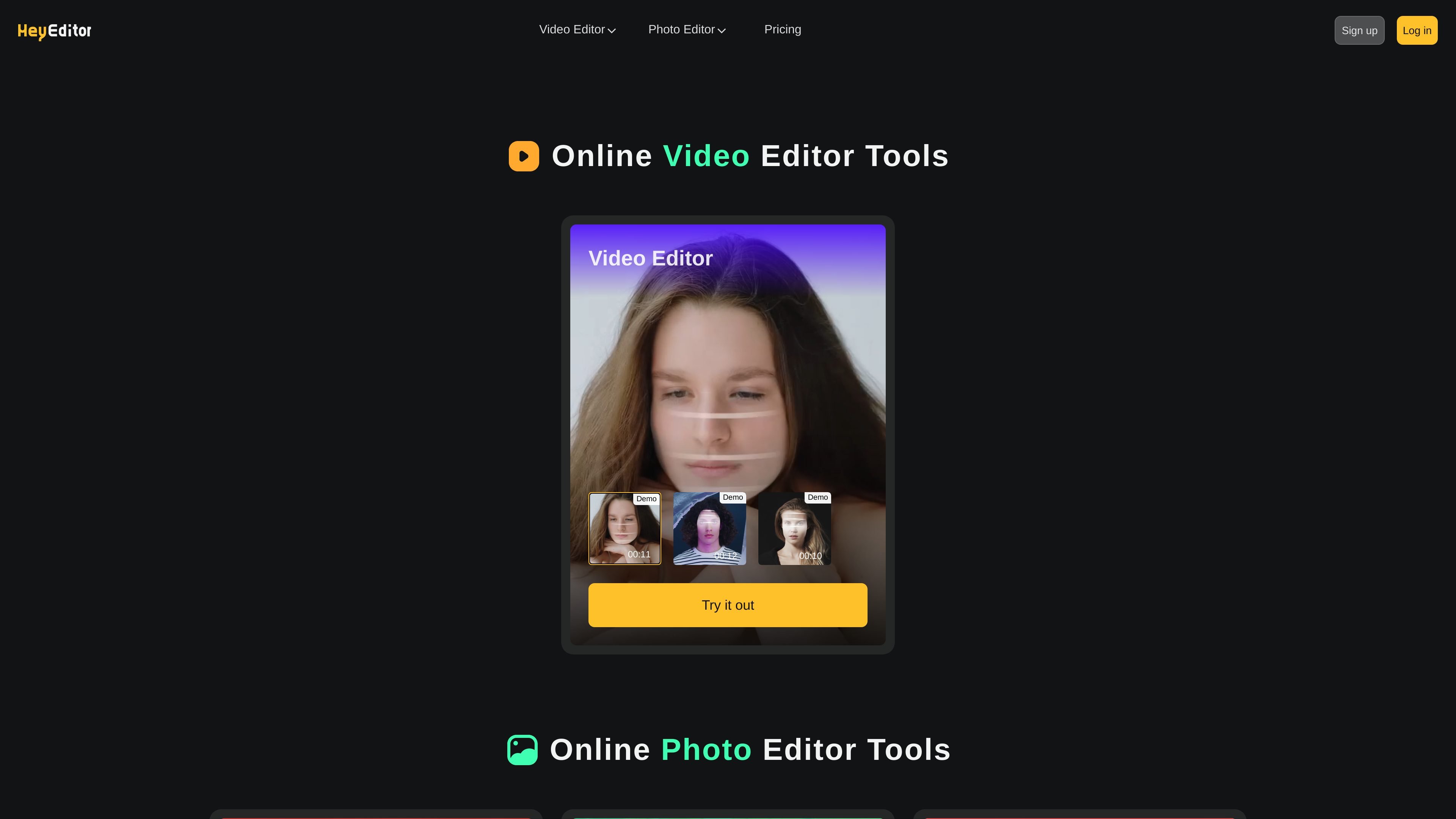
HeyEditor is an online AI video and photo editor centered on a small set of browser-based image and video tools. The site highlights video editing, photo editing, faceswap, photo enhancement, and photo-to-anime conversion from a shared web interface.
The product is built for quick, upload-driven edits rather than a complex desktop-style workspace. Based on the pages provided, users can upload media, choose a specific AI tool, and generate an output such as a swapped face, an anime-style image, or an enhanced photo.
Swap faces or replace heads in uploaded videos, photos, and GIFs through a guided upload-and-select workflow.
Convert photos into anime-style images using the photo-to-anime tool shown on the site.
Enhance and upscale photos to improve resolution, color quality, blur, and detail clarity.
Work with both video and photo editing entry points from the same site navigation.
Start from a browser upload flow with file limits shown on tool pages, such as a 10 MB photo cap for enhancer and anime tools.
Upload a video, photo, or GIF and use the faceswap flow to replace a face or head in the media.
Turn a portrait, selfie, or other photo into an anime-style image with the anime filter.
Improve a blurry or low-resolution image by upscaling it and sharpening its details.
Use the site’s online tools when you want browser-based editing without installing software.
HeyEditor provides an online photo-to-anime workflow that turns uploaded photos into anime-style images. The page does not describe advanced settings, so the supported workflow appears to be a simple upload-and-generate process.
The faceswap editor supports videos, photos, and GIFs. The page shows an upload flow with face detection, selecting a person, adding a face, choosing face shape, and generating the result.
The photo enhancer page says it can enhance and upscale photos, increase image resolution, improve colors, fix blurry photos, and sharpen details.
The site presents HeyEditor as a web-based tool with separate online editors for video and photo tasks. The rendered pages show browser access, but do not mention desktop or mobile apps.