
Typed text to handwriting conversion
Paste or type text into the editor, then convert it into handwritten-looking pages. The guide emphasizes checking line breaks and page fit before downloading.

HandtextAI converts typed or pasted text into handwritten-style pages for printing, previewing, or exporting. Custom font uploads and an API support automated print workflows.
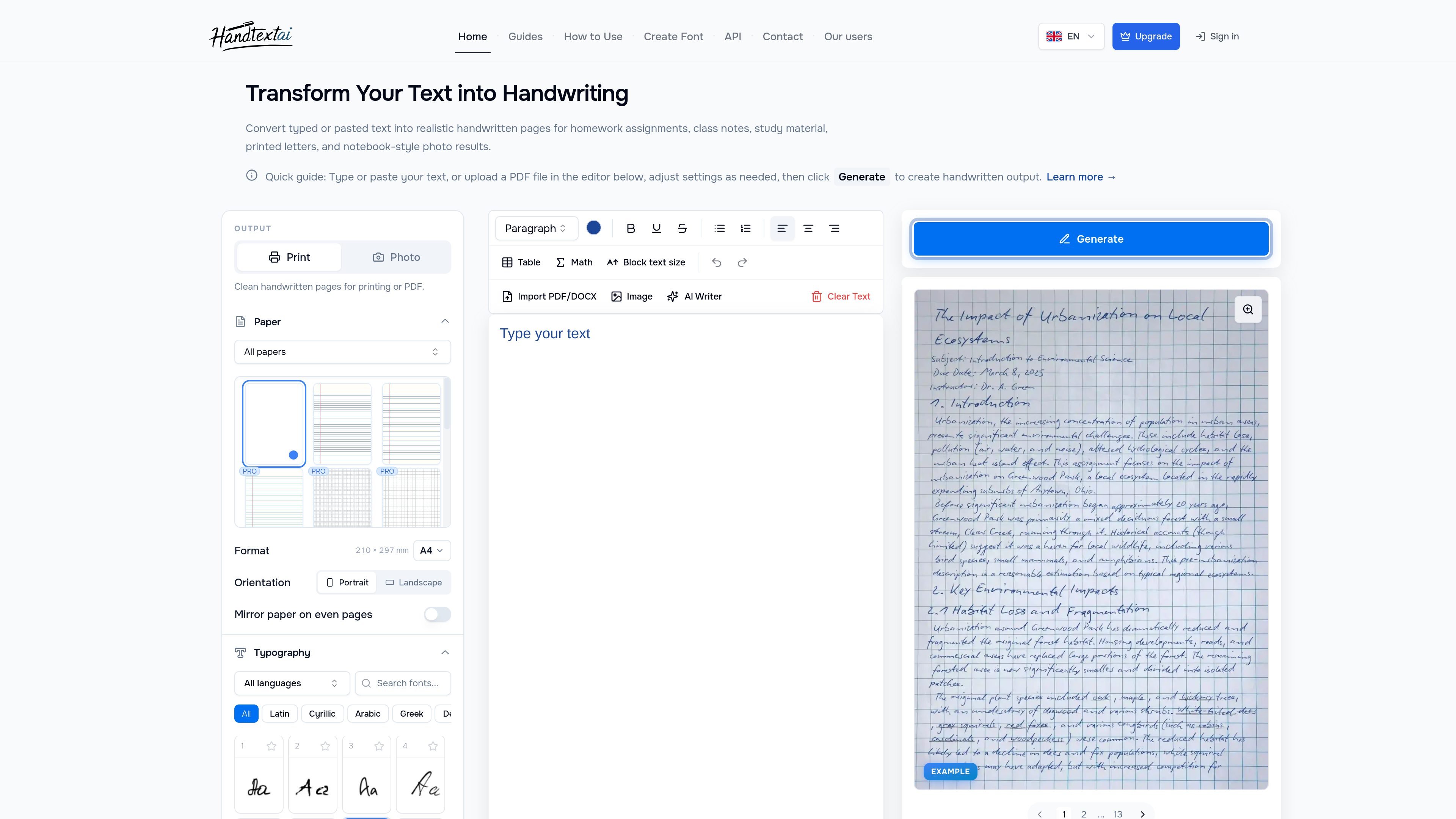
HandtextAI is a text-to-handwriting converter that turns typed or pasted text into handwritten-looking pages. It is aimed at people who want a printable handwritten result, a notebook-style image, or an automated handwriting workflow for business printing.
The web editor focuses on manual document creation: paste text, choose a handwriting style and page setup, preview the layout, then download the finished pages. The site also provides separate guidance for custom handwriting fonts and an API for repeated business output such as postcards, letters, envelopes, and direct mail.
Paste or type text into the editor, then convert it into handwritten-looking pages. The guide emphasizes checking line breaks and page fit before downloading.
Choose Print mode for clean pages or Photo mode for a notebook-style scene. Print mode is described as the default starting point for most users.
Adjust handwriting font, font size, line height, word spacing, margins, and paper background to make the page readable and better fit the text.
Generate output for plain, lined, ruled, grid, and exercise-book styles, with additional paper and scene options available on higher plans.
Create a handwriting font from your own samples and upload it on plans that support custom fonts.
Use the API to generate handwritten-style PNGs and print-ready PDFs from templates, CSV rows, or business data for repeated workflows.
Turn assignments, class notes, revision outlines, and other typed school material into handwritten-looking pages that can be reviewed or printed.
Create handwritten-style thank-you notes, greetings, applications, or formal letters when you want a more personal printed result.
Produce postcards, customer notes, greeting cards, and direct mail pieces from business data using the API or batch workflows.
Build custom handwriting output that matches your own writing by creating a font file and uploading it to an eligible plan.
Generate notebook-photo style results when the goal is a visual scene rather than a clean document export.
Yes. HandtextAI provides a web editor for manual, one-off document creation, and a separate API workflow for automated business output.
The guide describes Print mode for clean handwritten pages and Photo mode for a notebook-style scene. For most printable documents, Print mode is the recommended starting point.
The API page says HandtextAI can generate handwritten-style PNGs and white-background PDFs, including print-focused PDF settings such as bleed, trim and crop boxes, PDF/X-1a, and provider presets.
HandtextAI supports custom font uploads on plans that include custom fonts. The custom font guide recommends creating a handwriting font file with a third-party tool such as Calligraphr and then uploading it to HandtextAI.
The site indicates that pricing and some controls depend on plan badges, but it does not publish pricing details on the pages provided. The custom font guide and editor guide both refer to plan-dependent features.