
Component library
Access free and premium UI components for Webflow and Bubble.io, organized for quick reuse across projects.

Framify is a toolkit and component library for Bubble.io and Webflow to reuse components, convert Figma designs, and generate supporting assets. Free Starter and Scale plans.
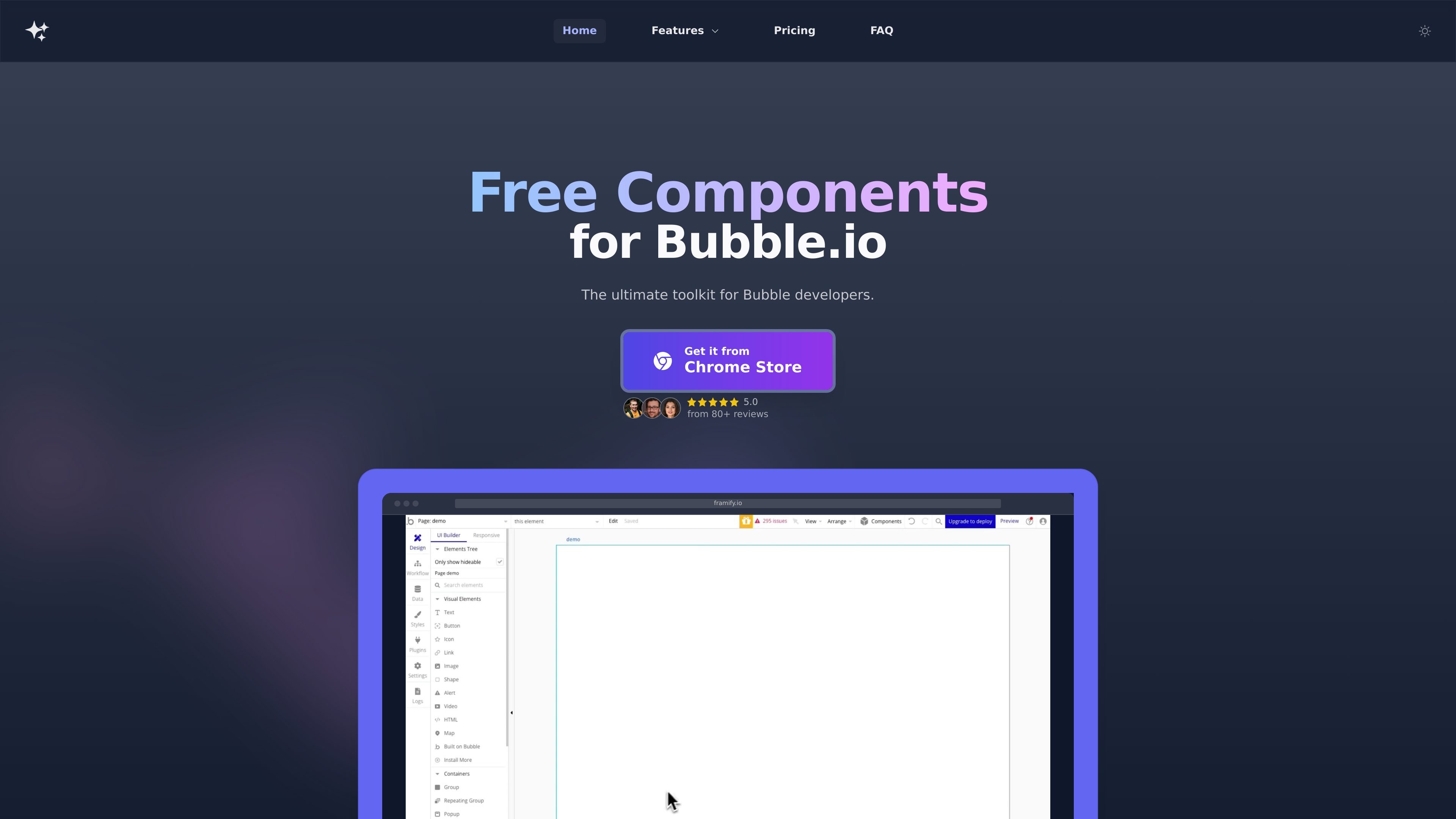
Framify is a toolkit and component library for Bubble.io and Webflow projects. It combines a browser extension, a UI kit marketplace, and workflow tools that help users copy components, convert designs, generate supporting assets, and organize reusable elements.
The product is positioned for people building websites and app interfaces who want to move faster without assembling each piece from scratch. Its pages highlight component reuse, Figma-to-Bubble conversion, an AI site builder, color palette generation, placeholders, and option set automation.
Access free and premium UI components for Webflow and Bubble.io, organized for quick reuse across projects.
Convert Figma designs into Bubble.io-ready components, with support for responsive design export.
Copy components between projects and save reusable elements for later use to reduce repetitive build work.
Generate, customize, and preview color palettes on actual components, then copy color codes or save palettes for later.
Create image placeholders with different aspect ratios and get them from a curated stock image library for prototyping.
Import and manage large option sets with CSV uploads, bulk editing, and AI-assisted generation or updating.
Build a Bubble.io or Webflow page faster by starting from pre-designed components and reusing sections instead of creating every element manually.
Turn Figma work into Bubble-friendly components, then refine the result with responsive exports and component swapping.
Generate or update option sets, import CSV data, and bulk edit entries when working with structured data inside Bubble projects.
Create color palettes, placeholders, and other supporting assets when you need design system pieces for prototypes or early-stage layouts.
Store reusable elements, copy them into other projects, and share selected components when maintaining multiple builds.
Framify is a browser extension and toolkit that provides a component library, templates, and related design utilities for Webflow and Bubble.io projects.
The site shows a free Starter plan and a paid Scale plan billed yearly. The Starter plan includes access to free components, copy and paste components, 200 Figma to Bubble credits, and basic option set automation; the Scale plan adds premium components, unlimited Figma to Bubble usage, AI-based option set tools, organization features, and the color and placeholder generators.
The FAQ page includes a question about teams, but the provided source text does not show a detailed team plan or team-specific feature list.
Framify includes tools for copying and saving components, converting Figma designs to Bubble-ready components, generating color palettes, creating placeholders, importing option sets, and using an AI site builder for Bubble.io and Webflow.