
Drag-and-drop form builder
Build forms by dragging fields from the menu instead of assembling them manually. The feature set is aimed at creating forms, surveys, quizzes, questionnaires, polls, and related data-collection flows.

forms.app is an online form builder for teams to create forms, surveys and quizzes, with unlimited responses on the free plan, collaboration, integrations and response analysis.
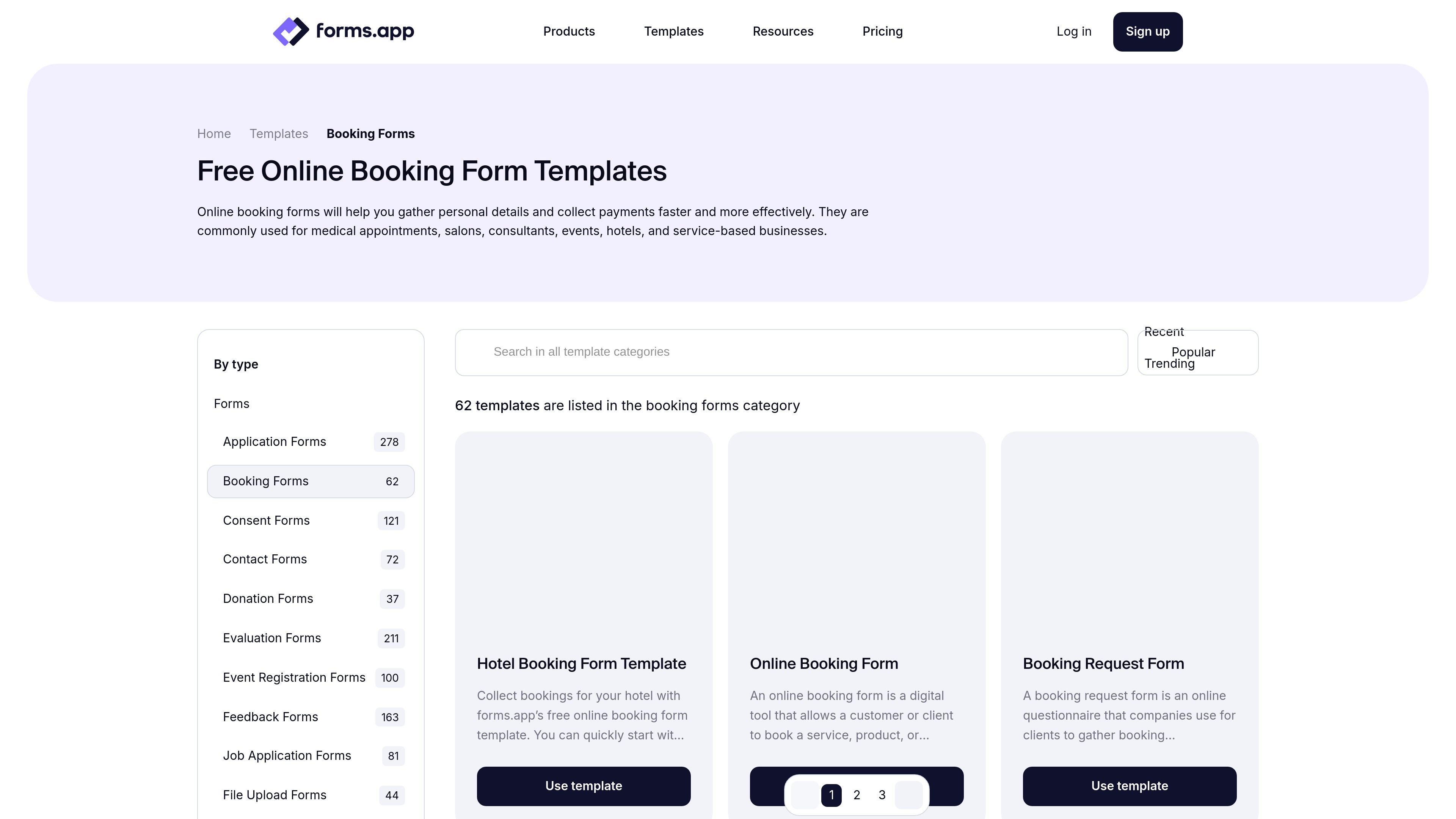
forms.app is an online form builder for creating forms, surveys, quizzes, and similar data-collection workflows. The product is positioned for teams that want to manage forms together while collecting responses without a cap on the free plan.
The platform combines a drag-and-drop builder with templates, AI-assisted form creation, conditional logic, multiple pages, file uploads, and sharing options such as embeds and links. It also adds collaboration, response tracking, and integrations so teams can move collected data into other tools and workflows.
Build forms by dragging fields from the menu instead of assembling them manually. The feature set is aimed at creating forms, surveys, quizzes, questionnaires, polls, and related data-collection flows.
Choose from 30+ field types, conditional logic, multiple pages, pre-filled forms, auto-scoring, hidden fields, regex validation, multilingual forms, and file uploads. The pricing page also lists unlimited questions and payments on the Free plan.
Share forms through embed options, unique links, pop-ups, or custom URLs and domain settings on higher plans. The platform also supports custom meta image/details for shared forms.
Invite team members, organize work into folders, and control access with user permissions. The homepage and pricing page both emphasize unlimited team members on all plans.
Track submissions in real time, use smart filters, analyze drop-off behavior on supported plans, and generate AI insights from responses. The platform also includes response sharing and partial responses on higher tiers.
Connect forms to outside tools through integrations and automations such as Google Sheets, Microsoft Excel, Slack, Discord, Notion, HubSpot CRM, Google Drive, PayPal, Stripe, Trello, WordPress, and Webhooks.
Create lead capture forms, contact forms, or client briefing forms and share them through links, embeds, or pop-ups. Team members can work in folders and manage access as the form library grows.
Collect event RSVPs, application data, order details, or customer feedback using templates, page breaks, conditional logic, and file upload fields. The builder supports different form formats without forcing a single layout.
Send submissions into tools such as Google Sheets, Microsoft Excel, Slack, HubSpot CRM, Trello, Drive, or webhooks so the collected data can trigger follow-up work automatically.
Build quizzes and tests with auto-scoring, multiple question types, and response review tools. This suits teams that need to evaluate answers rather than only collect plain submissions.
Use AI-assisted creation, question paraphrasing, answer-option generation, and response summaries to reduce setup time and make collected data easier to review.
Yes. The pricing page states that forms.app has a Free plan with unlimited responses, unlimited views, unlimited team members, and up to 5 forms.
Yes. The pricing page says paid subscriptions can be canceled at any time, and the plan renews monthly or yearly unless canceled.
The pricing page says forms.app accepts payments through Stripe and PayPal, and you can use a credit card to subscribe to a plan.
The integrations page shows native and Zapier-based connections for tools such as Google Sheets, Microsoft Excel, Slack, Google Drive, HubSpot CRM, PayPal, Stripe, and Webhooks.
The pricing page says enterprise customers can request a custom plan if they need to collect data from a broader audience or need more team members.