
Text-driven app creation
Build department-specific applications from simple text descriptions, reducing the need for custom development for common business workflows.

ERP•AI is an enterprise AI platform for building and managing AI agents, workflows, and business applications. It is positioned for teams that want no-code app creation and deployment options that include public cloud, private cloud, and on-premises environments.
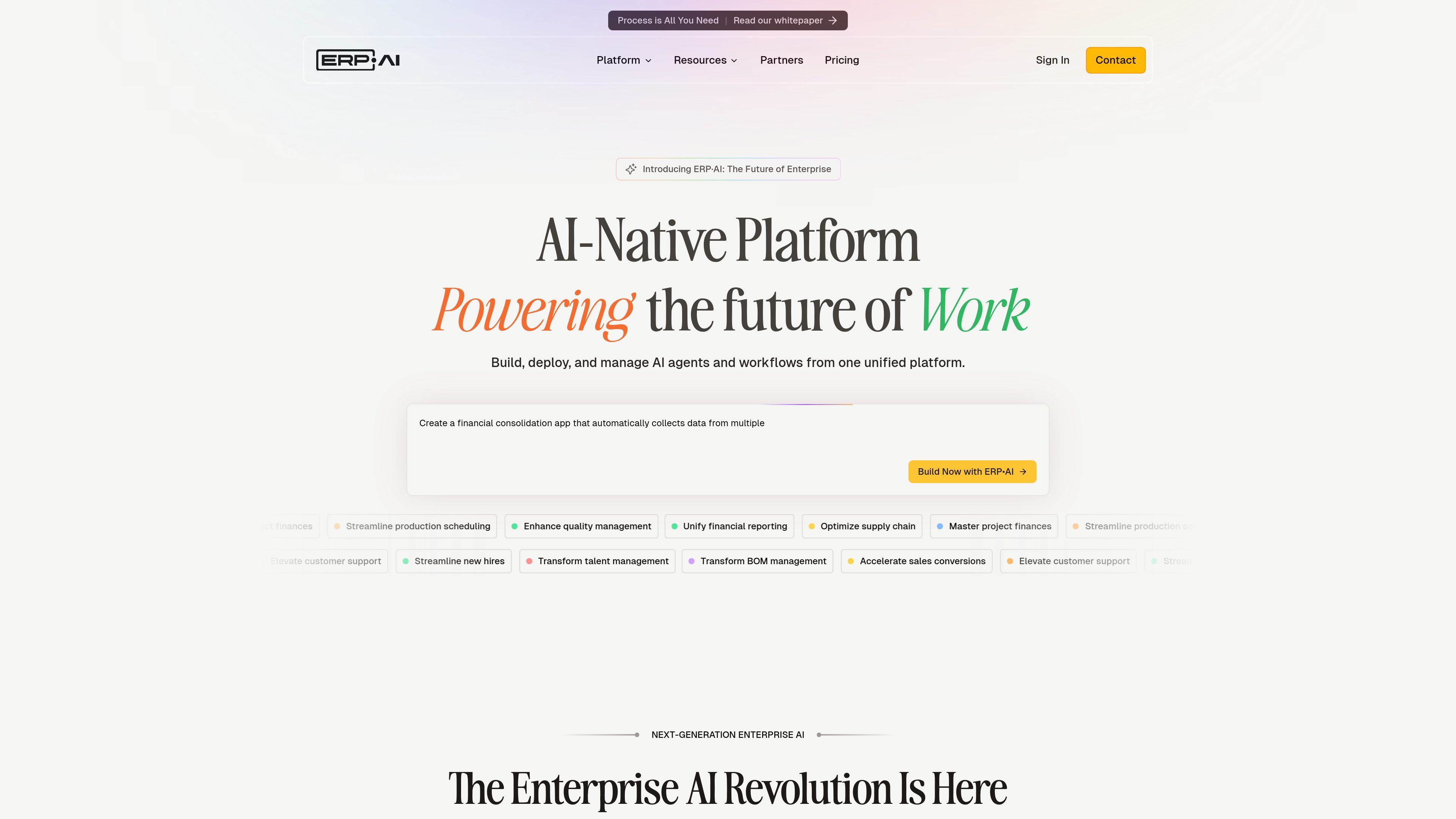
ERP•AI is an enterprise AI platform for building, deploying, and managing AI agents and workflows from a unified system. The site positions it around business applications, autonomous agents, and connected enterprise knowledge rather than a single-purpose chatbot or point tool.
The product is aimed at organizations that want to create department-specific applications from text descriptions, automate business processes, and keep control of data within their own environment. Its pricing page shows tiers for teams, departments, and enterprise organizations, with support for public cloud and private cloud deployment and an on-premises option mentioned on the home page.
Build department-specific applications from simple text descriptions, reducing the need for custom development for common business workflows.
Deploy AI agents that automate business processes and can run continuously across routine work such as scheduling, reporting, or record handling.
Use the no-code interface so business users can create and operate apps without writing code.
Connect enterprise data through the platform’s knowledge graph approach so applications and agents can work from shared business context.
Choose between public cloud, private cloud, or on-premises deployment depending on plan and control requirements.
Use plan-based capabilities such as APIs, sandbox access, custom branding, multi-organization support, and cross-organization reporting where available.
A business team can describe a department app in plain language and use the platform to create workflow software for CRM, HR, finance, procurement, or similar functions.
Operations teams can deploy AI agents to handle repetitive business processes around the clock, such as record handling, dashboard updates, and routine automation.
Organizations can connect enterprise data into a shared knowledge layer so agents and applications draw from the same business context.
Teams with control requirements can choose deployment and governance options that keep data within their own environment while applying access controls and guardrails.
Departments that need more than one workspace can use plan features such as multiple organizations, cross-organization reporting, custom branding, and APIs.
ERP•AI offers a free starting point on the pricing page, with paid plans available for teams that need more features and higher limits. The page does not describe a separate trial workflow.
The site says ERP•AI is built to adapt to both small businesses and large enterprises, and the pricing page ranges from Starter to Enterprise. That suggests it can serve individual teams as well as larger organizations, but the exact fit depends on required controls and deployment needs.
The site describes ERP•AI as a platform to build, deploy, and manage AI agents and workflows from one unified system, with applications created from text descriptions and business users able to operate them through a no-code interface.
The pricing page lists public cloud for all plans and private cloud for Enterprise. The home page also says ERP•AI supports on-premises deployment, so teams should review the deployment options they need before choosing a plan.
The pricing page shows multiple plans with shared and plan-specific features, including contact sales for upgrades. The site does not publish a detailed onboarding timeline or implementation process.