
AI-assisted book creation
The platform says the AI writes, illustrates, and formats e-books, reducing the need to assemble each part manually.

EbookMaker, presented as Ebook GPT, is a web platform for creating e-books and audiobooks with AI. It supports visual editing, multiple content styles, and exports for formats such as PDF, Kindle, and audiobook.
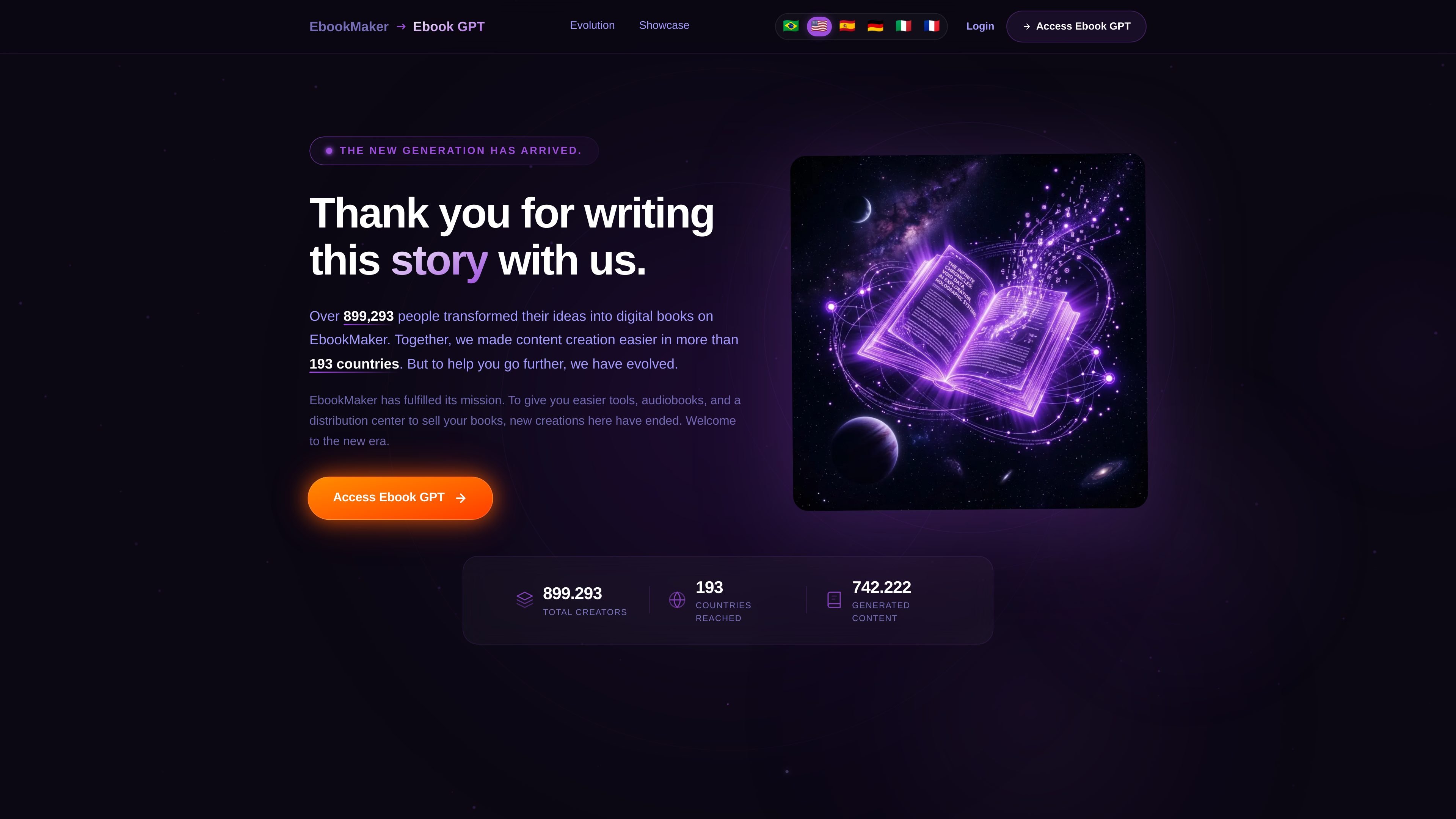
EbookMaker is presented on the site as Ebook GPT, a platform for creating e-books and audiobooks with AI. The home page says the product has evolved from a static editor into a newer creation environment where the AI can write, illustrate, and format books.
The platform is aimed at creators who want to produce digital books in different styles, edit text and images visually, and export finished work in formats suitable for publishing and selling. The site specifically mentions outputs for PDF, Kindle, and audiobook use, along with distribution-ready exports for marketplaces such as Amazon, Hotmart, Kirvano, Kiwify, and CartPanda.
The platform says the AI writes, illustrates, and formats e-books, reducing the need to assemble each part manually.
Users can create books in specific styles, including Children's, Recipes, Manga, Fiction, and Informative, so the output can match different content types.
The editor supports adding images into story, workbook, or info-product illustrations, which is useful for visual layouts.
The home page states that users can drag, drop, and change text or images without technical complications, pointing to direct visual editing.
The platform can create audiobooks alongside e-books, keeping written and spoken versions in the same workflow.
Export options include PDF, Kindle, and audiobook outputs, and the site says these are ready to publish and sell on supported marketplaces.
A solo creator can draft a digital book, use the AI to generate written content and illustrations, then refine the pages in the visual editor before exporting a finished file.
Someone building a workbook or info product can place images inside the layout and adjust text and visuals directly without a technical design workflow.
An author can turn a completed book into an audiobook and export the written edition in formats such as PDF or Kindle from the same platform.
A creator selling on online marketplaces can export a file that the site says is ready for platforms such as Amazon, Hotmart, Kirvano, Kiwify, and CartPanda.
A returning user can log in with Google or email and password to continue an existing project instead of starting over.
EbookMaker is now presented as Ebook GPT, a platform for creating e-books and audiobooks. The home page says new projects now live in Ebook GPT and invites users to try it for free.
The site says the new platform can write, illustrate, and format e-books, and that users can create audiobooks and export books in formats ready for Amazon, Hotmart, Kirvano, Kiwify, CartPanda, and others.
The home page highlights drag-and-drop editing for texts and images, plus AI-assisted creation in multiple styles such as Children's, Recipes, Manga, Fiction, and Informative.
The login page shows sign-in with Google or email and password, which suggests users continue their work from an account after logging in.
The public pricing page was not available and returned a 404, so the site does not currently expose pricing details on that URL.