
Deepfake video generation
Generate AI deepfake videos from prompts or from a single reference photo, with workflows that emphasize motion and face consistency.

DeepFake is a web-based AI studio for creating deepfake videos, image-to-video clips, face exchange edits, AI images, and music in one workflow. It offers a free starter tier plus paid plans with credits, no-watermark exports, and commercial licensing.
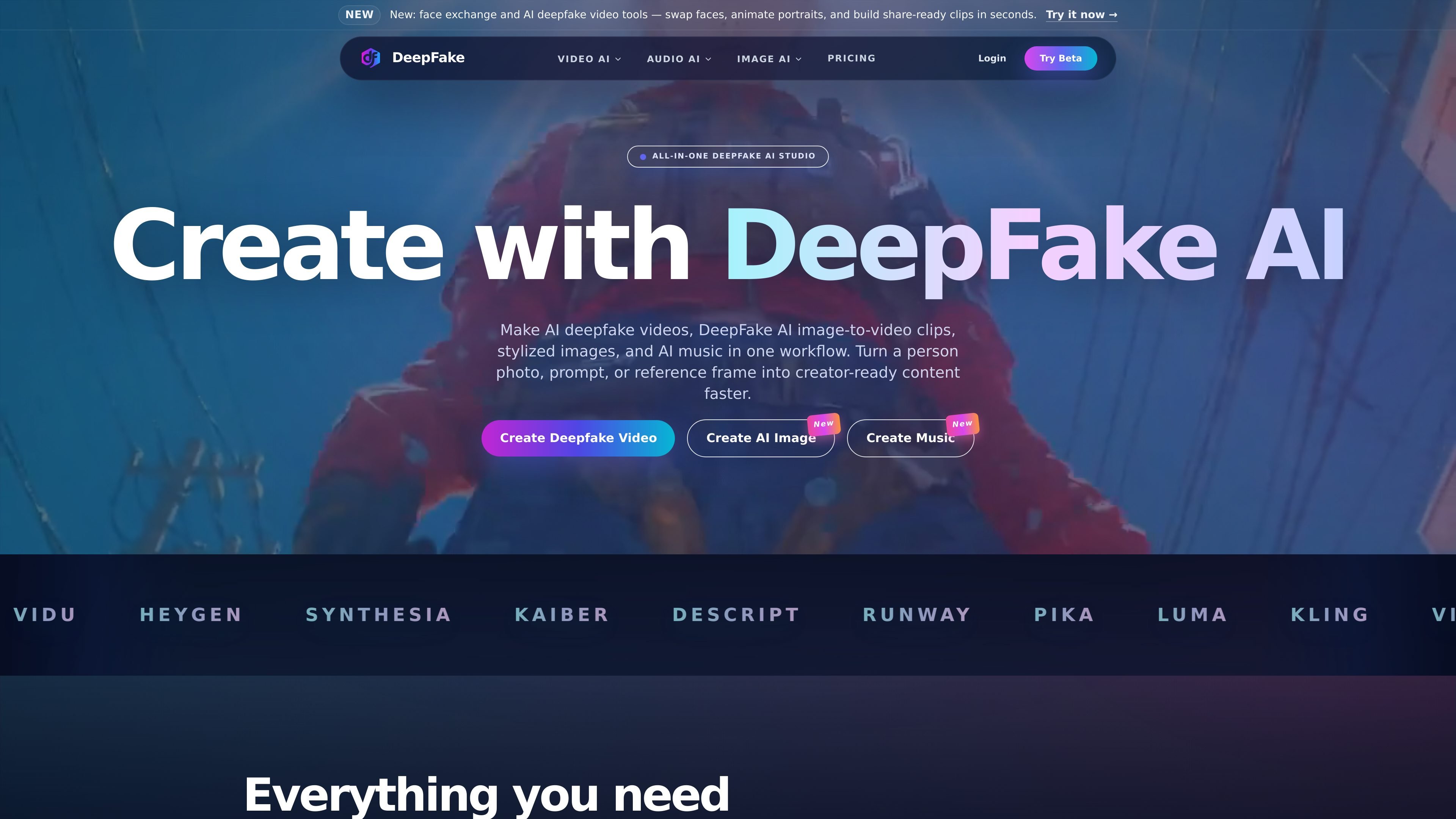
DeepFake is an all-in-one AI studio for video, image, and audio generation. The site positions it around deepfake video creation, image-to-video clips, face exchange, AI images, and AI music, with workflows that let users build creator assets in a single place.
The product page highlights a recent Kling 3 image-to-video workflow, face exchange editing, AI image generation, and audio tools such as music, voiceovers, and cloned dialogue. Pricing pages show paid plans with credits, no-watermark exports, commercial licensing, and higher limits for heavier use.
Generate AI deepfake videos from prompts or from a single reference photo, with workflows that emphasize motion and face consistency.
Turn a person photo or reference image into motion using the image-to-video workflow, including the page-highlighted Kling 3 model.
Swap faces and build identity-preserving variations for consent-based edits, character clips, and short-form video assets.
Create AI images for portraits, reference frames, thumbnails, and storyboards that support downstream video workflows.
Generate music, voiceovers, and cloned dialogue to finish mixed media projects without leaving the studio.
Work across a library of 60+ video effects and multiple asset types in one platform, instead of moving between separate tools.
Create short creator videos from a prompt or a single consented photo, then refine the output with motion and face-consistency controls.
Swap faces and produce identity-preserving edits for character variations, short clips, or concept testing before a larger production.
Generate thumbnails, portraits, reference frames, and storyboards that can feed later video or avatar work.
Produce music, voiceovers, or cloned dialogue to complete reels, avatar clips, or mixed-media posts in the same workspace.
Use the studio to assemble video, image, and audio pieces into one workflow instead of switching between separate apps.
DeepFake is an all-in-one AI studio for deepfake video, image-to-video, face exchange, AI image generation, and AI music. It is designed for creator workflows that combine video, image, and audio generation in one place.
Yes. The pricing page says there is a free plan, and the home page says the starter tier includes credits for face exchange, image-to-video, AI images, and music. Paid plans add higher limits and faster generation.
The site says you can upload a consented photo or reference image to create image-to-video clips, talking-avatar style outputs, and face exchange edits with motion and face-consistency controls.
The pricing page states that subscriptions include no-watermark exports and commercial license on paid plans, with higher tiers adding extended usage rights or dedicated support.
The site says it blocks non-consensual sexual content, impersonation fraud, misinformation campaigns, and other harmful deepfakes. You must have rights and permission for any face, voice, or media you upload.