
Text-to-video generation
Turn long-form text into video content intended for social distribution, reducing the manual steps involved in repurposing written material.

CopyCopter is an AI text-to-video tool that turns long-form content into social media videos, with timeline-based editing, export, and sharing.
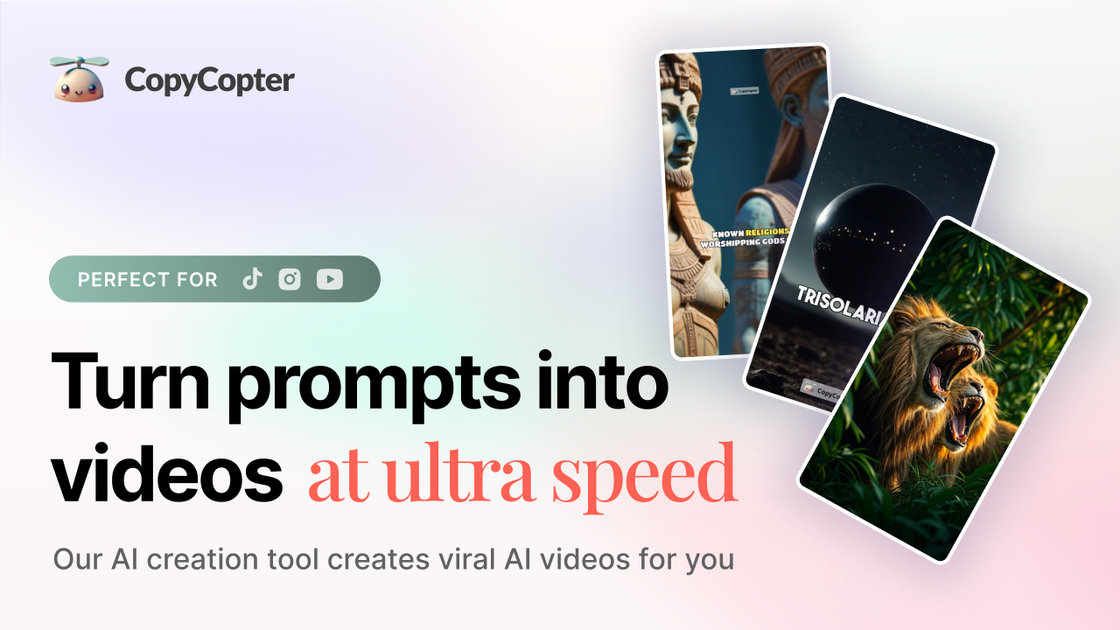
CopyCopter is an AI text-to-video generator focused on turning long-form content into social media videos. The site presents it as a tool for automating content distribution while keeping a strong editing workflow inside CopyCopter Studio.
The product is not limited to one-click generation. Its studio documentation describes a layered editor with a timeline, canvas, inspector, asset library, and project dashboard, which suggests users can generate content and then refine motion, text, audio, and layout before exporting.
Turn long-form text into video content intended for social distribution, reducing the manual steps involved in repurposing written material.
Edit projects in a studio built around a timeline, canvas, inspector, and library so visual, audio, and text layers can be managed together.
Work with layered tracks for visuals and audio, including drag-and-drop imports, track visibility controls, muting, soloing, and contextual track actions.
Adjust layer placement, size, rotation, opacity, blending, and typography with pixel-level controls in the inspector.
Use curve-based motion controls for position, scale, and rotation, with easing and multi-point curve editing for smoother animation timing.
Render and export projects from the cloud, with support for WebM and H.264 plus direct sharing to YouTube and TikTok.
Repurpose long-form articles, scripts, or other written material into video content designed for social channels.
Assemble multi-layer projects with images, video clips, text, and audio when a single prompt result needs refinement.
Create motion-led visuals and captions for posts that need tighter control over timing, pacing, and on-screen text.
Export finished videos for publishing workflows that rely on cloud rendering and platform-ready file formats.
Iterate on AI-generated assets by comparing versions, reviewing prompts, and refining outputs inside the studio.
CopyCopter is presented as an AI text-to-video tool for turning long-form content into social media videos. The studio interface and documentation focus on composing, editing, and exporting video projects inside the product.
The source shows a studio with timeline-based editing, a canvas, an inspector, an asset library, and export options for WebM and H.264. It also mentions direct sharing to YouTube and TikTok.
The pricing page describes a credit-based system rather than per-model or per-resolution billing. It explains that costs vary by model, duration, and rendering needs, and that pricing is kept below average costs for simplicity.
The documentation page says the docs are work in progress, so some details may change as the product evolves. The product also points users to Discord for support and community access.