
Data connectors for spreadsheets
Connect Google Sheets and Excel to 150+ business systems, including CRM, finance, analytics, database, and marketing tools, so spreadsheets can pull in live data without manual copying.

Coefficient connects Google Sheets and Excel to Salesforce, QuickBooks, Snowflake, and 150+ tools for live import, refresh, analysis, and write-back.
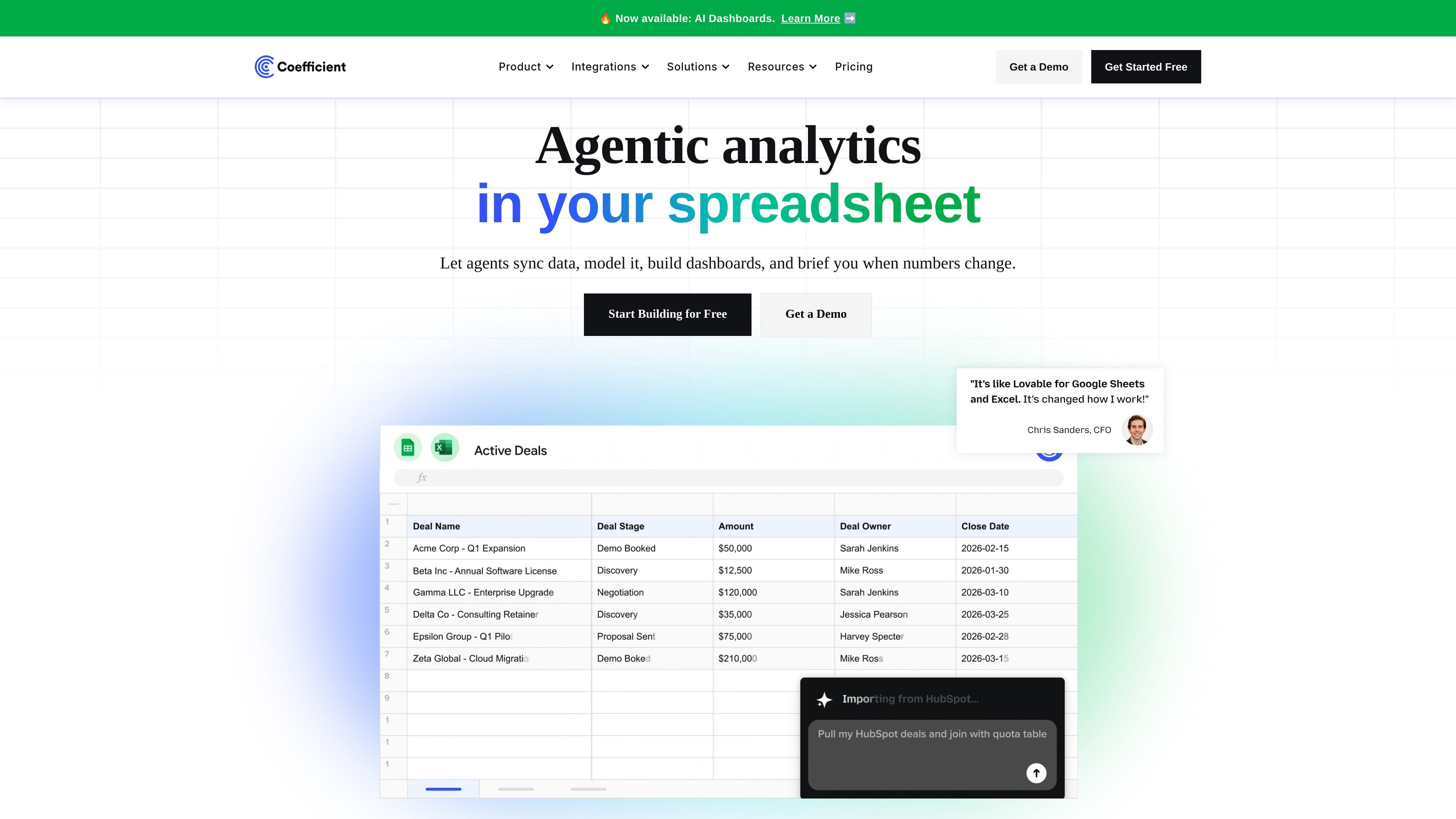
Coefficient is a spreadsheet-connected data platform for Google Sheets and Excel. It lets teams import live data from business systems, refresh it automatically, and use that data for analysis, dashboards, alerts, and AI-assisted workflows inside the spreadsheet.
The product is built around connectors, two-way sync for supported systems, and GPT Copilot features that help users build formulas, pivots, and charts from text instructions. It is positioned for teams that want to work from spreadsheets while pulling from systems such as Salesforce, QuickBooks, Snowflake, Tableau, and other business tools.
Connect Google Sheets and Excel to 150+ business systems, including CRM, finance, analytics, database, and marketing tools, so spreadsheets can pull in live data without manual copying.
Refresh imports on a schedule, create snapshots, and manage row limits and refresh limits from the pricing tiers to keep spreadsheet data current.
Push spreadsheet data back to supported systems such as Salesforce, QuickBooks, Snowflake, PostgreSQL, MySQL, and SQL Server when the connector supports write-back.
Use Coefficient’s AI functions and GPT Copilot to clean, format, query, enrich, and analyze data directly in sheets, including formula, pivot, and chart generation from text prompts.
Create and share integrations from an API, or ask Coefficient to build an official integration for a system that is not yet listed.
Set alerts, share connections, manage admin controls, configure custom SSO, and use consolidated billing on enterprise plans.
Operations, finance, and analytics teams can keep spreadsheet reports tied to source systems instead of exporting static files, which reduces manual copy-and-paste work.
Revenue and sales teams can build dashboards for pipeline, forecasting, and KPI tracking using live data from CRM and related systems.
Finance teams can pull accounting and warehouse data into Sheets or Excel for month-end work, consolidation, and forecasting.
Marketing teams can combine ad, analytics, and CRM data to review spend, ROAS, leads, and campaign performance in one place.
Teams with unsupported or internal systems can use the API builder or request an official integration when a prebuilt connector is not available.
Coefficient is installed as an add-on for Google Sheets or as an Excel connector. The site says Google Sheets users can click Install Add-on from the getting started spreadsheet, while Excel users can install from the Microsoft AppSource listing and then launch it from the Coefficient tab in Excel.
The pricing page says Pro includes a full-featured 30-day free trial. If you do not choose a plan after the trial, you automatically enter the free plan.
The free plan supports importing data from one available source into Google Sheets, with data imports up to 5,000 rows. The FAQ also says free users get access to 10,000 OpenAI API calls through GPT Copilot. Automations such as scheduled refreshes and Slack or email alerts require a paid plan.
The site says Coefficient does not store import data on its servers for its Data Connectors. It also uses end-to-end encryption for credentials, supports Google or Microsoft sign-in, and runs routine penetration and vulnerability tests.