
Tool-specific integration guides
Supports developer workflows around Claude Code, Cursor, Codex CLI, and Gemini CLI with tool-specific setup instructions.

CoderPlan is a developer-focused API relay and model access service for AI coding tools such as Claude Code, Cursor, Codex CLI, and Gemini CLI. It bills by actual API usage and shows per-request details including model, tokens, cache reuse, and credit changes.
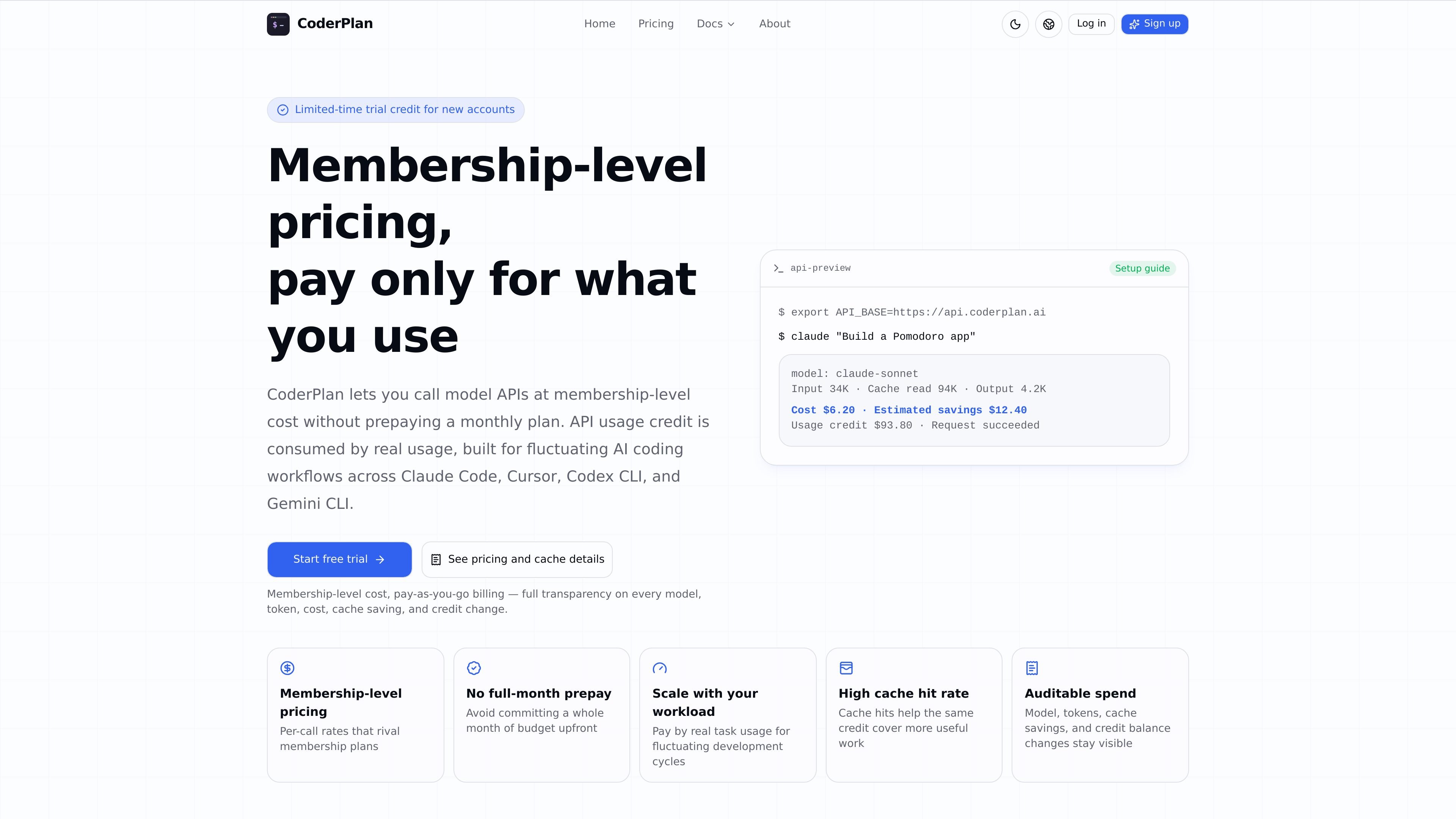
CoderPlan is a developer-focused API relay and model access service for tools such as Claude Code, Cursor, Codex CLI, and Gemini CLI. The site describes it as a way to use model APIs with usage-based billing, rather than paying a fixed monthly fee in advance.
It positions itself around real-call accounting: after each request, users can review the model used, token counts, cache reuse, savings, and the resulting credit change. The service also publishes setup documentation for connecting common coding tools and recommends running a small verification request before moving to normal work.
Supports developer workflows around Claude Code, Cursor, Codex CLI, and Gemini CLI with tool-specific setup instructions.
Uses actual API usage to deduct credit, so spending follows real requests instead of a flat monthly fee.
Shows model, tokens, cache reuse, savings, and credit changes after each call so users can inspect what a request consumed.
Supports caching optimization, with the site explaining that repeated context can be reused to reduce cost on long-context tasks.
Offers a range of models from providers such as OpenAI, Anthropic, Google, DeepSeek, Zhipu, Alibaba, Moonshot, MiniMax, Mimo, and Tencent, with pricing listed on the site.
Provides API usage credit top-ups that do not expire, letting users add credit when needed rather than prepaying a month-long subscription.
Set up Claude Code with CoderPlan by pointing `ANTHROPIC_BASE_URL` to the CoderPlan endpoint and using the CoderPlan key in `ANTHROPIC_AUTH_TOKEN`, then run a short task to confirm the connection.
Add CoderPlan as an OpenAI Compatible Provider in Cursor, set the `/v1` Base URL, and verify the configuration with a small request before using it for editing, explanation, or refactoring work.
Configure Codex CLI with the documented `/v1` Base URL and API Key so it can run project tasks through the same usage-based account balance.
Set up Gemini CLI with the documented API Key, model, and `GOOGLE_GEMINI_BASE_URL` fields to use Google model access with usage tracking and billing details.
Start with a low-risk prompt or short function explanation to confirm authentication, quota, and model access before moving to larger coding work.
CoderPlan provides setup guides for Claude Code, Cursor, Codex CLI, and Gemini CLI. The quick-start doc recommends creating an account, adding API usage credit, creating an API Key, then following the tool-specific tutorial and sending a short test request to confirm authentication, quota, and model access.
For Cursor, the docs say to add CoderPlan as an OpenAI Compatible Provider and use the CoderPlan `/v1` Base URL plus your API Key. The guide recommends testing with a small request first, such as asking Cursor to explain a short function.
For Claude Code, the docs say to point `ANTHROPIC_BASE_URL` to the CoderPlan endpoint and place the CoderPlan `sk-` key in `ANTHROPIC_AUTH_TOKEN`. The guide also says not to append `/v1` to that endpoint in Claude Code.
The site says CoderPlan charges by actual API usage and records model, tokens, cache savings, and credit changes for each request. The pricing and setup pages also say the service uses caching and routing efficiency to reduce cost, rather than replacing requests with cheaper models.
The docs and pricing pages indicate the platform is aimed at developers using AI coding tools such as Claude Code, Cursor, Codex CLI, and Gemini CLI. The copy emphasizes starting with a small task first so you can verify model access and request behavior before committing to larger work.