
Run ChatGPT inside Outlook
Use ChatGPT on messages in your Inbox or while composing a new email, so the add-in fits into existing Outlook workflows.
ChatGPT for Outlook is an AI add-in for Outlook emails and drafts, using custom prompts to summarize, highlight, and process messages without leaving Outlook.
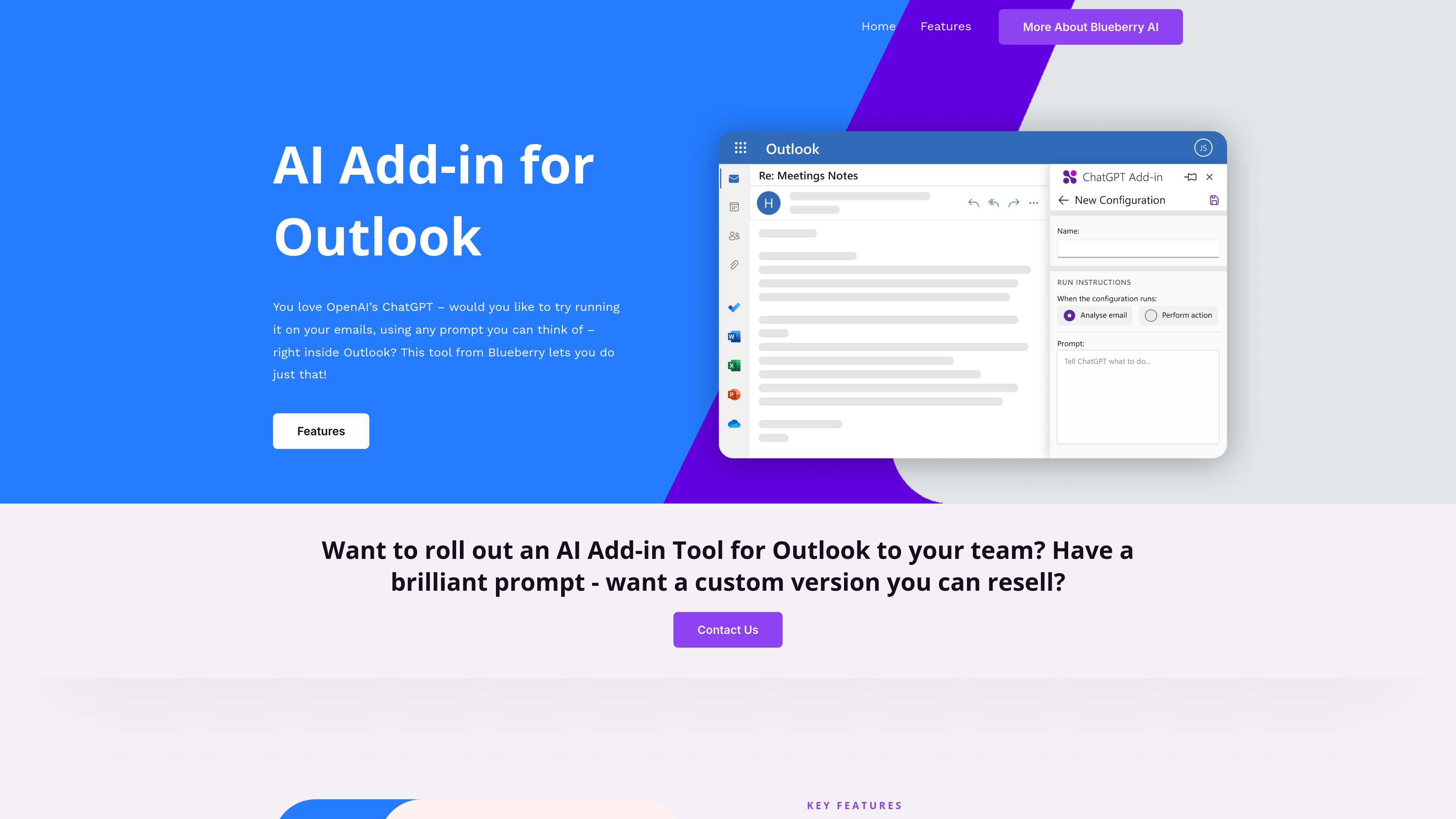
ChatGPT for Outlook is an AI add-in from Blueberry that brings ChatGPT into Outlook email workflows. It is designed for running prompts on messages in your Inbox or on a draft while you are composing a new email.
The product is aimed at users who want to summarize, highlight, or otherwise process email content without leaving Outlook. Blueberry also offers custom versions for teams and business domains, including versions built around a customer’s own prompt and API key.
Use ChatGPT on messages in your Inbox or while composing a new email, so the add-in fits into existing Outlook workflows.
Create prompts that generate summaries or highlights tailored to the information you want to extract from an email.
Process the whole message or narrow the input to fields such as body, subject, or attachments.
Show the generated result in a separate window or replace the original email body for direct comparison.
Update an email’s importance based on the generated result, such as marking it important or flagging it high priority.
Manage multiple configurations with different conditions, prompts, and display preferences for different email types.
Summarize incoming emails and surface the key points before deciding whether to reply, archive, or escalate.
Generate a drafted reply or process a message while writing a new email, staying inside Outlook the whole time.
Focus analysis on the subject line, body, or attachments when only part of a message matters for the task.
Use different prompt/configuration combinations for different message types, such as internal updates, customer requests, or priority issues.
Roll out a customized add-in for a company domain using a customer prompt and API key.
Blueberry says the add-in can run ChatGPT on messages in your Inbox or while composing a new email inside Outlook, using prompts you provide.
The features page says setup is simple: copy the Manifest URL into your custom add-in link in Outlook and enter your ChatGPT API key.
The site says you can create custom prompts, process an entire email or specific sections such as body, subject, or attachments, and display output in a separate window or replace the email body.
The pricing and home pages say Blueberry can create a custom version for a 365 domain and that customers can contact them about rolling it out to a team.
The site says Blueberry can deliver a custom version for a fixed price of £4k or less, but the public pages do not show a standard self-serve pricing table.