
Templates and section-based page building
Start from modern, pre-built site templates or build pages from scratch with Bloc sections that can be stacked and rearranged.

Blocs is visual website design software for Mac and iPad to build responsive sites without coding. Mac also supports WordPress theme creation.
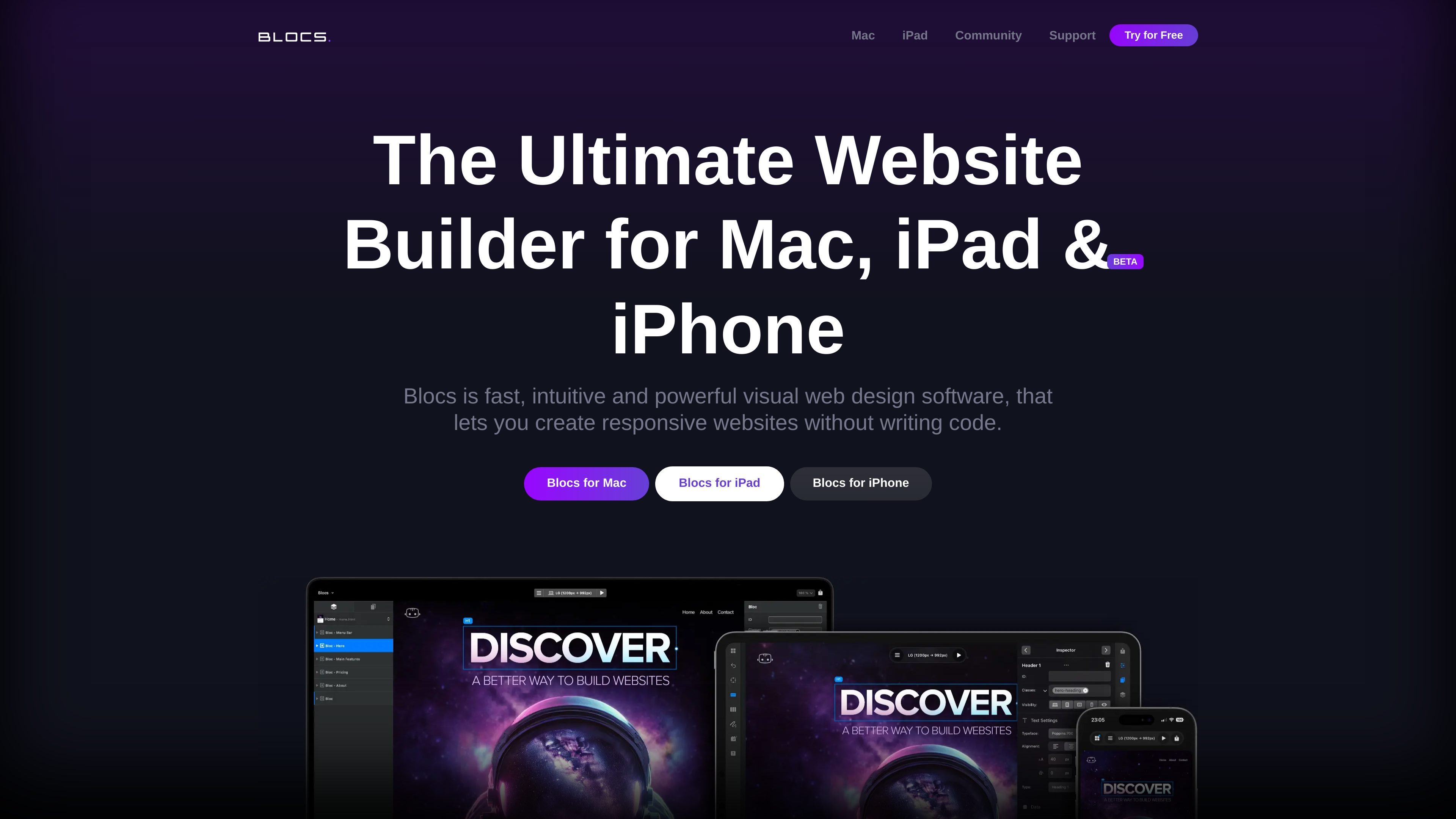
Blocs is visual web design software for Mac and iPad that lets people create responsive websites without writing code. The Mac product page also says the app can create WordPress themes, and the pricing page shows a one-time purchase model with a free version plus paid Standard and Plus licenses.
The product is built around a visual workflow: users can start from templates, assemble pages from Bloc sections, add Bric components, and publish finished sites from the app. The source also points to developer-oriented tools such as export to code, custom code support, developer inspector tools, and a developer API for add-ons.
Start from modern, pre-built site templates or build pages from scratch with Bloc sections that can be stacked and rearranged.
Create sites that adapt to different screens, with responsive layout support on both Mac and iPad product pages.
Use Bootstrap 5, CSS Grid, custom classes, and Bric components such as carousels, modals, tabbed content, and media players.
Apply visual styling controls for typography, backgrounds, gradients, shadows, filters, backdrop filters, masks, and image editing.
Publish locally to code or publish to your own hosting, and on Mac also preview in browser, use developer inspector tools, and export pages as images.
Access add-ons, video training, online knowledge base resources, and a developer API for custom add-ons.
Use Blocs to assemble a responsive marketing site or portfolio from templates, then refine the layout and styling visually without working in code.
Use the Mac edition to create WordPress themes when you need a site design that can be delivered as a theme rather than only as a static page set.
Use the iPad version when you want to design, edit, and publish sites from a tablet workflow with touch-oriented controls.
Use the developer features when you need to preview in browser, inspect the rendered output, add custom code, or build add-ons through the API.
Use the learning portal, academy, and community forum when you want help getting started or need guidance while building and publishing a site.
Blocs is available for Mac and iPad, with a separate iPhone entry linked from the home page. The product pages describe it as visual web design software for creating responsive websites, and the Mac version also supports WordPress themes.
Yes. The pricing page includes a free version of Blocs 6 that lets you build unlimited websites and access core building features, with paid Standard and Plus licenses adding more capabilities.
The source shows that Blocs can publish sites from the app, export sites to code, and publish to your own hosting on the Mac pricing page.
The Mac pricing page says Blocs Plus includes build WordPress themes, while the home page description also says Blocs can create WordPress themes without writing code.
Blocs uses Paddle for payments, supports common card and wallet methods, and the pricing page says purchases made directly from the company can be refunded within 14 days if you are not happy with the product.