
Automatic background removal
Automatically removes image backgrounds using AI so users can move from a source image to a cutout without manual masking.

BgSub is an AI browser tool for removing or replacing image backgrounds without upload, with color adjustment and manual placement controls.
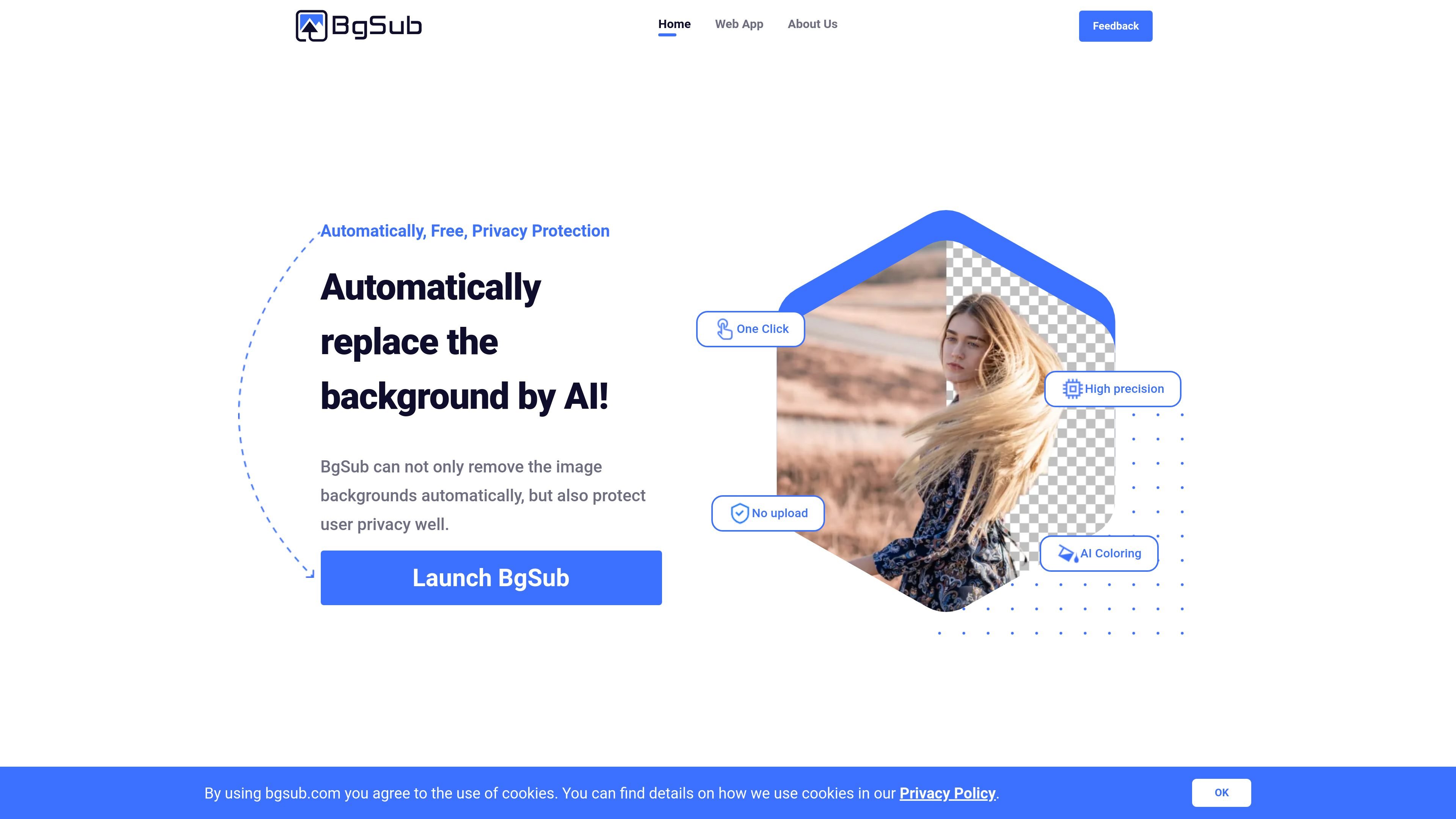
BgSub is an AI web app for removing or replacing image backgrounds directly in the browser. The site emphasizes a one-click workflow, no image upload requirement, and a privacy-focused approach for users who want to edit images without sending them through a separate upload step.
The product is positioned for quick background changes across common image types, including people, products, animals, clothes, and plants. It combines background removal, background replacement, and automatic color adjustment so the output can be used for personal sharing, web assets, product photos, or other simple visual edits.
Automatically removes image backgrounds using AI so users can move from a source image to a cutout without manual masking.
Replaces the background after removal with a color, gradient, or image, letting the edited result fit a different visual context.
Adjusts colors automatically after background changes so the subject and new background work together visually.
Allows free adjustment of size, position, and mirroring for the edited image, which gives users control over final placement.
Supports artistic effects for users who want a more stylized background treatment beyond a plain replacement.
Create cleaner profile images or social posts by changing the background of personal photos without doing manual cutouts.
Prepare backgrounded product images for online stores or product pages where a cleaner presentation matters.
Edit subject photos for websites or applications when you need a more polished graphic asset for a design or development workflow.
Replace backgrounds on character or subject images when working without a green screen or studio setup.
Add a more interesting background for tweets, blog posts, or ads to make an image feel more presentation-ready.
BgSub is presented as a browser-based tool for automatically removing or replacing image backgrounds. The web app page says you can open an image, URL, or paste an image to start editing.
The home page describes BgSub as protecting privacy and notes that images do not need to be uploaded. The site does not provide a deeper technical explanation of how privacy is handled.
The site includes a FAQ item about commercial use, but the rendered text does not show the answer. Based on the available source, commercial availability cannot be confirmed in detail.
The FAQ list includes questions about maximum resolution and API or batch processing, but the rendered page text does not provide the answers. Those capabilities are therefore not confirmed from the available source.