
Text-to-speech conversion
Convert written content into audio with natural-sounding AI voices, including text pasted into the product and content pulled from supported source types such as PDFs, URLs, images, and documents.

AnyToSpeech is an AI text-to-speech service that converts text, PDFs, URLs, images and documents into natural audio, with voice cloning on higher plans.
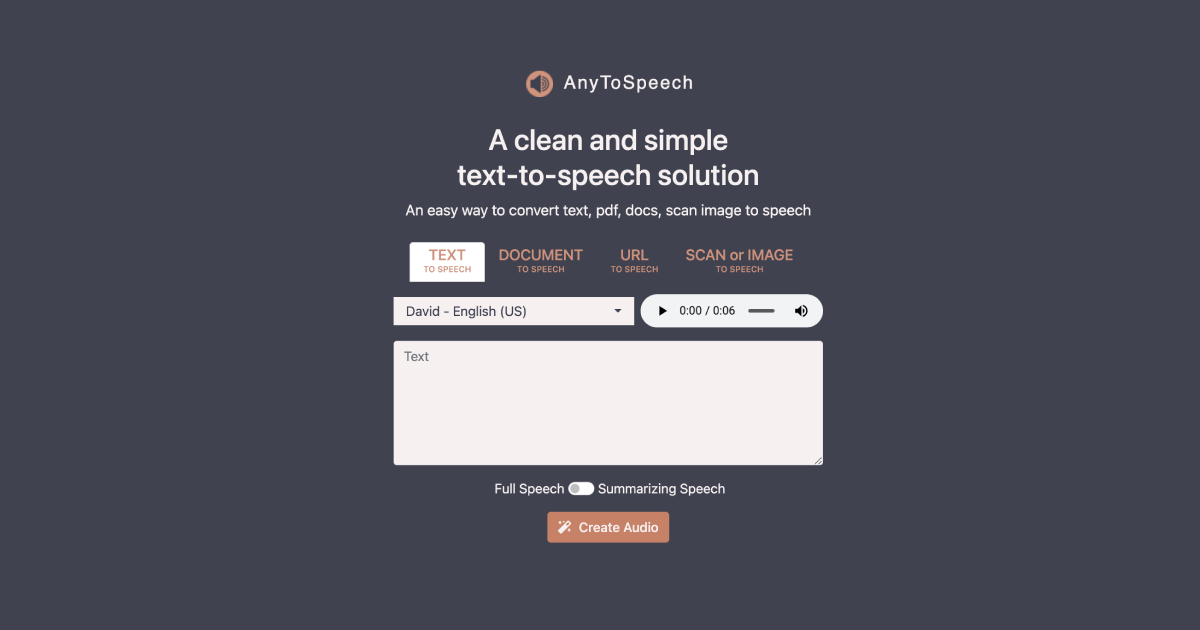
AnyToSpeech is an AI text-to-speech service for turning written content into spoken audio. The site positions it as a way to create audiobooks, MP3s, podcasts, and voiceovers from text, PDFs, URLs, images, and documents.
The product focuses on natural-sounding narration and a simple conversion workflow. Its feature pages highlight PDF-to-MP3 and URL-to-speech tools, while the pricing page shows tiered plans with free access, character quotas, commercial use, voice cloning, speech-to-speech, and a two-speaker podcast studio included at higher tiers.
The homepage also emphasizes a large voice catalog with many languages and voice styles, suggesting the tool is meant for both straightforward listening and more customized narration workflows. The product page copy points to use cases such as listening to documents anywhere and converting web content into audio for on-the-go consumption.
Convert written content into audio with natural-sounding AI voices, including text pasted into the product and content pulled from supported source types such as PDFs, URLs, images, and documents.
Turn PDF files into audio for listening as an audiobook-style experience. The PDF-to-MP3 page highlights automatic handling of page numbers, footnotes, and table-of-contents sections for smoother playback.
Convert webpage links into speech and preview extracted content before listening. The URL-to-Speech page also mentions AI-powered summarization as part of the workflow.
Use voice cloning on higher plans to generate speech in a cloned voice. The pricing page lists voice cloning as included at different plan levels with varying allowances.
Access a broad set of natural-sounding voices across many languages and voice styles. The homepage presents featured voices and an extended voice library by locale, tone, and gender.
Choose plans that include commercial use, daily or monthly character limits, image conversion and translation allowances, and access to podcast-studio style features.
A reader can upload or convert a PDF and listen to it as an audio file instead of reading on screen. The PDF workflow is positioned for document listening, with page numbers, footnotes, and table-of-contents sections handled automatically for smoother playback.
Someone who wants a webpage read aloud can paste a URL and turn the page into audio. The site also indicates that the URL workflow includes content preview and AI-powered summarization.
A creator or brand can generate narration with a cloned voice on eligible plans. The pricing page includes voice cloning in the plan list, making it part of the product’s higher-tier workflow.
Users who need spoken content for listening on the move can convert text, documents, or links into audio and use the result for mobile consumption. The homepage explicitly frames the product around audiobooks, MP3s, podcasts, and voiceovers.
Teams or individuals working with multilingual content can choose from a broad voice library across different languages and voice styles. That makes the tool suitable when tone or language selection matters more than a single default voice.
Yes. The pricing page says you can try AnyToSpeech for free without registration or a credit card.
The pricing page states that unused characters roll over to the next month.
Yes. The pricing page says you can cancel, pause, upgrade, or downgrade your subscription at any time.
If the product has not been used, payments are refundable within 7 days according to the pricing page.