
Photo-to-portrait generation
Generates AI portraits from an uploaded selfie or photo. The site says high-resolution solo photos looking straight at the camera work best.

AI Portrait Generator turns selfies into stylized portraits, headshots, and avatars. Free to try with paid plans and 2,000+ portrait styles.
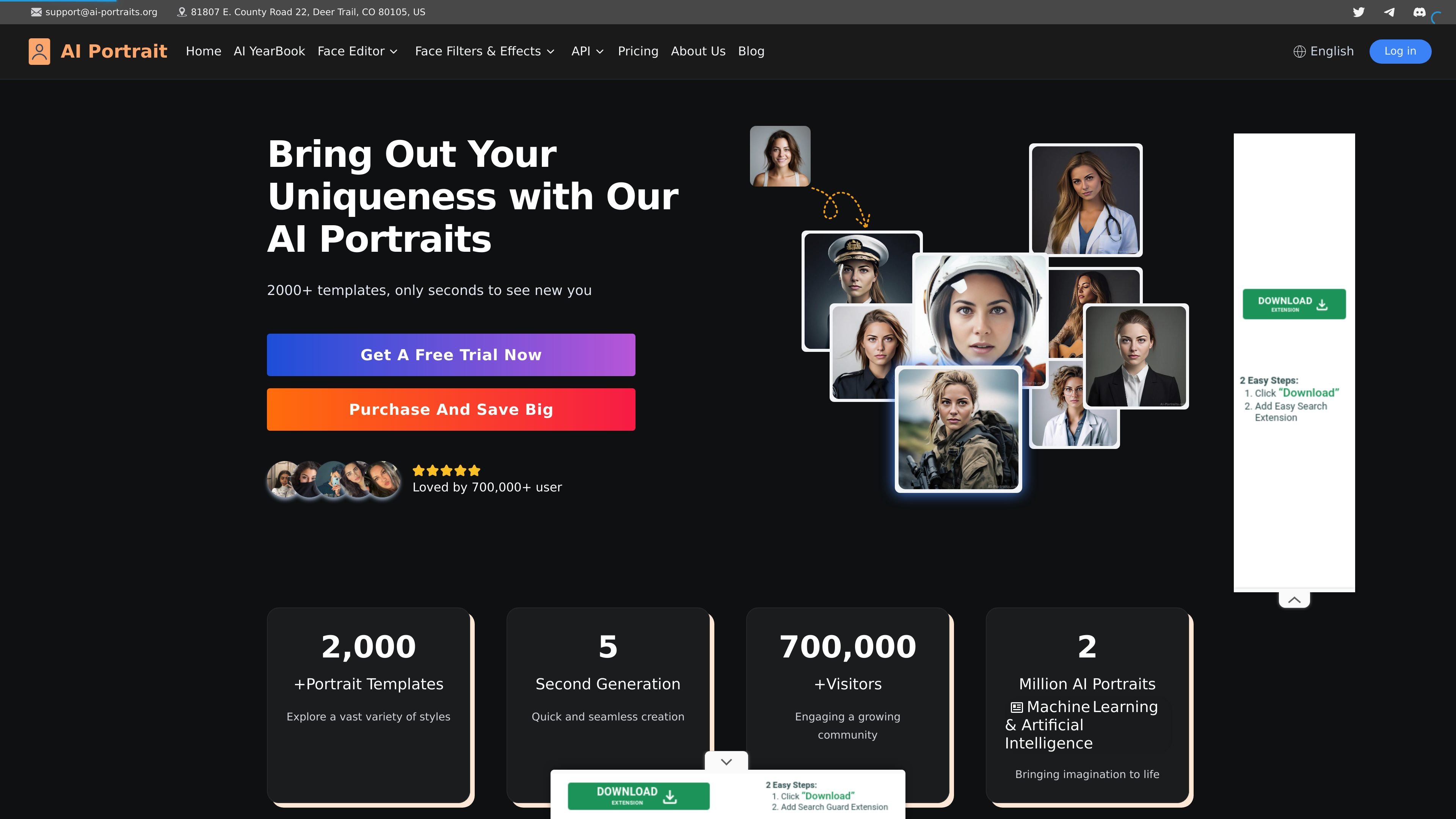
AI Portrait Generator is an online app for turning selfies or other solo photos into stylized portrait images. The site positions it as a free-to-try tool powered by Midjourney V5, with output styles ranging from anime and film portrait looks to realistic oil painting and other themed portrait templates.
The workflow shown on the app page is straightforward: upload a photo, use a clear front-facing image with an unobstructed face, and generate a portrait in roughly 30–60 seconds. The site also presents gender and race selection fields and a large template library, suggesting the product is designed for quick portrait experimentation as well as profile-photo and avatar creation.
Generates AI portraits from an uploaded selfie or photo. The site says high-resolution solo photos looking straight at the camera work best.
Offers 2,000+ portrait styles and templates, including anime, film portrait, realistic oil painting, and other themed looks shown across the homepage and app page.
Lets users choose gender and race options on the input flow, which suggests the generator can tailor outputs around the submitted portrait.
Provides a free plan alongside paid plans, so users can test the product before subscribing.
Includes high-quality PNG downloads, watermark-free downloads on paid plans, and private image generation for paid users.
Adds storage and support tiers, with 7-day storage on the free plan, unlimited storage on paid plans, priority processing, and email support that varies by plan.
Use the generator to turn a casual selfie into a more polished headshot for a profile page or personal website. The site’s instructions emphasize front-facing, unobstructed photos for better results.
Create stylized avatar images in different looks such as anime, film portrait, or realistic painting styles. This is useful when someone wants a distinctive image for social profiles or creative accounts.
Experiment with themed portraits like cowboy, astronaut, CEO, or police officer, which are shown in the template list on the homepage and app page.
Use the free plan to test output quality before deciding whether a paid subscription is worth it. The pricing page shows a free tier plus Basic and Pro subscriptions with more credits and faster processing.
Generate private, watermark-free portraits for ongoing personal use under a paid plan, especially when the user wants stored outputs and priority processing.
The site says you can upload a photo, wait about 30–60 seconds, and receive an AI portrait. It also mentions a complimentary email delivery service that sends the generated portrait to your inbox.
Yes. The pricing page includes a free plan, and the home page invites users to get a free trial or start with free generation before choosing a paid plan.
The pricing page says paid-plan images are private by default. It also says free-plan images may be used for community showcases or visible on the platform.
According to the FAQ on the pricing page, images generated with a subscription are stored indefinitely, while free-plan images are stored for 7 days.
The pricing page states that you can cancel by emailing support@AI-Portraits.org, and your plan stays active until the end of the current billing period.