
Chrome extension spend checks
Install the Chrome extension and use the spend-check workflow directly in Meta Ad Library to surface spend information on ad cards.

AdScan.ai is a Chrome extension and web app for finding and analyzing winning ads using Meta Ad Library spend data, competitor research, and AI-assisted creative cloning. It helps media buyers, marketers, and agencies save ads, organize boards, and work from proven examples.
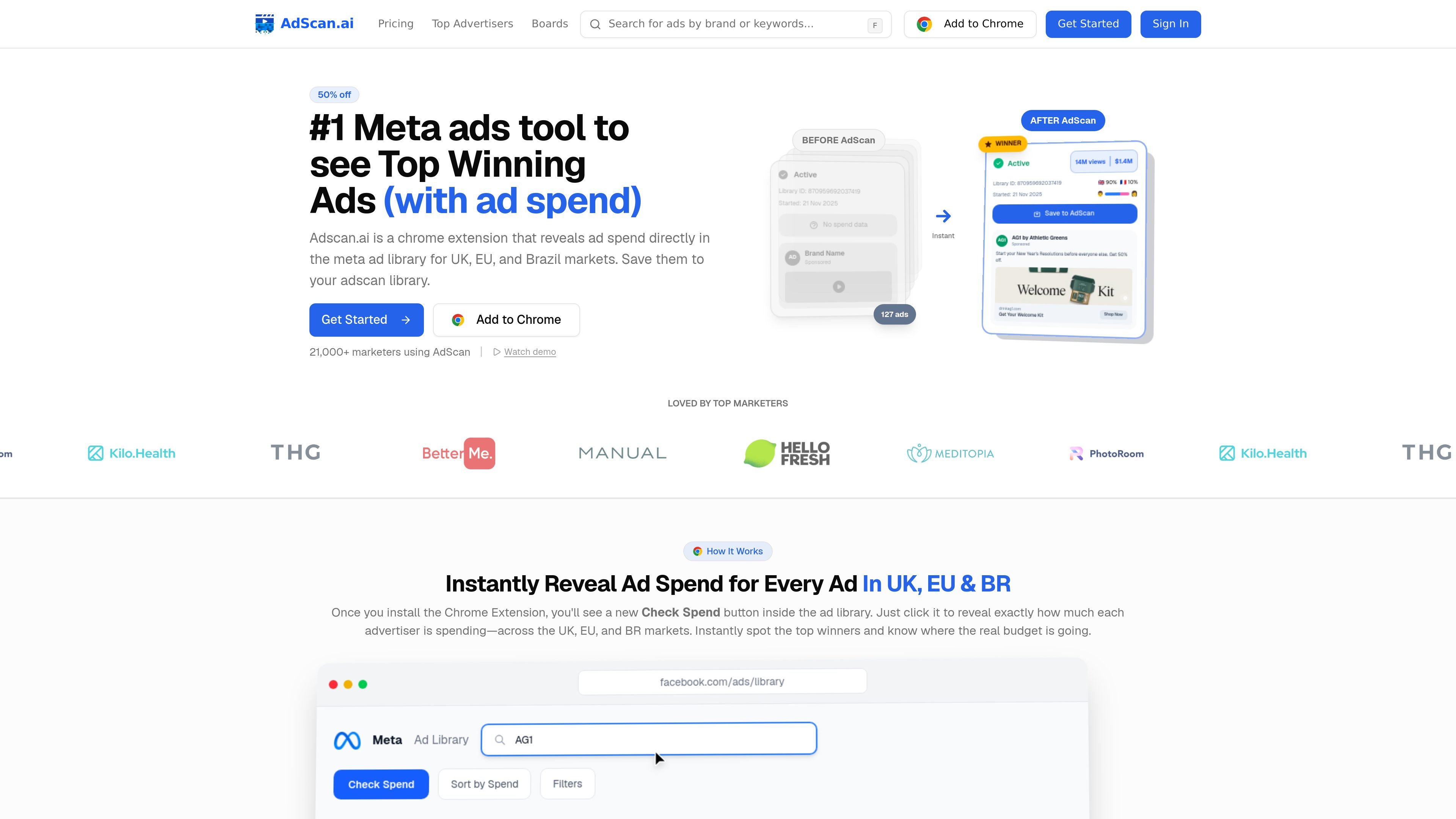
AdScan.ai is an ad research tool centered on Meta Ad Library spend data. It is delivered as a Chrome extension and web product that helps users reveal spend signals, sort ads by spend, and save winning ads for later analysis.
The site positions the product for media buyers, marketers, and teams that want to find active ads across Meta and other ad libraries, compare competitor creative patterns, extract transcripts and copy, and use AI-assisted cloning to adapt proven ads into new tests.
Install the Chrome extension and use the spend-check workflow directly in Meta Ad Library to surface spend information on ad cards.
See UK, EU, and Brazil ad data such as reach, estimated spend, and demographic breakdowns when those transparency fields are available.
Search brands, categories, and ad libraries to inspect active ads, compare competitors, and identify which creatives appear to be scaling.
Save ads to your AdScan library or boards, then organize winners for later review and team use.
Extract video scripts and ad copy, then use AI to remix scripts or recreate visual styles from proven examples.
Access brand intelligence, boards, saved ads, and ad discovery through a REST-compatible API documented with 100+ endpoints.
Check active competitor ads, compare creative patterns, and use spend signals to separate likely winners from low-priority inspiration.
Review ads in Meta Ad Library, validate them with UK, EU, or Brazil spend data, and identify which formats are actually receiving budget.
Save strong ads into boards or your library, then return to them when building new hooks, scripts, and visual directions.
Extract ad copy and video transcripts, then use AI script remixing and visual cloning to draft new creative concepts from proven ads.
Use the API to connect boards, saved ads, brand intelligence, and AI generation into internal workflows or custom apps.
AdScan.ai is set up as a Chrome extension. The product pages show an onboarding path of installing the extension, adding it to Chrome, and then using the spend-check workflow inside Meta Ad Library.
The site says AdScan.ai reveals ad spend data for Meta Ad Library ads in the UK, EU, and Brazil markets. The pricing page and product pages also show support for Meta and LinkedIn ad libraries, with TikTok, YouTube, and other platforms mentioned on the site as supported discovery sources.
Yes. The pricing page includes team-oriented plans, including a Team plan with collaboration boards, priority support, custom onboarding, and unlimited team members, plus a Pro plan that includes 2 team members.
AdScan.ai lets you save ads to boards or your library, view ad details, extract transcripts, and use AI cloning features such as script remixing and visual cloning on saved winners.
The site presents AdScan.ai as an ad discovery and analysis tool rather than a full ad management platform. It can help research competitors, save ads, and generate cloning inputs, and the API docs also describe boards, saved ads, and brand intelligence endpoints.