
System-wide dictation
Speak into text fields across applications such as Slack, Gmail, Notion, VS Code, Google Docs, messaging apps, and terminals.

Walkie 是一款語音生產力應用程式,可將潤飾後的文字口述至任何應用程式、轉錄會議、朗讀文字,並免持操作電腦執行指定動作。支援桌面平台和 iPhone,並提供雲端及完全在裝置端執行的轉錄模式。
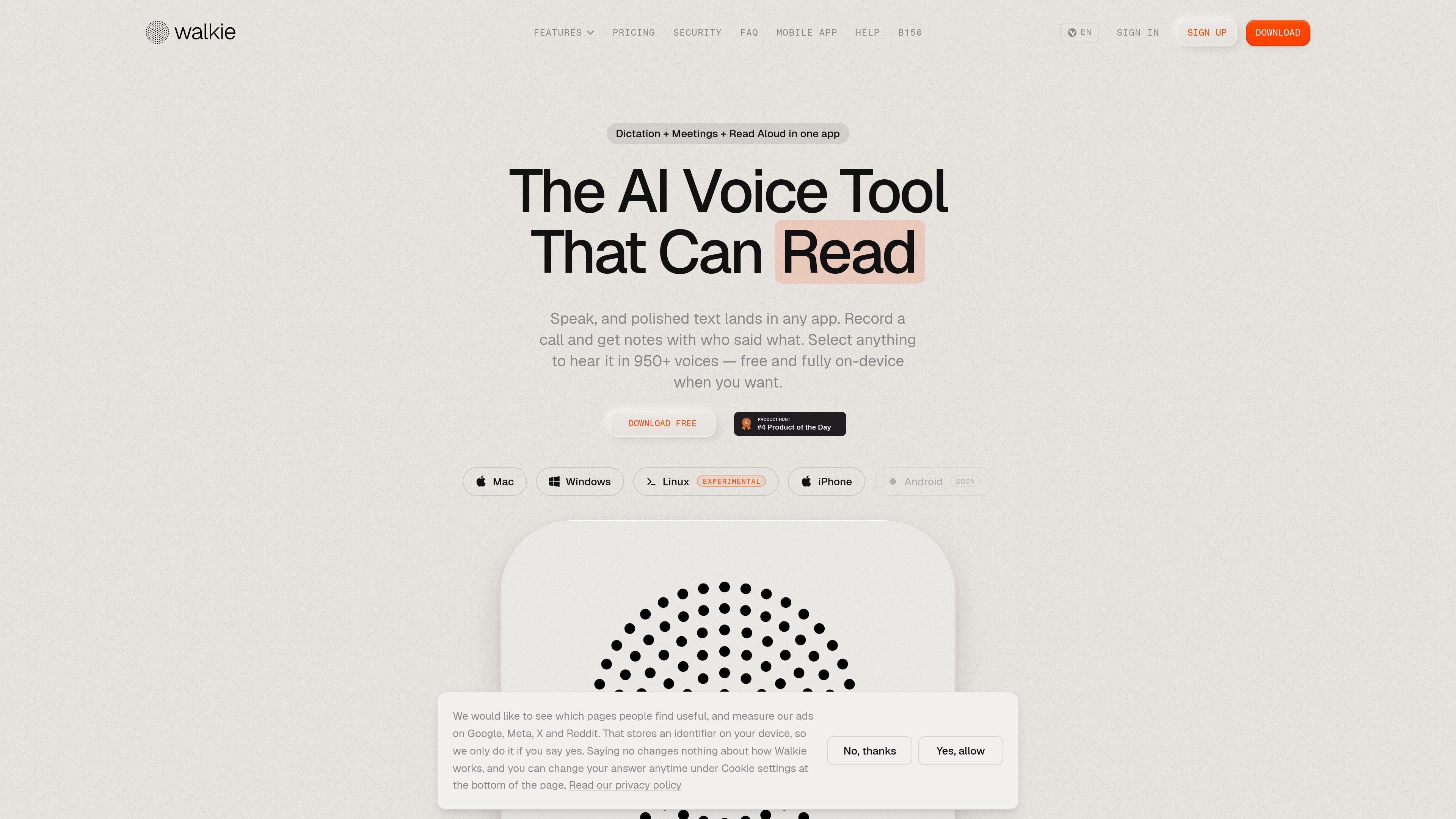
Walkie combines system-wide speech-to-text, meeting transcription, text-to-speech, and voice commands in one application. Users can hold a shortcut, speak, and place transcribed text into the app they are using, including email, messaging, notes, documentation, coding, and terminal workflows. Cloud Mode can clean up filler words, grammar, and formatting, while On-Device Mode is designed for offline use and local processing.
The app also records meetings from the computer, labels the speakers, creates notes during the conversation, and retains transcripts. For reading, users can select text, add a PDF, or use a shortcut or context menu to hear content in one of more than 950 voices, with word highlighting during playback. Walkie additionally supports voice commands and an experimental agent for tasks such as opening apps, checking information, and sending an email.
Speak into text fields across applications such as Slack, Gmail, Notion, VS Code, Google Docs, messaging apps, and terminals.
Cloud Mode formats and edits speech in one step; On-Device Mode keeps transcription fully offline when local processing or offline access is preferred.
On macOS, Walkie adapts output to the current context, using structured formatting for emails, casual one-line text for chats, and literal output for code and terminal commands.
Record computer audio with your voice and other speakers labeled, while Walkie produces notes during the meeting and saves the transcript.
Hear selected text or PDF content in more than 950 voices, with playback highlighting each word.
Use voice commands to open apps or URLs, use snippets for repeated phrases, translate spoken input, and ask the experimental agent for spoken answers or actions.
Dictate a message in Gmail, Slack, iMessage, WhatsApp, or another text field and have the output shaped for the communication context.
Record a call directly from the computer, follow speaker-labeled transcription, and refer to notes generated as the discussion progresses.
Capture ideas in Notion or notes, dictate into documents, or listen to PDFs and selected passages instead of reading them on screen.
Dictate comments, documentation, and commit messages in an editor while keeping code and terminal text literal where supported.
Open applications and URLs, retrieve information, or trigger supported actions through voice commands and the experimental agent.
Walkie converts speech into text in the application you are using, transcribes meetings, reads text aloud, and provides voice commands for selected computer actions.
Yes. Its On-Device Mode is described as fully offline. Cloud Mode is available when users want cloud-based transcription, formatting, and automatic edits.
The site lists Mac, Windows, Linux, and iPhone. Android is marked as coming soon. Some capabilities, including app-aware formatting and sentence rewriting, are identified as macOS-only for now.
Walkie records the call directly from the computer, including the user’s voice and other participants, and the site says that no bot joins the meeting.
The site states that 2,000 cloud words per week are included for free. On-device transcription is also presented as free and fully offline.
流量數據僅供參考。