Context-based text generation
Create ideas, titles, summaries, outlines and paragraphs using the knowledge context provided to the generation workflow.
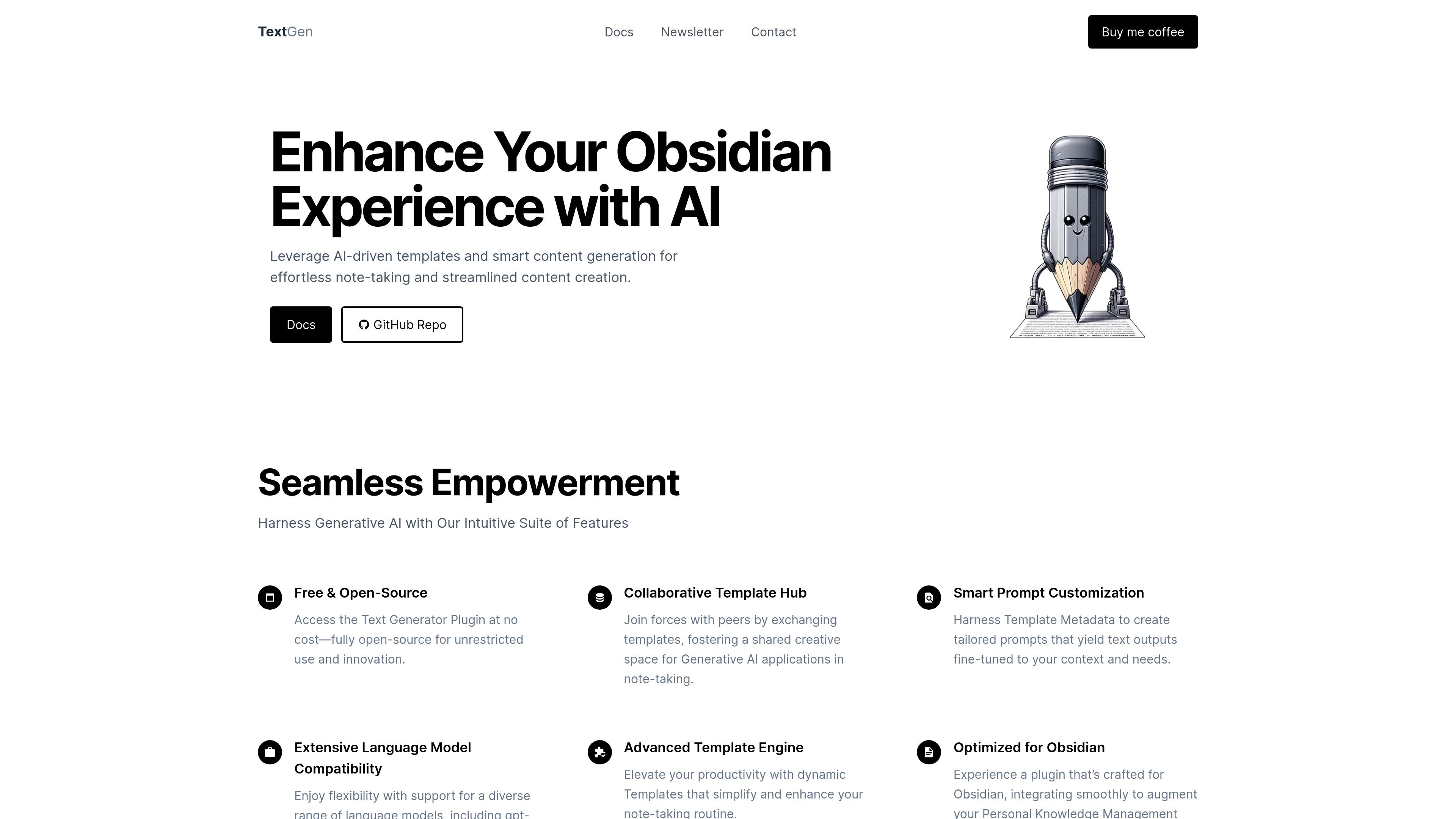
TextGen is an independent, open-source plugin for Obsidian, published in its repository as Text Generator. It uses generative AI to draft ideas, titles, summaries, outlines and paragraphs using the context supplied by your knowledge workflow.
Install and enable Text Generator through Obsidian Community Plugins, then configure your chosen AI service and prompts. Reusable templates and frontmatter settings help adapt repeated writing tasks. Review the generated text alongside your notes before treating it as a finished source.
Create ideas, titles, summaries, outlines and paragraphs using the knowledge context provided to the generation workflow.
Define templates for repeated writing tasks instead of rebuilding the same prompt structure each time.
Explore shared templates for additional use cases and share your own approaches with the plugin community.
Adjust the considered prompt context and use frontmatter configuration to work with different AI services. Check the selected service’s setup and usage conditions.
Use existing knowledge context to propose titles, an outline or initial paragraphs, then edit the result against the original notes.
Create a draft summary to review within an Obsidian note, checking that important distinctions and source details survive.
Build or adapt a template for a recurring note or content task and reuse its prompt structure with new context.
In Obsidian, open Settings → Community plugins, browse for Text Generator, install it and enable it. The repository also describes a manual build and installation route for development versions.
No. Text Generator is a separately maintained community plugin that works alongside Obsidian. You install and configure it within your vault’s plugin environment.
Its documented examples include ideas, titles, summaries, outlines and paragraphs based on knowledge context. Templates can guide repeated tasks; select context and review the generated text rather than assuming it faithfully covers every note.
The repository describes the plugin as free and open source without licensing fees. The AI service you configure can have separate access, usage and data-processing conditions. Check that service’s requirements before sending note content.
Use the template engine and community templates for prompt structures, adjust the considered context, and use frontmatter configuration for supported AI services. The repository links to documentation, discussions and issue reporting for setup help.
流量數據僅供參考。