

Repurpose audio and video content
Upload recordings once and have the system extract highlights, timestamps, quotes, and related material for repurposed assets.
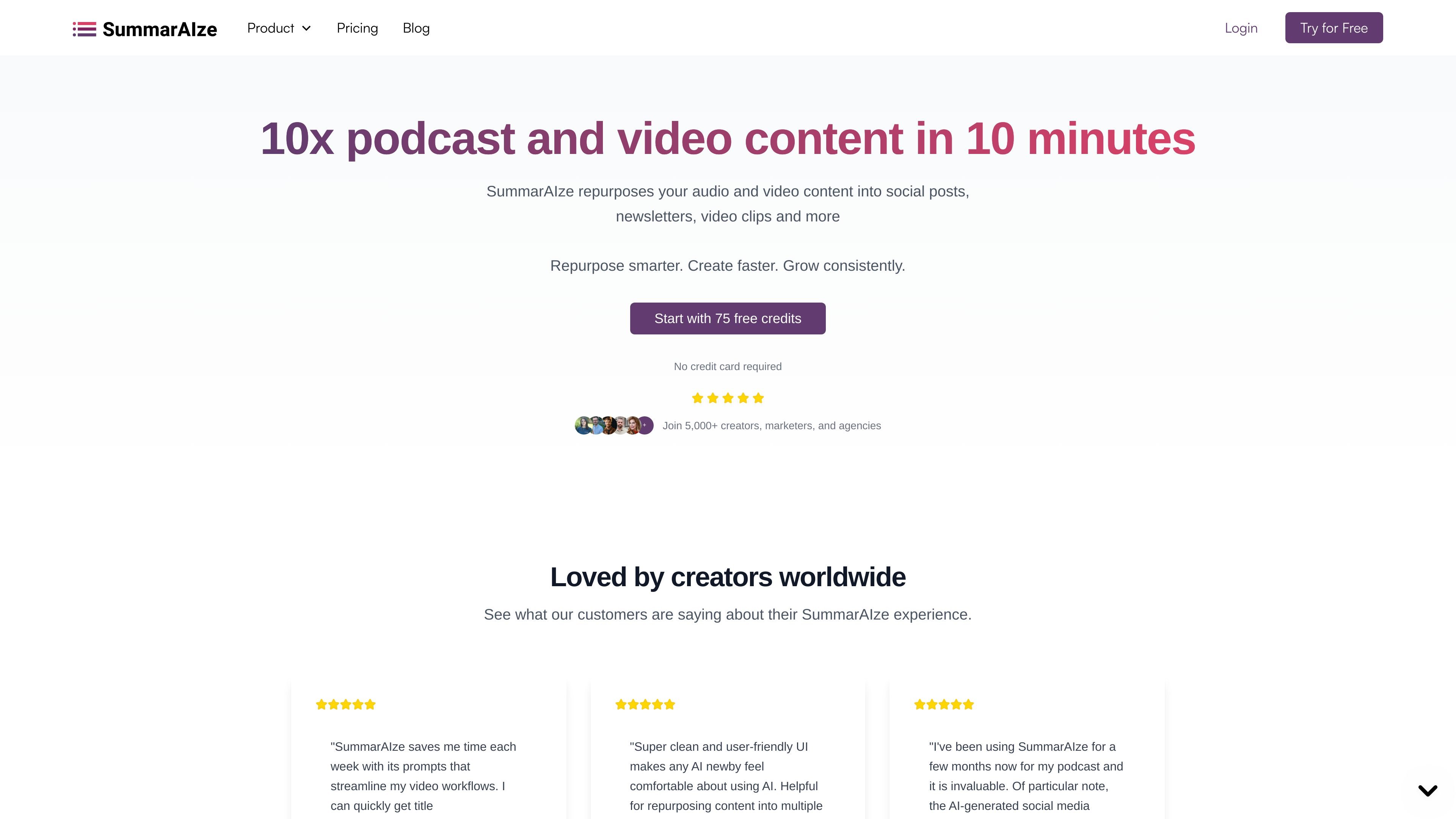
SummarAIze is an AI content repurposing tool that turns podcasts, webinars, interviews, and other audio or video recordings into publishable assets. The site positions it as a way to create social posts, newsletter drafts, video clips, blog posts, titles, descriptions, and transcripts from one upload.
The workflow centers on a brand kit, selected templates, and an assistant-style chat feature called Ask SummarAIze. Users upload a file or cloud link, choose what they want generated, and receive ready-to-edit outputs that can be shared with collaborators from a single dashboard.
Upload recordings once and have the system extract highlights, timestamps, quotes, and related material for repurposed assets.
Choose installed templates to control which outputs are generated, such as blogs, social posts, titles, clips, or newsletters.
Chat with the product to create, refine, or regenerate assets from the same recording.
Save tone, audience, keywords, speaker names, and writing rules so new outputs stay consistent across projects.
Create content from multiple recordings in one workflow, rather than treating each file as an isolated asset.
Generate speaker-aware transcripts with timestamps and labels to support editing and reuse.
Turn a podcast episode into social posts, newsletter drafts, blog content, and short clips without rewriting the material from scratch.
Upload a webinar recording and generate follow-up assets such as summaries, timestamps, captions, and audience-ready posts.
Work from interviews or other recordings and pull out quotes, titles, and supporting copy for distribution across channels.
Use brand kits and templates to keep recurring content projects aligned with the same tone, keywords, and writing rules.
Share generated assets with collaborators or clients through links instead of exporting and sending files separately.
Yes. The pricing page says you can start with 75 free credits and no credit card is required.
Credits are used in two ways: 1 credit equals 1 minute of transcription, and 1 credit also equals 1 generated asset. Regenerating content and using Ask SummarAIze also consume credits.
The site says you can upload audio or video from Google Drive, Dropbox, Zoom, YouTube, or direct upload.
Yes. The pricing page says you can upgrade your plan or buy a one-time credit pack if you run out.
The home page says results can include social posts, newsletters, video clips, titles, descriptions, blog posts, and other repurposed assets, depending on the templates you choose.
流量數據僅供參考。