Retouch4me is a family of AI photo and video retouching tools. Its photo plugins handle specific edits such as blemish removal, skin-tone balancing, stray-hair cleanup, fabric smoothing, and dust or background cleanup. Photographers can use purchased plugins on their computer or choose cloud retouching through Retouch4me’s applications.
These are distinct workflows with different requirements and payment models. The Photoshop Panel brings selected plugins into one interface, Apex provides a cloud retouching application, and Arams adds photo culling and batch processing. Dedicated video plugins and the Lab color-grading tool are separate parts of the product line; a single plugin purchase does not make every Retouch4me tool available.
Retouch4me 能做什麼?
01
Task-specific photo plugins
Choose tools for skin blemishes, highlights and shadows, skin tone, eyes, teeth, hair, clothing, or studio backgrounds. Dust addresses particles on objects and surfaces; Clean Backdrop targets evenly colored studio backgrounds.
02
Photoshop Panel and cloud retouching
The Panel applies selected tools from one Photoshop interface and can return separate layers or a merged result. Its on-device mode uses purchased plugins; its cloud mode charges per image. Apex combines cloud retouching tools with adjustable intensity and reusable presets.
03
Culling and batch processing in Arams
Arams groups similar images and evaluates sharpness, lighting, faces, and closed eyes to help select a photo set. It applies selected retouching settings across a series and offers layered TIFF export. Local retouching uses separately purchased plugins; cloud processing uses credits.
04
Dedicated video tools
The video product line includes Heal, Dodge & Burn, Dust, reference-based Color Match, and color-grading tools. These are dedicated video products rather than a promise that every photo plugin works in every video editor.
05
Color and RAW development in Lab
Retouch4me Lab is a dedicated color-grading and RAW-development tool with AI color correction, LUTs, HSL and curves, local masks, and effects such as halation and bloom.
使用情境
“Portrait and beauty cleanup”
Apply selected skin and facial-detail tools, then adjust intensity or Photoshop layers to keep control over the finished portrait.
“Wedding and event photo sets”
Use Arams to compare similar shots, identify unusable frames, and apply consistent retouching settings across the selected series.
“Product and catalog images”
Use Fabric, Dust, and Clean Backdrop for repeated cleanup tasks in product photography, choosing the tool that matches the material or background being edited.
“Video post-production”
Use the dedicated video products for skin cleanup, particle removal, or matching a clip’s color to a reference.
常見問題
Which workflow works without an internet connection?
Purchased on-device plugins can process files locally without an internet connection and without a per-image charge. The Photoshop Panel can use those installed plugins. Cloud Retouch and Apex require an internet connection and use retouching credits; cloud processing is not the offline workflow.
How are cloud plans and perpetual licenses priced?
Cloud Start, Pro, and Business cost $20, $35, and $90 per month and include 200, 500, and 1,500 retouching credits per month respectively. Annual billing costs $169, $299, and $759 and provides 2,400, 6,000, and 18,000 retouching credits per year respectively, plus separate culling allowances and MyShot storage. One retouch uses one credit. Separately purchased perpetual photo plugins start at $145 and video plugins at $124; these are not licenses for the entire catalog.
Can I try the tools for free?
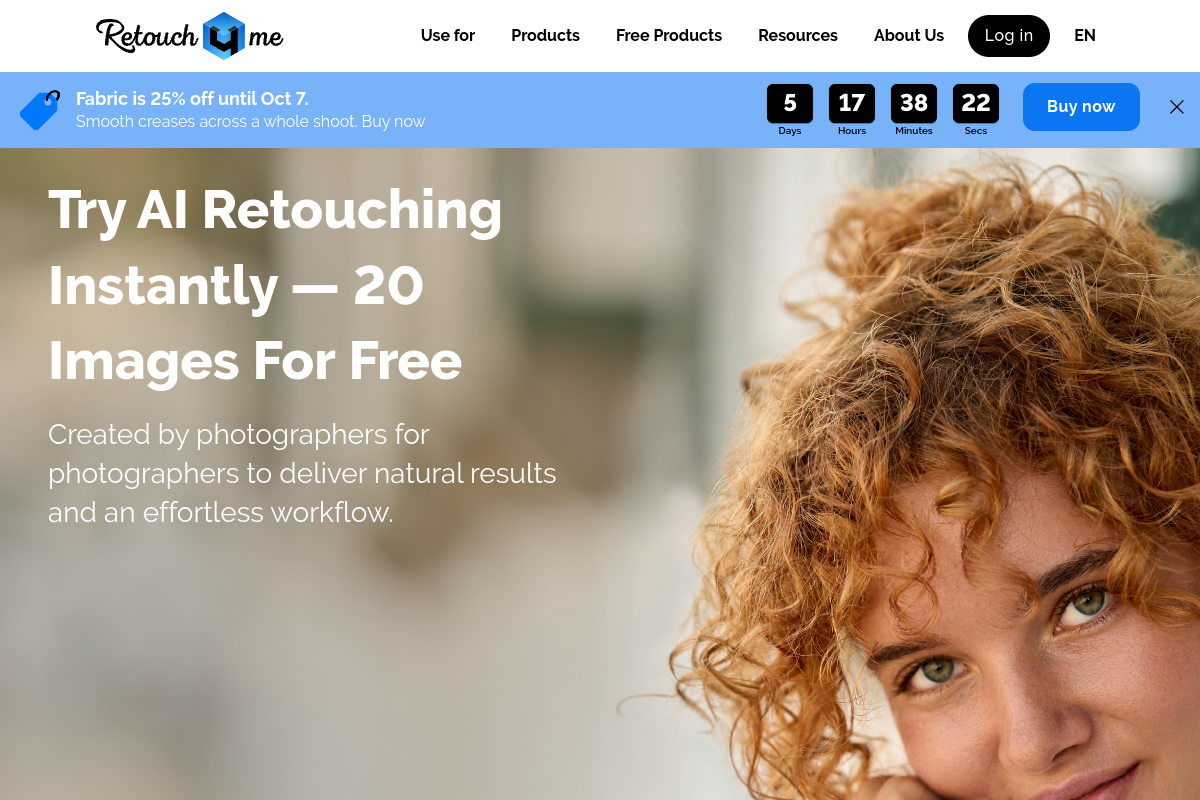
Registration provides 20 cloud retouching credits without a credit card, usable through supported cloud workflows such as Apex or the Photoshop Panel. Arams also lists a bonus of 100 analysis credits. Frequency Separation and Color Match Free are separate free plugins; the trial does not make every paid plugin free.
What happens to subscription credits if I cancel?
The published plans say cancellation ends access to subscription services and forfeits unused credits. Annual credit rollover applies while the subscription remains active. Annual plans list a 14-day refund window subject to using at most 500 retouches.
Which desktop systems and editors are supported?
The photo-plugin requirements list Windows 10 or 11 and macOS 10.15 or later, with at least 6 GB RAM and additional hardware requirements. The Panel is specifically for Photoshop. Host compatibility and system requirements depend on the selected photo, video, or standalone tool.
快速資訊
Product type
AI photo and video retouching tool family
Processing options
Purchased on-device plugins and metered cloud retouching
Named workflows
Photoshop Panel, Apex, and Arams
Purchase models
Individual perpetual licenses; monthly or annual cloud plans
Free options
20-credit cloud trial; Frequency Separation and Color Match Free