
Paged SSD KV caching
Stores KV cache blocks in safetensors format, keeping hot blocks in RAM and moving colder blocks to SSD with an LRU policy. Cached prefixes can be restored across requests and server restarts.

oMLX 是以 MLX 為基礎打造的原生 macOS LLM 推論伺服器,可在 Apple Silicon 上本機執行相容的語言、視覺語言、嵌入與重排模型。專為程式碼代理工作流程設計,支援 Claude Code、OpenClaw、Cursor 與 OpenAI 相容用戶端。
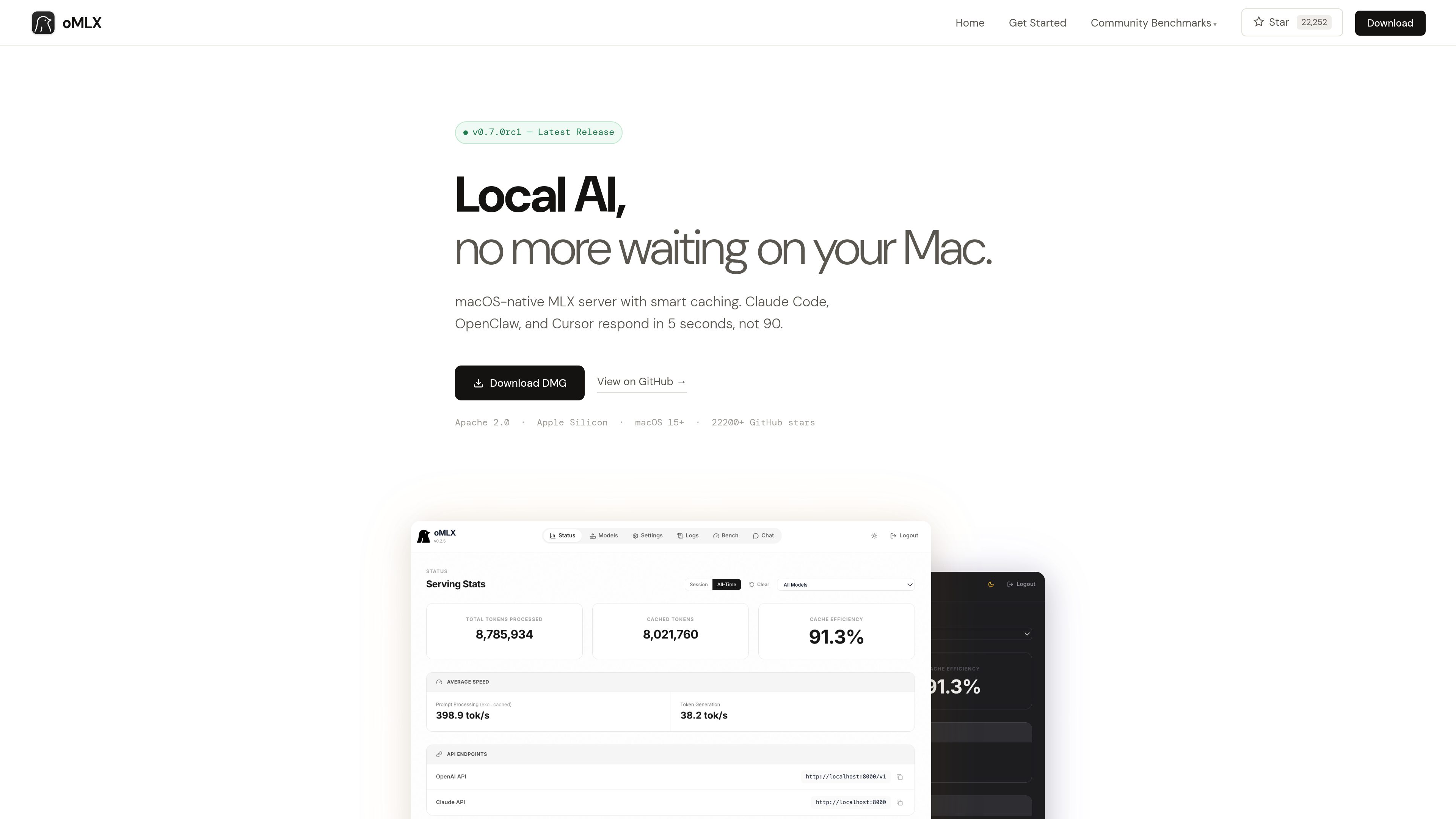
oMLX is a native macOS inference server built on MLX for running MLX-format AI models locally on Apple Silicon. It provides a dashboard for managing models, chatting with them, and monitoring server metrics, while supporting LLM, vision-language, embedding, and reranker models.
The product is designed especially for coding-agent sessions in which the conversation context changes repeatedly. Its paged SSD KV cache can preserve cache blocks across requests and server restarts, reducing the need to recompute previously seen prefixes.
Stores KV cache blocks in safetensors format, keeping hot blocks in RAM and moving colder blocks to SSD with an LRU policy. Cached prefixes can be restored across requests and server restarts.
Uses mlx-lm’s BatchGenerator to handle concurrent requests instead of processing every request strictly one at a time. The site reports up to a 4.14× generation speedup at eight-way concurrency in its published benchmark.
Loads LLM, vision-language, embedding, and reranker models simultaneously, with LRU eviction available when memory runs low. Models can be browsed and downloaded from the administration dashboard.
Provides `/v1/chat/completions` and `/v1/messages` endpoints for compatible clients, including Claude Code, OpenClaw, Cursor, and other OpenAI-compatible applications.
The native menu bar app can start, stop, and monitor the server. Its web dashboard includes model management, chat, and real-time metrics; the app is signed, notarized, and includes in-app auto-update.
Supports JSON, Qwen, Gemma, GLM, and MiniMax tool-calling formats, plus MCP tool integration and configurable trimming of oversized tool results on a per-model basis.
Use oMLX as a local backend for Claude Code, OpenClaw, or Cursor when an agent repeatedly revisits or changes context during a coding session.
Serve multiple requests through continuous batching when several local clients or workflows need model generation at the same time.
Manage and test MLX-format models from Hugging Face through the dashboard, including language, vision-language, embedding, and reranker models.
Connect models to applications that use tool calling or MCP, with support for several model-specific tool formats and optional tool-result trimming.
oMLX requires an Apple Silicon Mac, from M1 onward, running macOS 15 or later. The site lists 16GB of RAM as the minimum and recommends 64GB or more for comfortable use with larger models.
Yes. It provides OpenAI-compatible `/v1/chat/completions` and Anthropic-compatible `/v1/messages` endpoints. Its dashboard can generate configuration commands for the supported tools.
Not necessarily. oMLX can read the standard Hugging Face cache, an LM Studio folder, and custom directories. The dashboard also includes a Hugging Face downloader for new models.
The site states that oMLX supports MLX-format models from Hugging Face, including Qwen, LLaMA, Mistral, Gemma, DeepSeek, MiniMax, and GLM. Vision-language models are supported, and reasoning-model handling includes automatic `<think>` tag support.
Users can download the macOS DMG or install from source. The source workflow requires Python 3.10 or later and Apple Silicon; the documented server example connects to compatible clients on localhost:8000.
流量數據僅供參考。

tablo-cat.netlify.app
tablo 是一款桌面貓咪小工具,可在螢幕角落監控 Claude Code 和 OpenAI Codex 工作階段,並即時查看上下文用量、權限要求、通知及各工作階段的活動預覽。

www.tryport22.com
port22 是 iOS App 與 macOS 代理,用於監控及控制終端機中執行的 coding-agent 工作階段。它會將即時轉錄串流至 iPhone,在需要輸入時發送通知,並支援 Claude Code、Codex 與 OpenCode。

blackflare.dev
BlackFlare 是一款 macOS 選單列 App,適用於 Claude Code 和 Codex,可讓作用中的工作階段保持運作、傳送完成或需要輸入的通知,並顯示用量;也能將提醒轉發至 Telegram 或 Slack,無須手動編輯設定檔即可變更預設值。

agentmgr.app
AgentManager 是一款 macOS App,可在浮動視窗中監控 Claude Code 工作階段。它能幫你查看哪個工作階段需要關注,並快速返回對應的終端機或 IDE 環境。

evlat.kalaomer.com
Evlat is a quiet macOS status strip for monitoring Claude Code, Codex, and Antigravity sessions, plus long-running commands. It highlights sessions that need your response and shows activity from local or SSH-connected machines.