
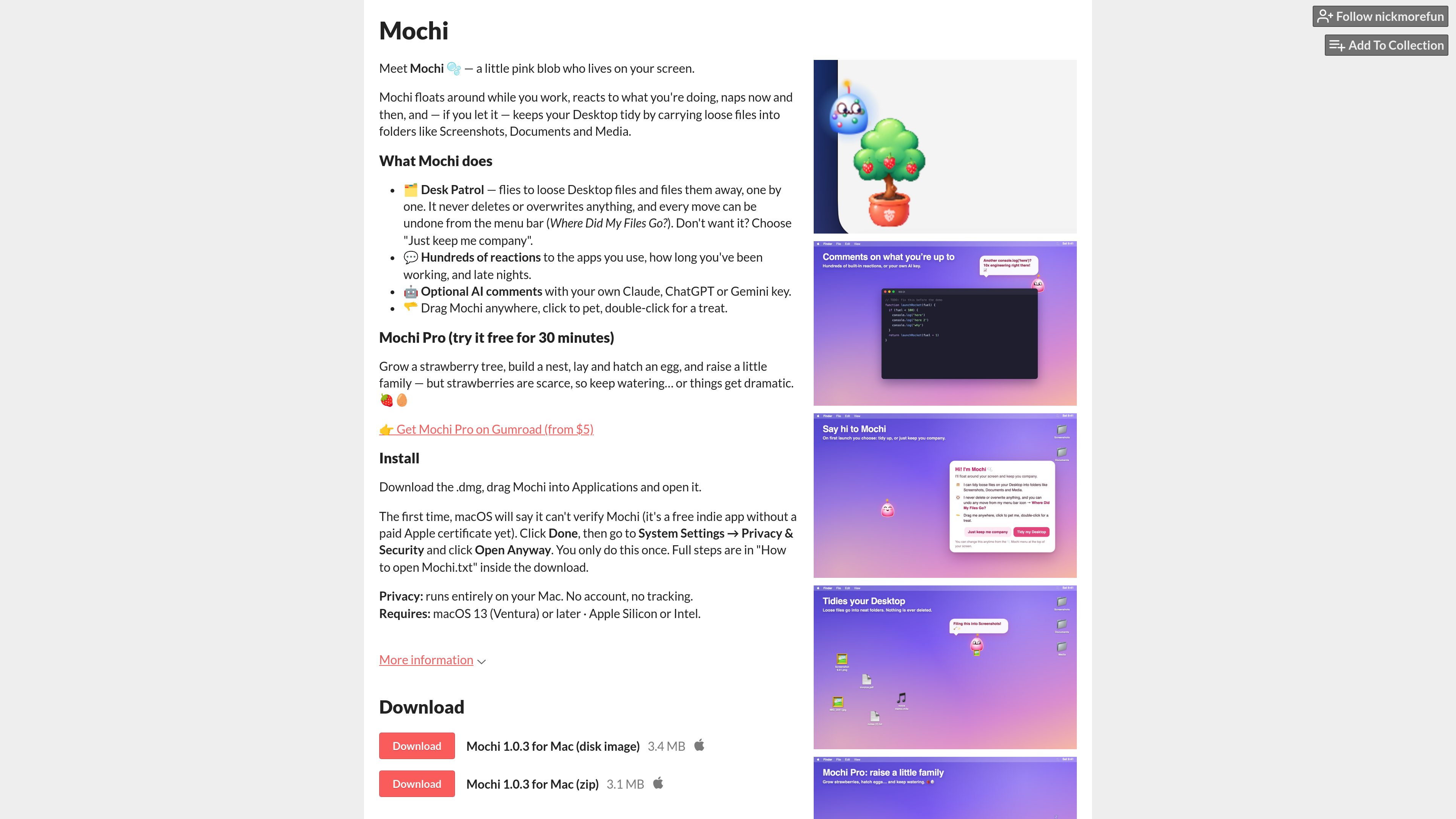
Desktop companion
Mochi floats around the Mac desktop, reacts to what you are doing, and naps periodically, creating an ambient companion while you work.

Mochi 是一款 macOS 桌面寵物,會在螢幕上四處飄浮並回應你的操作,還能將散落在桌面上的檔案整理到資料夾中。它在本機執行,不需帳戶且不追蹤活動;也可使用你自己的 Claude、ChatGPT 或 Gemini 金鑰產生 AI 評論。
Mochi is a desktop pet for macOS: a small pink blob that lives on your screen, moves around while you work, reacts to your activity, and occasionally naps. In addition to providing an ambient companion, it can tidy loose Desktop files by moving them into folders such as Screenshots, Documents, and Media.
The app is free to download and runs entirely on your Mac. Its Desk Patrol can be declined, file moves can be undone from the menu bar, and an optional AI-comment feature can use a personal Claude, ChatGPT, or Gemini key. Mochi Pro adds a strawberry-tree and family-raising activity after a free 30-minute trial.
Mochi floats around the Mac desktop, reacts to what you are doing, and naps periodically, creating an ambient companion while you work.
Mochi can visit loose files on the Desktop and file them away one by one into folders including Screenshots, Documents, and Media.
Desk Patrol does not delete or overwrite files, and each move can be undone through a menu-bar option labeled “Where Did My Files Go?”.
The pet has hundreds of reactions tied to the apps you use, how long you have been working, and late-night sessions.
Mochi can provide AI comments when configured with the user’s own Claude, ChatGPT, or Gemini key. The source does not specify authentication or setup requirements for these services.
Mochi Pro includes a strawberry tree, nest-building, egg-laying and hatching, and raising a small family. The Pro version can be tried free for 30 minutes and is offered through Gumroad.
Use Desk Patrol when loose files have accumulated on the Desktop. Mochi handles files individually and places them into supported folders, while preserving an undo path.
Leave Mochi running from the menu bar while working to have a screen companion that responds to work duration, active applications, and late-night use.
Use the pet interactions—dragging Mochi, clicking to pet it, and double-clicking for a treat—as a simple idle or virtual-pet activity during breaks.
Users who already have a Claude, ChatGPT, or Gemini key can enable AI comments, subject to the provider setup requirements that are not detailed on the product page.
Users interested in the additional simulation features can test Mochi Pro for 30 minutes before deciding whether to obtain the paid version through Gumroad.
Mochi is a downloadable desktop pet for macOS. It floats around the screen, reacts to activity, naps, and can optionally organize loose Desktop files.
Download the DMG or ZIP, place Mochi in the Applications folder, and open it. On the first launch, macOS may show an “app cannot be verified” message; select Done, then open System Settings → Privacy & Security and choose “Open Anyway” for Mochi. This approval is needed only once.
The product page states that Desk Patrol does neither. It moves loose Desktop files into folders one by one, and the moves can be undone from the menu bar.
The product page says Mochi runs entirely on the Mac and requires no account or tracking. The page does not provide further details about data sent when optional AI comments are used.
Mochi Pro adds a strawberry tree, a nest, egg-laying and hatching, and a small family-raising activity. It can be tried free for 30 minutes and is offered through Gumroad.