
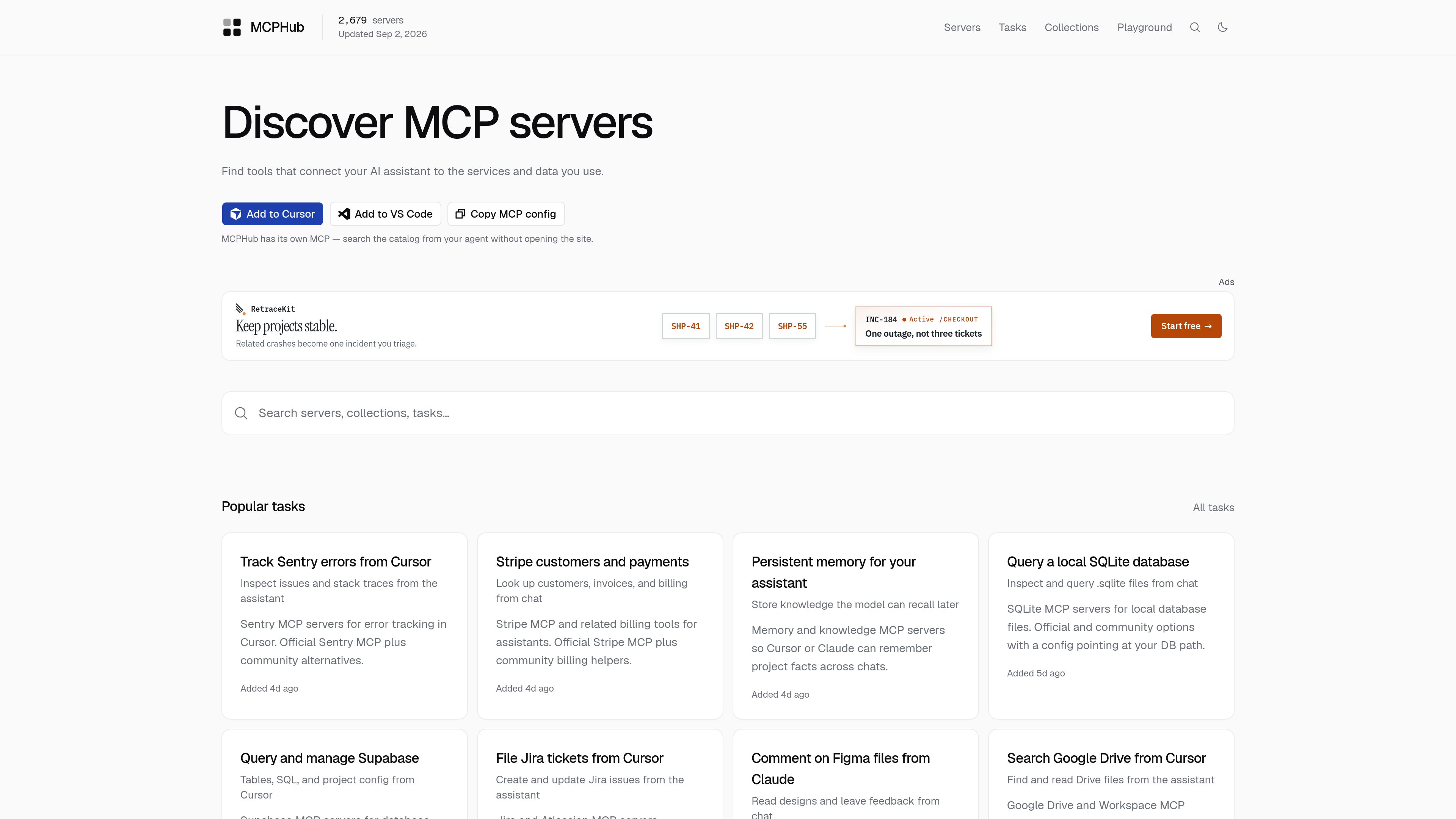
Searchable MCP server directory
Browse servers by name or capability in a catalog built for Model Context Protocol tools, with category navigation and searchable listings.

MCPHub 是一個可搜尋的 Model Context Protocol 伺服器目錄,協助使用者尋找連接 AI 助理與常用服務及資料的工具。伺服器依目錄、類別、任務,以及適用於常見工作流程的精選集合分類。
MCPHub is a searchable catalog of Model Context Protocol servers. It is designed to help users find tools that connect AI assistants to the services and data they already work with, including GitHub, Notion, Postgres, Slack, Figma, and Google Drive.
The site groups servers by directory, by task, and by curated workflow collections. Many task pages compare official and community options and include copy-ready configuration snippets for MCP clients such as Cursor, Claude Desktop, and other clients that read mcpServers configuration.
Browse servers by name or capability in a catalog built for Model Context Protocol tools, with category navigation and searchable listings.
Find servers by what you need to do, such as query Postgres, manage Notion, send Slack messages, review GitHub pull requests, or edit local files.
Use grouped stacks for common workflows like local Next.js development, SEO research, Supabase plus Vercel, travel planning, legal research, and clinical operations.
See when an official MCP server is enough and when a community alternative may be a better fit for the job.
Many use-case pages provide a starter configuration you can paste into an MCP client that supports `mcpServers` settings.
The directory surfaces trending servers and recently added entries, which helps users discover active tools and new options.
A user who wants to do one job from chat, such as filing Jira tickets or looking up Stripe customers, can open the task pages and compare a short list of relevant servers.
Teams building a broader setup, such as Next.js development or Supabase plus Vercel, can use collections to copy several related configurations together.
If an official server exists but does not fully fit the workflow, MCPHub’s comparisons help users decide whether a community server offers a better match.
Users can take the provided configuration snippets and adapt them for clients that read `mcpServers` config, reducing setup time.
People browsing a directory can scan categories, trending entries, and recently added servers to find tools they did not already know existed.
MCPHub is a searchable catalog of Model Context Protocol servers. It helps users find servers that connect AI assistants to external services, data sources, and workflows.
The site includes servers for categories and workflows such as code execution, browser automation, databases, knowledge and memory, workplace productivity, cloud platforms, and many task-specific use cases.
No. Many task pages compare official MCP servers with community alternatives so users can choose the option that best fits their workflow.
Yes. The use-case pages explicitly mention Cursor, Claude Desktop, and other MCP clients that read `mcpServers` configuration.
The currently accessible pricing page does not show usable plan details or tiers. Based on the available pages, no confirmed pricing structure is visible.
流量數據僅供參考。