

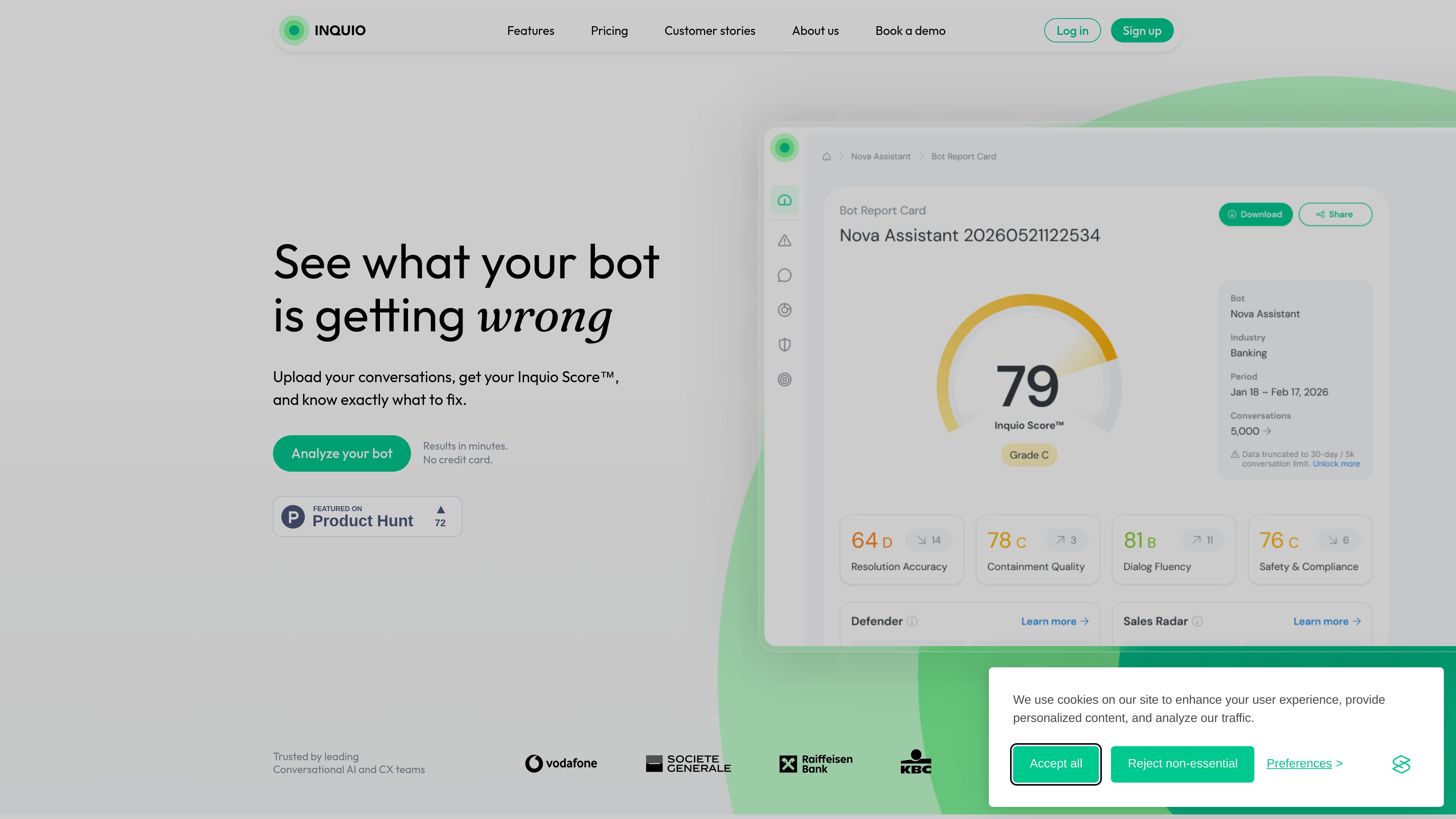
Inquio Score™
Provides a single score that summarizes how the assistant is performing based on conversation data.
Inquio analyzes chatbot and conversational AI conversations and turns them into a report card-style summary of what the bot is doing well and where it is failing. The product is built to help teams move from isolated conversation review to ongoing bot QA and performance monitoring.
The site positions Inquio for support, sales, compliance, product, and AI teams. It emphasizes quick setup, with no manual tagging or predefined categories required, and says conversations can be added by CSV upload or through an API.
Provides a single score that summarizes how the assistant is performing based on conversation data.
Surfaces specific problems and orders them so teams can focus on the most important ones first.
Lets teams compare a bot against industry averages to understand performance in context.
Generates suggested next steps for improving the assistant after conversations are analyzed.
Flags safety incidents, policy violations, and GDPR-sensitive data in real time, according to the about page.
Surfaces buying signals and churn warnings from conversation data for commercial teams.
Upload conversation logs to see which responses were correct, which failed, and what issues should be fixed first.
Track chatbot performance over time instead of reviewing conversations manually one by one or relying only on static dashboards.
Use the Defender module to look for incidents, attacks, and potentially sensitive data in conversation streams.
Identify buying intent or churn risk in conversations so commercial teams can follow up on patterns that would be hard to spot manually.
Help support and CX teams understand recurring conversation problems that affect usefulness, accuracy, and satisfaction.
The site says you can add conversations by uploading a CSV file or connecting to the API. After that, Inquio analyzes the conversations and produces a report card within minutes.
The About page says Inquio is designed to work without manual tagging, predefined categories, or complex setup.
The Starter plan is free and allows up to 1,000 conversations, one report card every 30 days, three identified issues per report, three recommendations per report, and share/export support with static CSV upload.
The Growth plan is priced at $0.012 per conversation and includes unlimited report cards, identified issues, recommendations, customizable reports, and advanced integrations. Enterprise is custom and adds SSO, dedicated support and SLA, admin controls, and API data access.
The About page says the product is intended for support, sales, compliance, product, and AI teams that need to turn raw conversation data into actionable insights.
流量數據僅供參考。