

Text-to-image generation
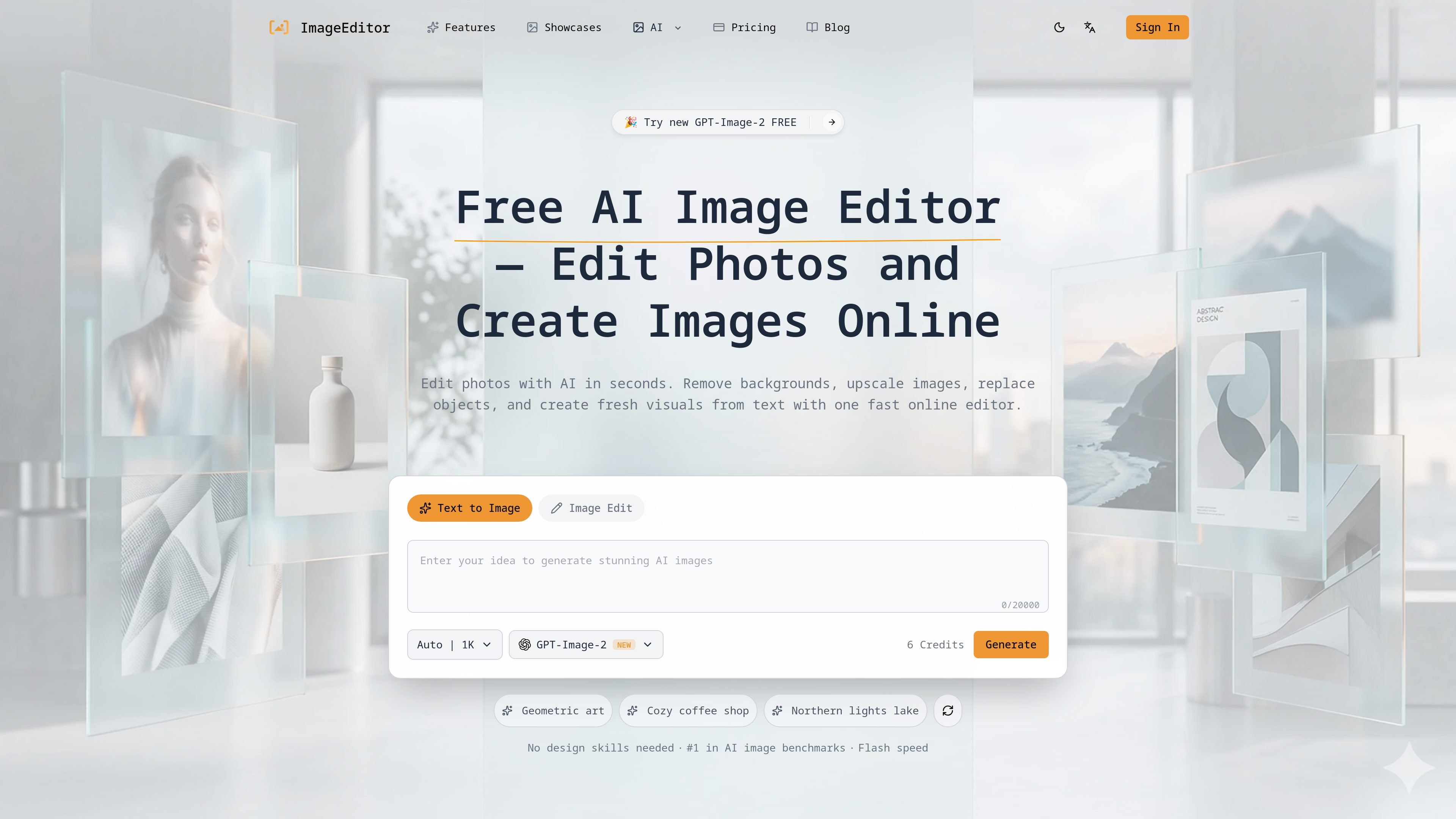
Create images from text prompts using the site's text-to-image workflow. The home page and GPT Image 2 page both position this as the main starting point for new visuals.
ImageEditor is a web-based AI image editor for creating and refining visuals online. It combines text-to-image creation, image-to-image editing, background removal, image upscaling, and style transfer in one browser tool.
The homepage presents it as a fast editor for creating images from prompts, while the pricing page shows recurring subscription plans and pay-as-you-go credits for different usage levels. The site also highlights GPT Image 2 workflows, example galleries, and commercial licensing on paid plans.
Create images from text prompts using the site's text-to-image workflow. The home page and GPT Image 2 page both position this as the main starting point for new visuals.
Upload an existing image and modify it with AI while keeping the original composition in view. The home page describes this as image-to-image enhancement or transform.
Remove backgrounds from portraits, product shots, and other photos. The site describes the result as a transparent PNG suitable for professional use.
Increase image resolution and quality and export up to 2K or 4K. The home page and pricing page both reference upscaling for professional and production use.
Apply artistic styles, effects, and prompt variations in the same editor. The site also references batch processing for handling multiple images at once.
Generate new marketing images, concept art, or social visuals from a text prompt, then refine the output in the same browser workflow.
Edit an existing photo while keeping its overall structure, which is useful for product images, portraits, and reference-based visual changes.
Remove backgrounds from product or portrait images to create transparent PNGs for listings, presentations, or simple cutouts.
Upscale smaller images for higher-resolution outputs when a project needs sharper visuals for print, marketing, or presentations.
Use the gallery and GPT Image 2 pages to compare example outputs and test prompt fidelity before committing to a workflow or plan.
ImageEditor is a web-based AI image editor for generating and editing images online. It covers text-to-image creation, image-to-image editing, background removal, upscaling, and related visual workflows.
The pricing page shows subscription plans, and the home page also highlights a free starting experience with no signup required for the first generation. Paid plans add monthly credits, priority processing, support, and higher-output options.
The site states that generated images can be used commercially on its subscription plans, including a commercial license on Starter, Standard, and Premium.
The site says you can download outputs in PNG or JPG format, and the home page highlights output sizes up to 2K or 4K depending on settings and plan.
The home page says no design skills are needed and that a first generation can be started without signup. The workflow then uses a prompt, optional settings, generation, and download.
流量數據僅供參考。
| 5月 | 566 |
|---|---|
| 6月 | 0 |
| 7月 | 0 |
尚無流量分析數據。
尚無流量分析數據。