
Text prompt generation
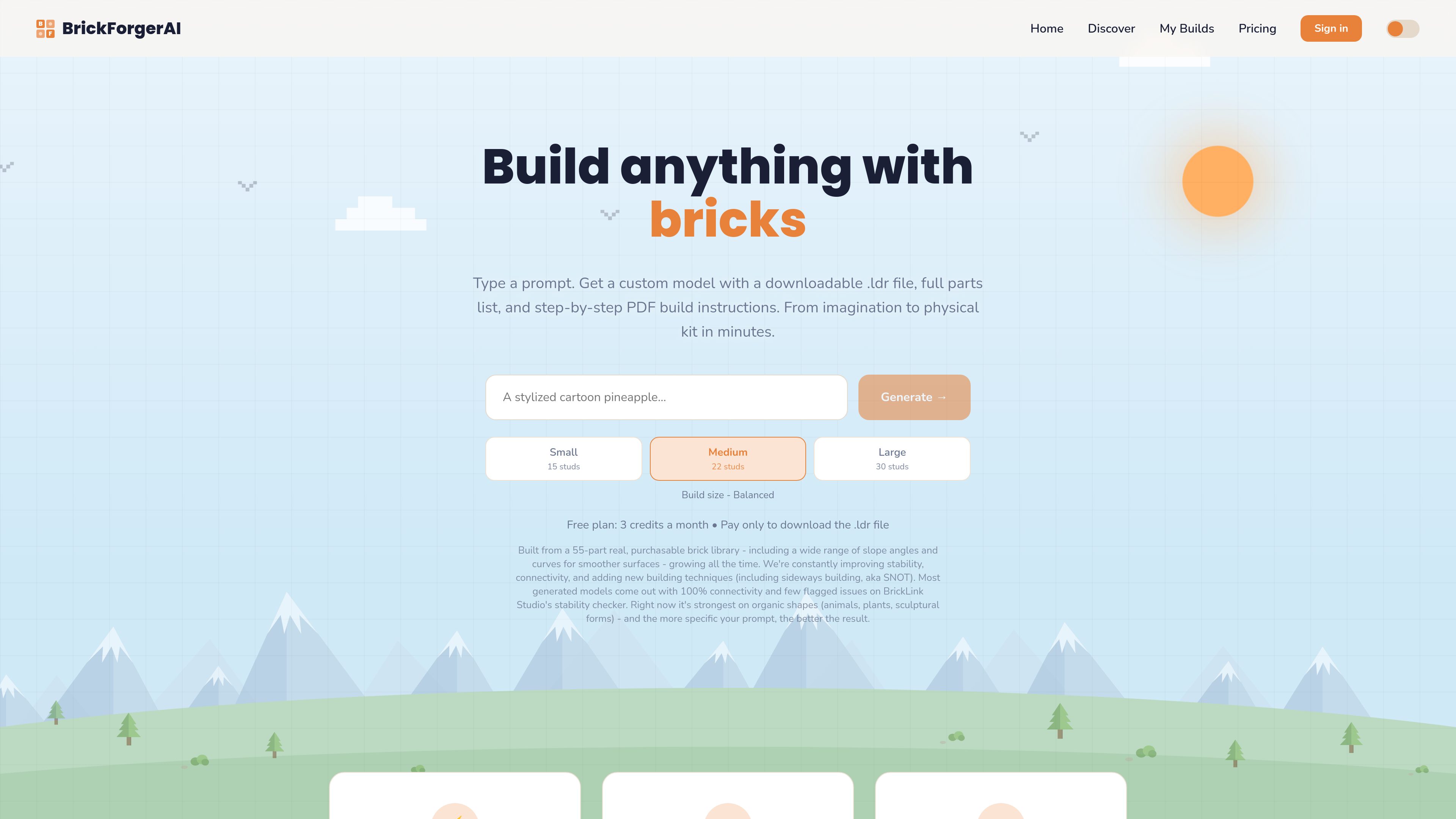
Describe a model in natural language, such as a car, animal, building, or sculptural form, and BrickForgerAI builds a brick-based version from that prompt.

BrickForgerAI 可將文字提示轉換為自訂積木模型,並提供 3D 預覽、可下載的 .ldr 檔案、零件清單和逐步 PDF 組裝指南。適合想使用標準積木零件設計可實際拼搭模型,再用實體積木組裝的人。
BrickForgerAI is a prompt-to-build tool that generates custom brick models from text descriptions. Users enter what they want to build, choose a build size, preview the model in 3D, and, when they want to actually construct it, unlock a downloadable .ldr file, a full parts list, and a step-by-step PDF build guide.
The product is built around real, purchasable brick geometry rather than abstract renderings. According to the site, generated models use a library of standard brick, plate, tile, and slope pieces, and the workflow is designed to take a concept from description to a physically buildable model that can be checked in BrickLink Studio or ordered as parts.
Describe a model in natural language, such as a car, animal, building, or sculptural form, and BrickForgerAI builds a brick-based version from that prompt.
Choose Small, Medium, or Large to influence the approximate size and level of detail of the model.
Every generation includes a rotatable 3D preview with part count and dominant color information, so you can inspect the result before unlocking the build files.
Unlocking a model provides the .ldr file, a complete parts list, and a PDF build guide that shows the model layer by layer with new pieces called out at each step.
The system uses a real, purchasable brick library with standard piece types including slopes and curved elements, which is intended to improve buildability and surface quality.
The .ldr file can be opened in BrickLink Studio to compare the parts list against real inventory and to review stability before buying bricks.
For hobbyists who want to turn an idea into a custom build without manually designing each piece from scratch.
Suitable for prompts like turtles, birds, plants, or stylized creatures, which the site says are currently one of its stronger output areas.
Useful when the goal is a specific finished object for a shelf, desk, or collection, with parts and instructions ready to follow.
Helpful for checking a concept in 3D, reviewing the parts list, and then deciding whether to unlock the build files and order the pieces.
For users who want a guided assembly process rather than only a digital model, since the PDF walks through the build step by step.
Every generation includes a 3D preview with real colors, plus part count and color breakdown. The .ldr file, parts list, and PDF build guide are included when you unlock the model or use a paid plan that includes downloads.
On the Free plan, yes. The site says build files can be unlocked for an individual model for £5–£15 based on size. Builder and Master Builder plans include downloads automatically.
Yes. The site says generated models use standard, real brick shapes, and the .ldr file can be opened in BrickLink Studio or used to order parts.
Free accounts get 3 build credits a month, Builder gets 12, and Master Builder gets 30. Credits reset monthly, and extra credits can be purchased.
No. The site says most generated models pass with 100% connectivity and few flagged issues, but stability depends on the prompt and shape, so thin or overhanging models should still be checked before ordering parts.
流量數據僅供參考。