
Voice and screen capture
Start a capture from any app with a keyboard shortcut and talk while pointing at the interface. Aloud records the screen with your voice and live transcript.

Aloud 是一款 Mac App,能在你說明軟體問題時錄製螢幕,並將錄影轉成有截圖支援、適合 coding agent 的整理後計畫。它在裝置上轉錄語音,可匯出獨立 HTML 檔或傳送至 Claude Code。
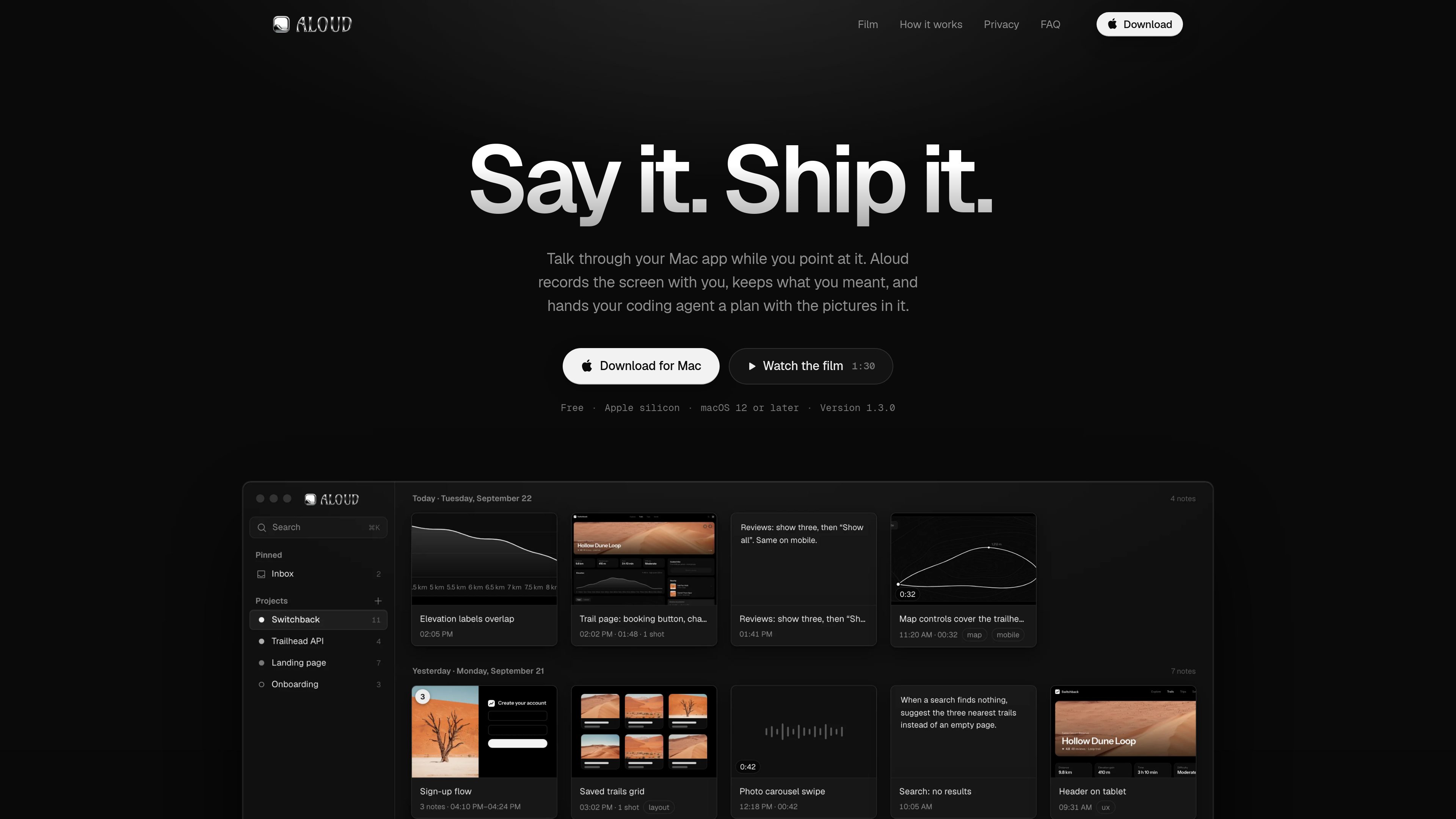
Aloud is a Mac app for explaining software issues by speaking while pointing at the relevant parts of an app. It records the screen alongside your voice, creates a transcript, and captures still frames when you refer to items such as “this button.” Notes are organized by day and project, and multiple cards can be merged in the order they were recorded.
The app turns the resulting note into a cleaner handoff for coding work. It can refine the transcript, add relevant images, write tasks with completion details, and export the words and screenshots together for a coding agent or another person.
Start a capture from any app with a keyboard shortcut and talk while pointing at the interface. Aloud records the screen with your voice and live transcript.
When you refer to something such as “this button,” Aloud suggests the relevant frame. A separate area-capture shortcut records selected pixels without freezing or dimming the screen.
Captures become cards grouped by day and filed by project. Cards can be stacked and merged into one note in the order they were recorded.
Cleanup removes filler and stutters, repairs misheard words from context, and preserves the intended correction. Separate workflows can clarify open points, add images, or write a task plan.
Screenshots can be cropped, marked with arrows, boxes, freehand drawings, highlights, or text. The original image is retained.
Send a plan and its images to Claude Code, copy a task or complete plan, or export one self-contained HTML file for Claude Code, Cursor, Codex, or a colleague.
Record a walkthrough of a page that needs attention, point to the affected controls or layout, and turn the spoken observations into a plan with screenshots.
Give a coding agent task-specific context without separately describing every interface element. Each task can travel with the screenshot it concerns.
Talk through a Mac app as you test it, then clean up the transcript and keep the resulting note organized by project.
Export the note as a single HTML file containing its text and screenshots so a colleague can open it in a browser.
It records your Mac screen while you talk through an app, creates a transcript, suggests screenshots for references such as “this,” and produces a structured note that can be handed to a coding agent.
No. Transcription runs on the Mac, and the audio and screen video are never uploaded. Optional AI workflows send only the transcript text, notes, and still frames they use; that workflow data is kept for 90 days and then deleted.
Aloud can send a plan directly to Claude Code. Its self-contained export can also be used with Claude Code, Cursor, or Codex, or shared with a colleague.
Yes. Export creates one HTML file containing the words and screenshots. It opens in a browser and does not require Aloud.
Aloud runs from the menu bar. The shortcut ⌥ ⇧ N starts a spoken capture, while ⌥ ⇧ S lets you drag across an area of the screen. The shortcuts work in any app after launch.
流量數據僅供參考。

www.tryport22.com
port22 是 iOS App 與 macOS 代理,用於監控及控制終端機中執行的 coding-agent 工作階段。它會將即時轉錄串流至 iPhone,在需要輸入時發送通知,並支援 Claude Code、Codex 與 OpenCode。

www.analytiics.co
Analytiics is web and product analytics that a coding agent can set up in an application repository. It tracks visitors, pageviews, declared events, funnels, journeys, and revenue while keeping the tracking plan in code.

coldiq.com
ColdIQ is a unified GTM data API for Claude Code, AI agents, and developers. It lets teams search leads, enrich contacts, find emails, and access multiple data providers through an API, MCP server, or agent interface.