

Automated debugging
Identifies coding issues and applies fixes, including incorrect property references, undefined variables, inconsistent return types, and case-sensitivity errors.
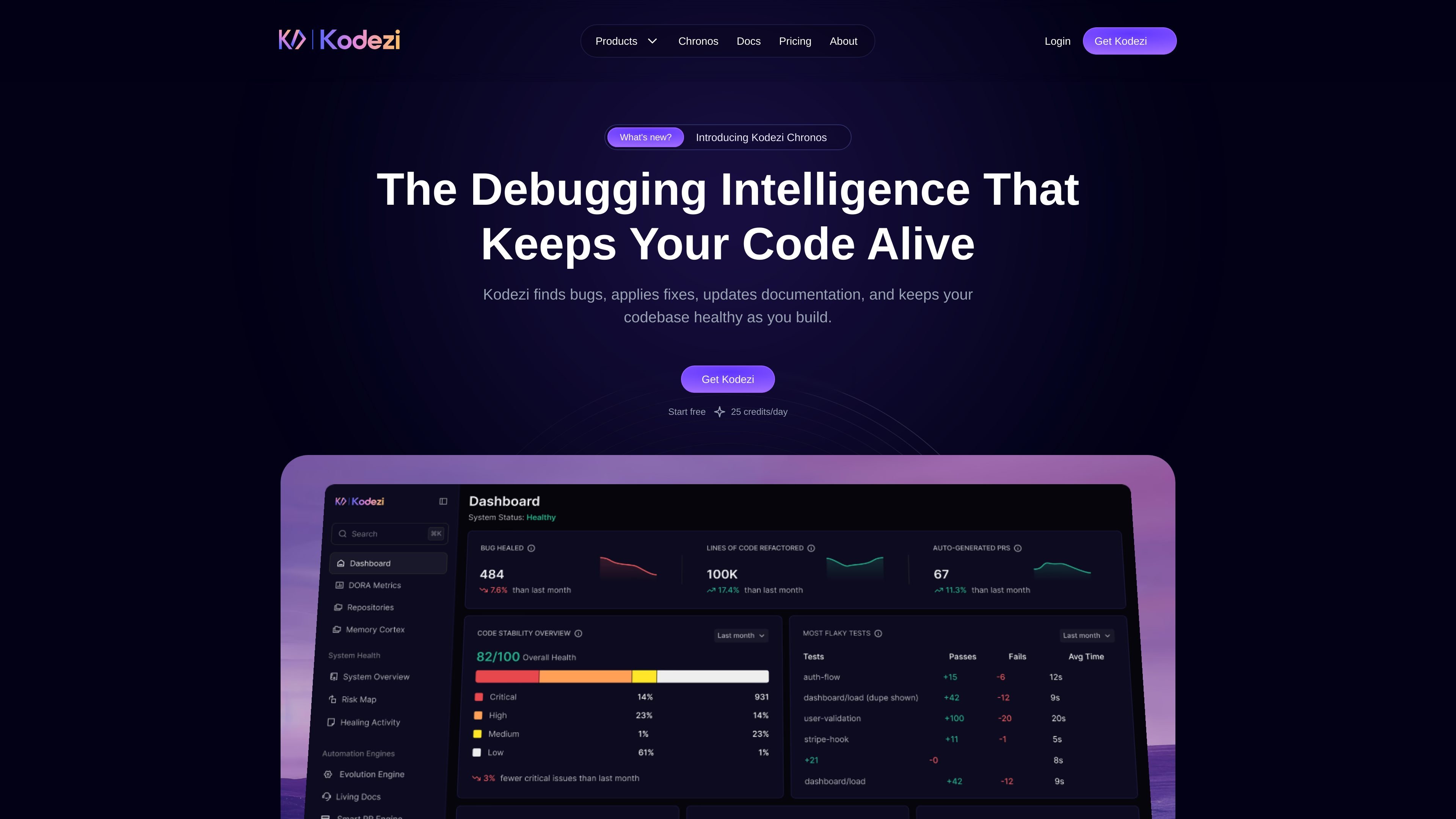
Kodezi is an AI-powered developer tool for working with codebases through a browser-based IDE and related CLI and operating-system offerings. It helps developers identify and fix bugs, explain issues, generate code from natural-language requests, translate code between languages or frameworks, refine implementations, and update documentation. Kodezi is designed to support coding workflows from initial development through debugging and code maintenance.
Identifies coding issues and applies fixes, including incorrect property references, undefined variables, inconsistent return types, and case-sensitivity errors.
Explains what went wrong in the code and describes the changes made, helping developers understand and avoid similar issues.
Creates code from a plain-language description, with examples including class generation and production-oriented output.
Translates code between supported programming languages and frameworks while preserving its functionality and structure.
Removes redundant code, improves clarity, and applies coding practices such as descriptive state names and more structured implementations.
Generates or updates technical documentation as part of the coding workflow, including API documentation examples.
Use Kodezi Code while editing to catch common defects before code is pushed, then review the proposed fixes and their explanations.
Describe a component, class, or other implementation in natural language and use the generated code as a starting point for development.
Inspect the explanation alongside an automated correction to understand why a bug occurred and how the corrected implementation addresses it.
Translate an existing code example to another supported language or framework while retaining its intended behavior and structure.
Refine code, apply documented best practices, and keep documentation current during ongoing development and maintenance work.
Kodezi is an AI-powered developer tool that helps analyze, debug, generate, refine, and document code. Its offerings include Kodezi Code, a browser-based IDE, along with CLI and OS products.
No. Kodezi Code is presented as a web-based IDE that works in the browser with zero setup.
Yes. Kodezi provides explanations of detected issues and the changes used to correct them, rather than presenting only the revised code.
Yes. Kodezi Code can generate code from a natural-language description, including examples such as creating a class.
Yes. The Kodezi Code plan is listed as free forever and includes 25 credits per day. The pricing page also lists paid Pro and Kodezi CLI plus OS plans.
流量数据仅供参考。

claude.com
Claude Code 是面向开发者的 AI 编程代理,可理解代码库、编辑文件并运行命令,帮助完成修复漏洞、编写测试和代码迁移等任务。

opencode.ai
OpenCode 是一款适用于终端、IDE 和桌面的开源 AI 编程代理,帮助开发者理解代码库、规划修改并使用多个 LLM 提供商。

codebuff.com
基于终端的 AI 编程助手,可编辑代码并运行命令

www.kimi.com
Kimi 是一款面向知识工作的网页端 AI 助手,支持智能体编程、演示文稿生成,以及 Word 和 PDF 文档的创建与编辑。

xinghuo.xfyun.cn
讯飞星火是科大讯飞推出的通用型AI助手和大模型平台,支持对话问答、写作、代码、语音及文档处理,并提供API与MaaS接入。

deepsider.ai
浏览器侧边栏 AI 助手,支持模型对话、提问、代码生成和文档问答,并可在 Edge、Chrome、离线及移动端使用。