
Automatic subject detection
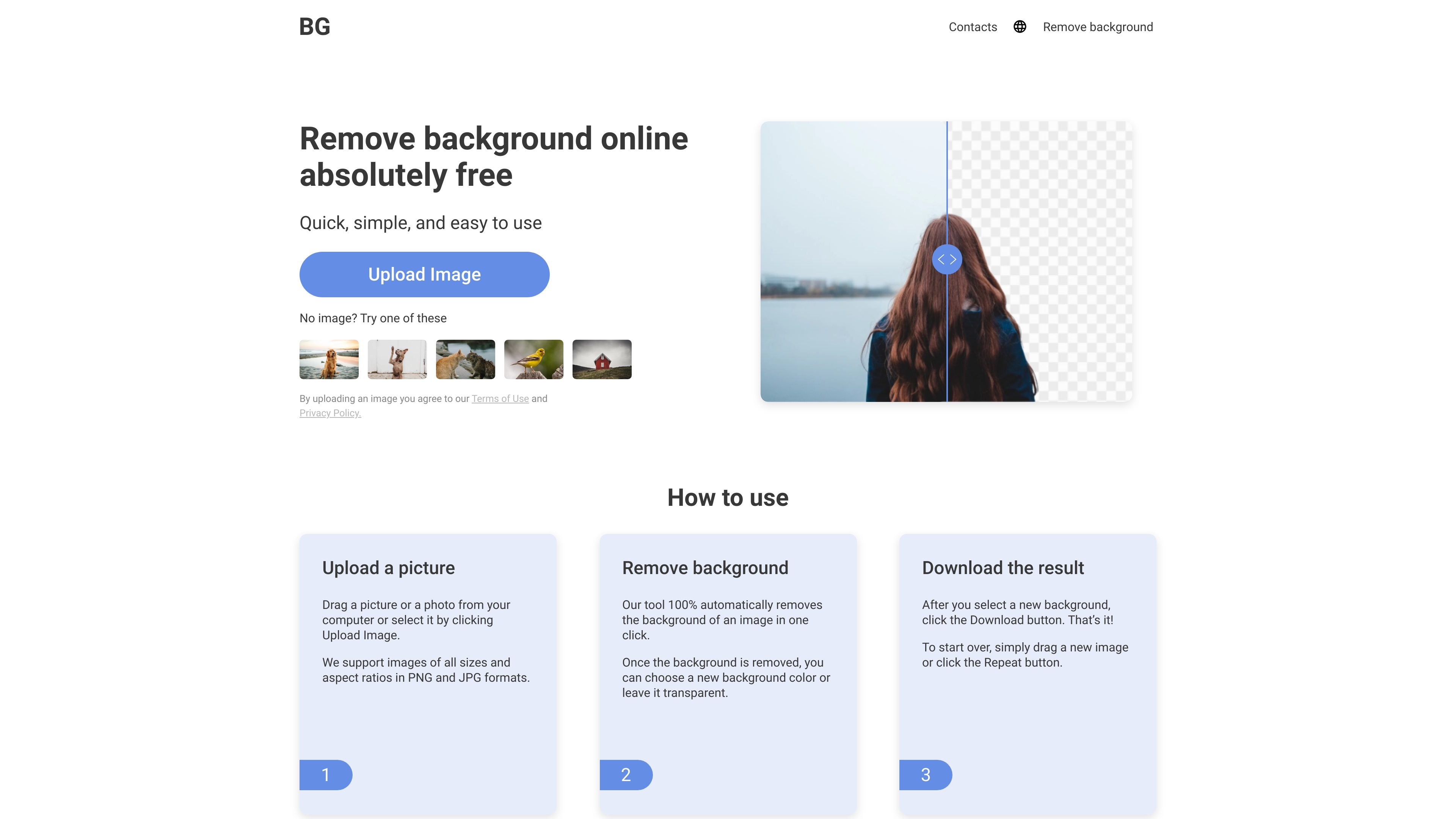
AI detects the subject and removes the surrounding background after upload, reducing the need to trace an outline manually.

Free online background removal for product photos, portraits, and design assets.
Background Remover is a free online image editing tool that uses AI to separate subjects from their backgrounds. It works with photos of people, animals, cars, and objects, helping users prepare isolated images for designs and business materials.
The workflow is straightforward: upload a picture, let the tool remove its background automatically, choose a transparent or solid-color background, and download the result. The service runs in a browser without requiring an account, software installation, or a plug-in.
AI detects the subject and removes the surrounding background after upload, reducing the need to trace an outline manually.
Keep the cutout on a transparent background for placement in another design, or select a new background color before downloading.
Upload images in PNG or JPG format by dragging a file into the tool or selecting it from your computer.
View the original image and processed result before saving, so you can assess the background removal.
Use the online tool from a PC, iPhone, or another mobile device without installing a dedicated editor.
Remove the surroundings from product pictures and choose a background color to prepare images for business use.
Isolate a person or object from a photo for use in a social post or banner, where the original setting would distract from the composition.
Create a cutout from a personal photo to place into a greeting card layout with a different backdrop.
Photographers and designers can process supplied photos into isolated assets for subsequent design work.
The website describes the service as completely free and says users can remove backgrounds from unlimited images at no cost.
The website states that it supports PNG and JPG images of all sizes and aspect ratios, including high-resolution pictures such as 1080p and 4K images.
After choosing the background, click Download to save the result. To begin again, drag in a new image or click Repeat.
流量数据仅供参考。

fotor.com
Fotor 是一款在线照片编辑与设计平台,将手动编辑工具与 AI 功能相结合,支持图像增强、背景移除、图像生成和拼贴制作,并提供基于浏览器的编辑体验及免费和付费方案。

vectr.com
Vectr 是一款基于浏览器的矢量图形编辑器和标志制作工具,支持 AI 设计、图像转矢量、背景移除和实时协作。

removelayer.com
RemoveLayer 是面向电商卖家、创作者和设计师的在线 AI 图片编辑工具,可移除背景、擦除多余元素并改善照片清晰度。上传图片后,选择相应工具处理,检查效果并下载结果。

vcows.net
Vcows 是一套多媒体软件,可转换、编辑、压缩和增强视频、音频及图像文件,并提供 Windows 和 Mac 授权及人声、降噪、稳定和背景移除等 AI 工具。