
Semantic file organization
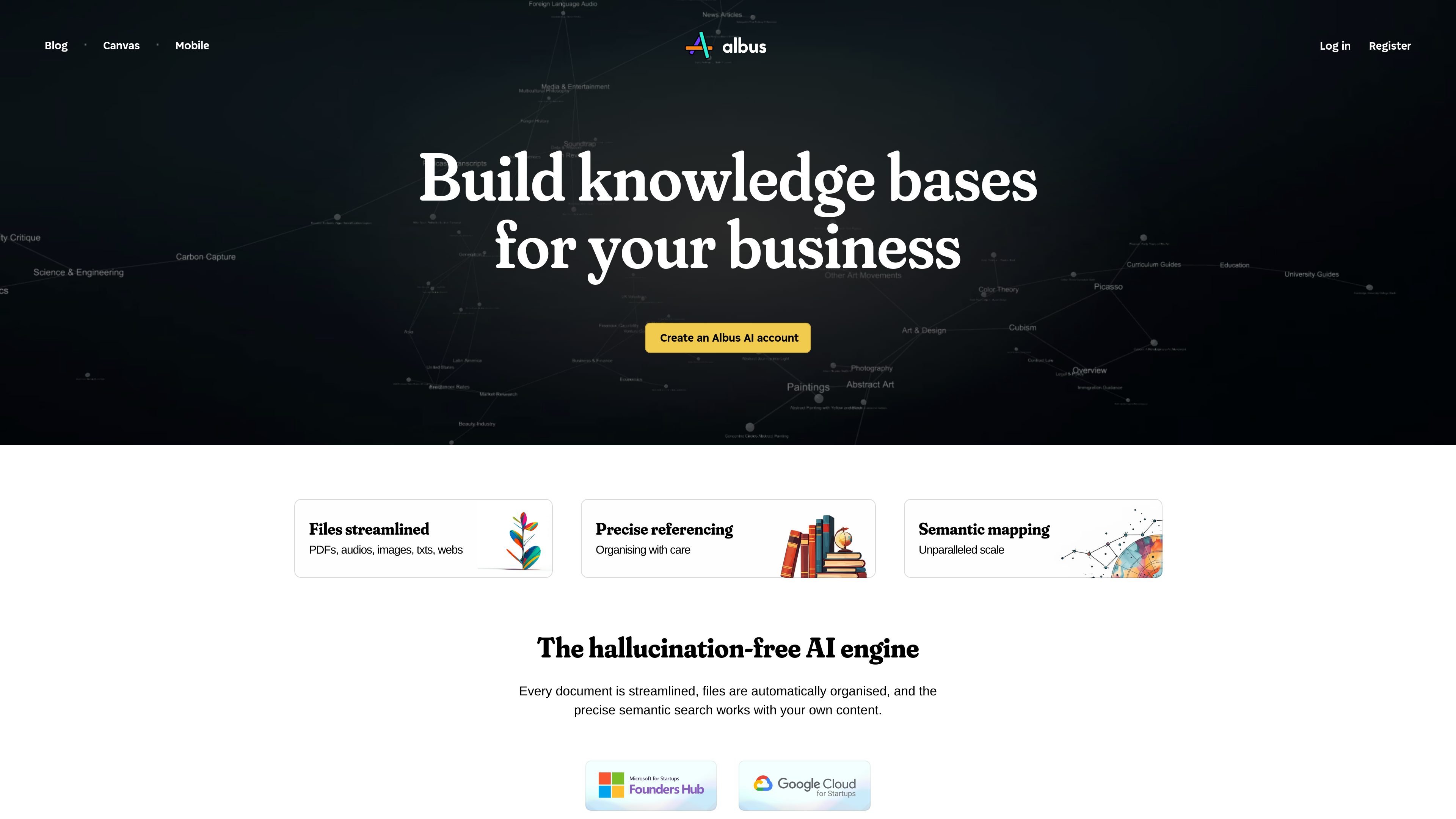
Add files and Albus categorizes them into a structured library, reducing the need to create folders manually. Users can also change the folder structure with a command.

An AI workspace for organizing, searching, and exploring personal and business documents.
Albus is an AI workspace for organizing and exploring a library of documents and other files. It semantically indexes content so users can search across materials by meaning, rather than relying only on folder names. Search responses can include page and section references to help users locate relevant passages. Albus also supports AI research and creation workflows, including document questions, web search, image generation, and audio generation.
Start by adding supported files and choosing the plan’s library and model capabilities. For document questions, enable insights and review the answer alongside the cited passages. A reference helps locate evidence; it does not guarantee that an AI interpretation or generated content is correct.
Add files and Albus categorizes them into a structured library, reducing the need to create folders manually. Users can also change the folder structure with a command.
Semantic indexing supports searches across PDFs, images, audio, Word documents, Markdown files, and web articles.
Ask questions about the library and receive answers that point to relevant pages and sections.
Upload PDF, TXT, or DOCX files, enable insights, and ask questions about their contents. Document insights are limited to 10,000 characters per document and 30 MB per file.
The platform includes real-time web search, conversation and canvas modes, image generation, and audio narration; usage allowances or limits apply to some capabilities.
Search across stored documents and media for a concept, then use page and section references to open the relevant source.
Bring PDFs, web articles, images, and other supported materials into one semantically organized library for exploring a topic.
Enable insights on a PDF, TXT, or DOCX file and ask focused questions about its contents, subject to the stated file limits.
Use the workspace's image-generation and audio-narration capabilities alongside research and content work; applicable usage limits vary.
Albus accepts PDF, TXT, and DOCX documents for insights. The insights workflow is limited to 10,000 characters per document and 30 MB per file; do not apply that limit automatically to every library-search or media feature.
Upload the document to your board, enable insights, then use the message icon in the document's bottom section to ask questions.
Yes. Library answers can include page and section references to relevant passages. Open and read the cited material to check whether it supports the answer.
Albus supports web search, conversation and canvas modes, image generation, and audio narration. Capabilities and allowances depend on the selected plan and model; review the included limits before choosing a workflow.
A limited Free plan is available. Standard Albus Pro is advertised at $20 per month before taxes, with usage limits and optional additional allowances. Choose the plan’s models and file capabilities rather than assuming the Free tier includes every Pro feature.
流量数据仅供参考。

harbor.my
私密、跨平台的笔记与资料收集应用,将笔记、文档、扫描件、照片、手写内容和音频集中归档,并支持搜索与导出。

getrecall.ai
Recall 是你的个人 AI 知识库,可保存、总结、整理并对文章、视频、播客、PDF 和笔记进行对话。支持网页、浏览器扩展和移动端,并提供 Free、Plus 和 Max 方案。

notion.com
Notion 是一个协作式 AI 工作空间,帮助团队集中管理知识、组织项目,并通过文档、数据库和智能化工作流推进日常工作。

fast.io
面向团队的 AI 商务存储工作区,支持搜索、共享、提取文件数据并自动化工作流程。

recall.it
个人 AI 知识库,保存、总结、整理并对内容进行对话

www.getnoan.com
NOAN 是面向企业的事实层与 API,让网站、应用和 AI 智能体使用同一套经过验证的公司信息。它将已批准、带版本的业务事实组织到可通过 REST 和 MCP 访问的互联工作区中。