
Natural-language clip search
Describe an action, moment, or topic in plain language to find a matching section of video, then turn the result into a clip.

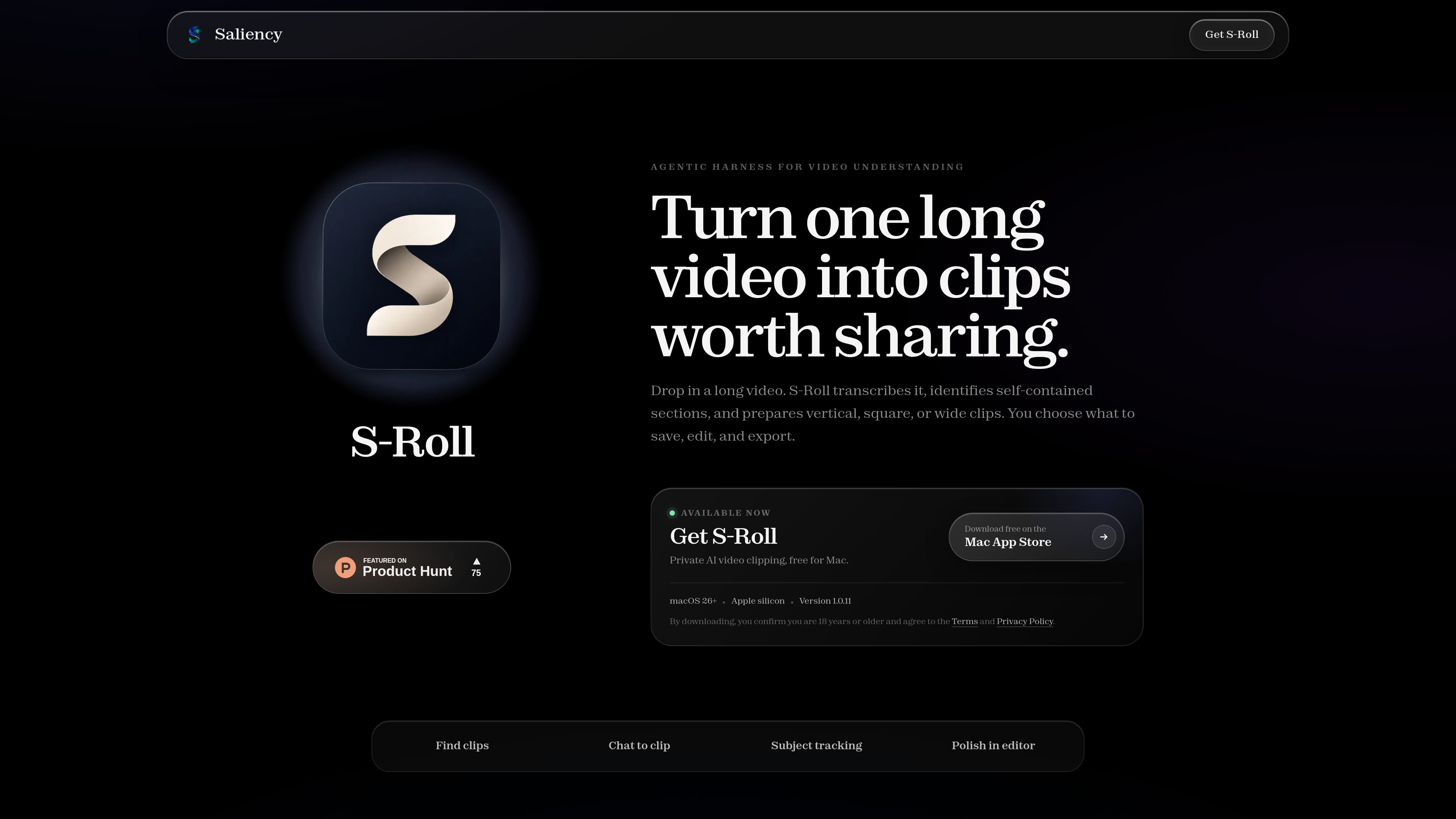
Saliency is a video-understanding and editing workspace for finding specific moments, reviewing promising clips, reframing subjects, and exporting polished MP4 files.
Saliency is a video-understanding workspace for locating important moments in video and turning them into usable clips. Its workflow combines clip discovery, review, subject tracking, editing, and MP4 export in one product.
Users can search for a moment by describing an action, topic, or event, review scored results with titles, summaries, and previews, and save selected clips to a Workspace or export them. The editor supports trimming, framing changes, captions, titles, and reusable brand presets. Pricing, integrations, supported platforms, and team capabilities are not specified in the available product information.
Describe an action, moment, or topic in plain language to find a matching section of video, then turn the result into a clip.
Review the strongest sections first using scored clips that include titles, summaries, and previews.
Keep a subject in frame with automatic reframing that follows its movement through the video.
Polish a selected cut by trimming it, adjusting its framing, and styling captions and titles.
Save a visual look as a brand preset and export the finished clip as an MP4 file.
Save selected clips to a Workspace before deciding whether to continue editing or export them.
Search for a particular action, event, or spoken topic instead of manually scanning the entire video.
Use scores, summaries, titles, and previews to inspect likely highlights first and save the strongest candidates to a Workspace.
Use automatic reframing when a moving subject needs to remain visible throughout the selected section.
Trim the cut, refine framing, style captions and titles, apply a saved brand look, and export the result as an MP4.
Describe the action, moment, or topic you want to find in natural language. Examples shown on the product page include finding a dragon breathing fire, a knockout, or a discussion of AI safety.
Yes. Saliency presents scored clips with titles, summaries, and previews so you can review sections first. Selected clips can be saved to a Workspace or exported.
Yes. Its subject-tracking feature uses automatic reframing to follow the subject as it moves.
The editor supports trimming, framing adjustments, captions, titles, and saved brand presets. The available product information specifically identifies MP4 as an export format.

cococlip.ai
用于制作短视频社交内容的 AI 视频编辑器

podfyai.com
基于浏览器的 AI 视频工具,将文本、音频和音乐制作成短视频。

pika.art
Pika 是一款 AI 视频平台,可根据提示词、图片和现有素材创建并编辑短视频。
contentfries.com
ContentFries 提供公开定价,但产品功能尚无法确认。

magnifi.ai
云端 AI 视频平台,自动生成集锦、添加标签、调整尺寸并分发内容。
domoai.app
DomoAI 是一款网页端 AI 视频工具,可将视频、图片、帧和文本提示转化为动画或风格化内容。