
Plain-English mobile test execution
Describe actions and validations in natural language; the agent builds a structured plan and executes the steps on the connected Android device or emulator.

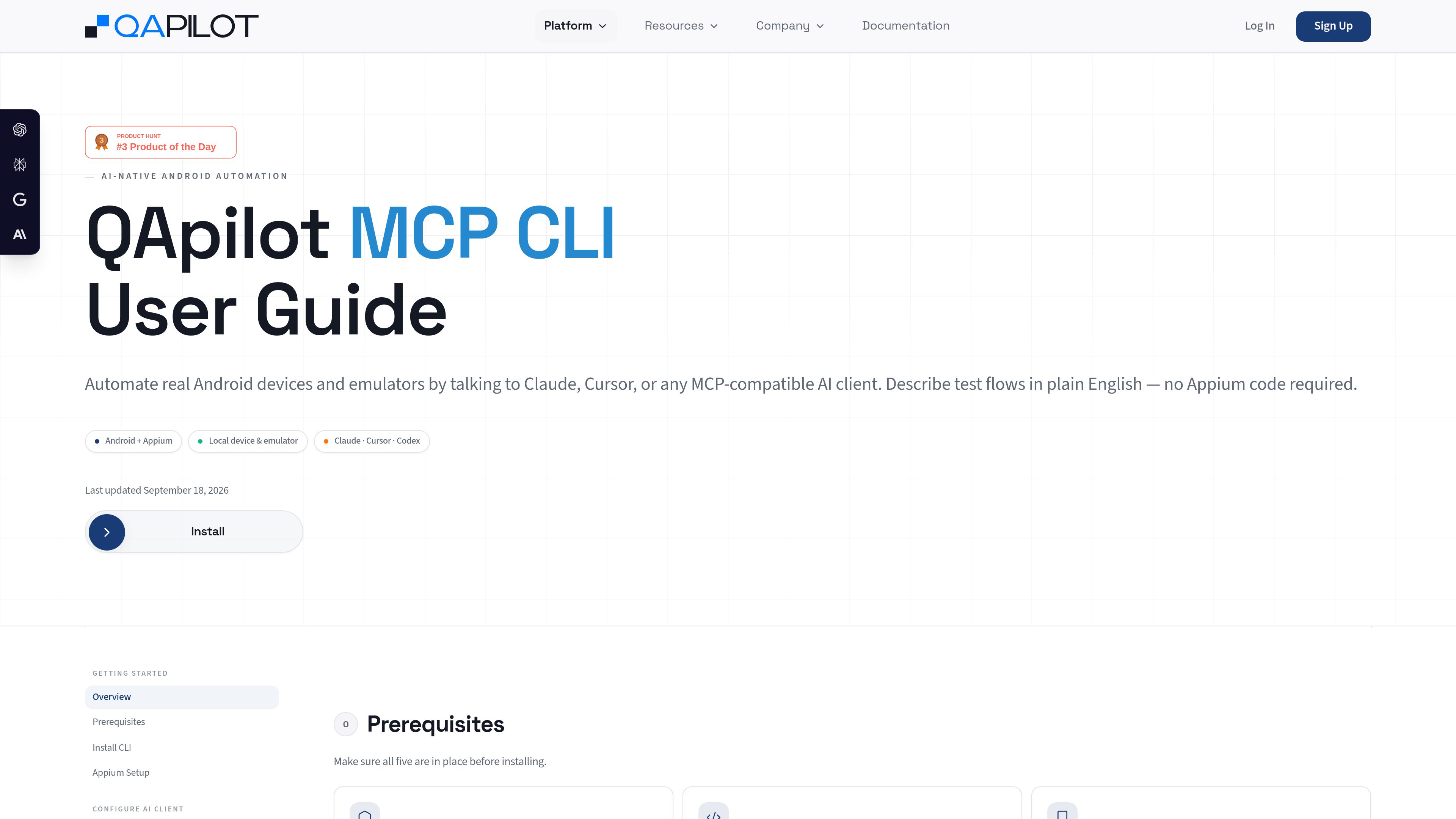
QApilot MCP is a local-first mobile testing interface for coding agents such as Claude, Cursor, and Codex. It lets teams describe Android test flows in plain English, run them on local devices or emulators, and receive agent-readable reports.
QApilot MCP connects coding agents to local Android devices and emulators through the Model Context Protocol. Users describe test flows in plain English rather than writing Appium code, and the CLI coordinates app launch, step execution, saved test cases, and reports. The documented workflow uses Appium and the UiAutomator2 Android driver.
The main workflow is local: install the CLI, prepare the Android and Appium environment, configure Claude Desktop, Cursor, Codex, or another MCP-compatible client, then sign in and select a QApilot project. After providing an Android package ID, users can ask the agent to perform searches, logins, navigation, filtering, form submissions, and assertions on the connected device.
A session provides a live preview while steps run. Successful steps can be accepted as a saved test case and replayed later by ID, in sequence with other cases, or from an Excel sheet. Reports include execution results, screenshots, errors, and timing, with locally saved JSON, YAML, and—on passed runs—a Gherkin feature file.
Describe actions and validations in natural language; the agent builds a structured plan and executes the steps on the connected Android device or emulator.
Configure QApilot MCP through the Model Context Protocol for Claude Desktop, Cursor, OpenAI Codex, and other compatible AI clients.
Run the documented Android workflow against a USB-connected device or local emulator after configuring the Android SDK, adb, and Appium.
Receive a browser preview URL for a session so the device screen can be watched while the test is running.
Accept successful recorded steps as test cases, then run them individually, in batches, or from an Excel sheet.
Generate reports with step results, screenshots, errors, and timing; saved outputs include output.json, report.yaml, and a Gherkin scenario file for passed sessions.
Ask a coding agent to check a critical Android flow after a code change, such as searching for an item, opening a result, and confirming the expected screen appears.
Run a successful flow interactively, accept its steps, and save the result in a QApilot project for later replay.
List project test cases and execute selected IDs in sequence on a connected emulator or device.
Use an Excel sheet as the source for a group of saved test cases when validating a broader Android regression set.
Use the live preview and generated failure report, including screenshots, errors, and timing, to identify where a flow stopped.
The documented Android setup requires Node.js 18+, Java JDK 11+, the Android SDK and platform tools, a USB-debuggable Android device or an Android emulator, and Appium 2.19.0 with the UiAutomator2 4.2.6 driver.
The guide provides configuration examples for Claude Desktop, Cursor, and OpenAI Codex. The product is designed to connect through the Model Context Protocol, so other compatible clients may also be supported.
No. The documented workflow lets users describe actions and checks in plain English. Appium and the UiAutomator2 driver are used in the underlying Android setup.
Users can generate a report containing step results, screenshots, errors, and timing. Reports are saved locally, including JSON and YAML files; passed sessions also include a Gherkin feature file.
Yes. Accepted test cases can be listed and replayed one at a time, in a sequence or batch, or from an Excel sheet. The guide advises generating a report even after failure to clear execution state before the next test.
流量数据仅供参考。

modelcontextprotocol.io
MCP Inspector is an open-source visual testing tool for Model Context Protocol (MCP) servers. It is intended for developers who need to inspect and test MCP server behavior through a visual interface.
www.mcpjam.com
MCPJam is a testing and evaluation platform for MCP servers. It helps developers inspect servers locally, run user and model-based tests, and add behavior checks to CI/CD workflows.

blopai.com
编写、运行、聚类并修复浏览器测试的 QA 代理

sequel.sh
Sequel is an AI data analyst and secure data layer for agents. It connects databases, warehouses, analytics platforms, spreadsheets, and SaaS tools so Claude, Cursor, ChatGPT, and other MCP-capable agents can answer questions using shared data connections and definitions.

testim.io
面向 Web、移动端和 Salesforce 团队的自动化测试

getbluejay.ai
Bluejay 是面向 AI 语音和聊天代理的 QA 平台,支持部署前后测试、监控与优化。