
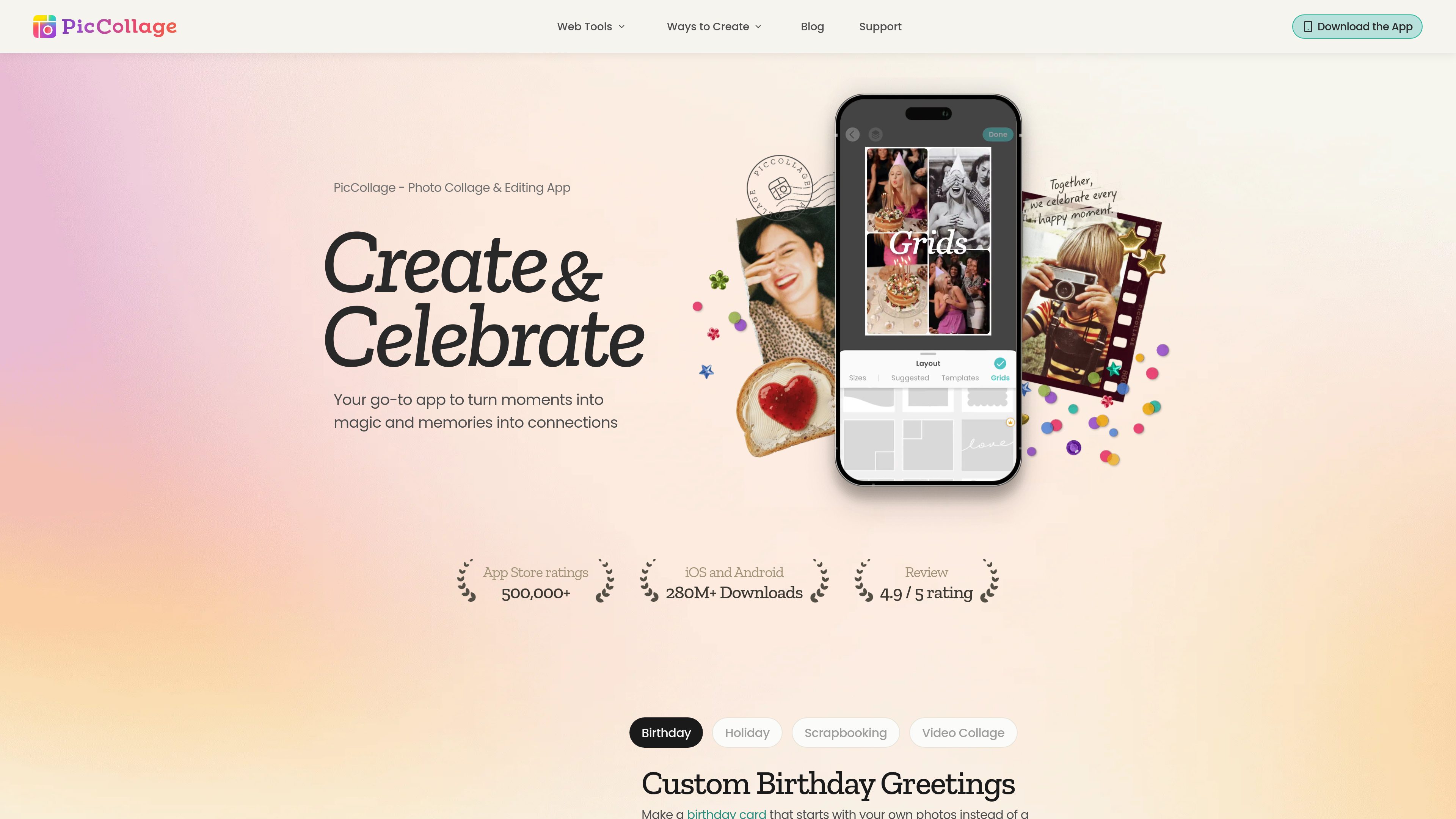
Grid and template layouts
Start with a structured grid or a designed template, then place photos into cells and adjust the arrangement. The homepage describes layouts that can accommodate from two photos up to twelve.

PicCollage is a photo and video collage creation app with templates, editing tools, stickers, text, and backgrounds. It helps people make greeting cards, digital scrapbooks, social posts, memory pages, and video recaps on iOS, Android, or in a web browser.
PicCollage is a photo and video collage maker for turning personal media into designed cards, memory pages, social graphics, and short recaps. Its core workflow combines uploaded photos or clips with grids, templates, text, stickers, backgrounds, and adjustable layouts rather than requiring users to begin with a blank canvas.
It is available as an iOS and Android app, while the web collage maker runs in a modern browser without a download or account. Users can upload images, choose a grid or template, adjust photo placement and the canvas, and save the finished design. The web tool states that exports are full resolution and have no watermark.
Start with a structured grid or a designed template, then place photos into cells and adjust the arrangement. The homepage describes layouts that can accommodate from two photos up to twelve.
Drag photos to change their position, resize them within cells, swap images, and adjust spacing, borders, and canvas settings. The homepage also describes tools for removing a busy background and expanding an image to fill the frame.
Add captions, dates, names, or quotes with text tools, and customize a project with stickers, fonts, backgrounds, and paper-like textures.
Combine photos and video clips in one layout to create a moving recap of a trip, year, or other memory.
The web collage maker works in a modern browser on phones, tablets, laptops, and desktops. It accepts JPEG, PNG, WEBP, and HEIC uploads and does not require an account or software installation for the described workflow.
The web tool states that finished collages can be downloaded at full resolution without a watermark or compression, then used for posts, messaging, printing, or wallpaper.
Create a card around the recipient's own photos, then add stickers, text, and seasonal design elements. Finished work can be sent digitally or printed at home.
Turn a camera roll into a page for a trip, school year, family milestone, or pet memories. Captions and dates provide context alongside the photos.
Bring several moments together in a single photo collage or combine still images and video clips for a recap that can be shared with a group.
Build image collages for feeds, Stories, and other posts by selecting a canvas format, arranging multiple photos, and downloading the result for posting.
Use two- or three-cell layouts to show renovations, progress, transformations, plant growth, or other changes side by side.
No. The web collage maker is designed to run in a modern browser without a download or account. PicCollage also offers mobile apps for iOS and Android.
The web tool lists JPEG, PNG, WEBP, and HEIC as supported upload formats.
Yes. The described browser workflow lets you drag photos, resize them inside cells, swap images, adjust the canvas, and add a background color.
The collage-maker page states that downloaded web collages have no watermark and are exported at full resolution.
Examples supported by the site include birthday and holiday cards, digital scrapbooks, travel or year-in-review collages, video recaps, social-media graphics, and before-and-after comparisons.

isheji.com
爱设计是一款基于浏览器的模板设计平台,支持海报、社交媒体配图、电商视觉等常见设计,并提供在线编辑、云端保存,以及下载和商业授权分开的会员服务。

lucidchart.com
Lucidchart 是一款基于浏览器的协作式绘图工作区,可从模板、文字描述或结构化数据创建流程图、组织结构图、流程图和技术图表,并在共享画布上实时编辑。

mydesigns.io
面向按需印刷和数字产品卖家的自动化平台,支持批量创建产品、生成样机图、制作 SEO 商品信息,并自动发布、交付和处理订单。

edrawmax.com
EdrawMax Online 是一款基于浏览器的图表编辑器,可从空白画布或现有 EDDX 文件开始编辑,并将图表保存到云端或导出为图像、PDF 等格式。

blancbrowser.com
Blanc Browser 是一款适用于 macOS、Windows 和 Linux 的极简桌面浏览器,内置广告与跟踪器拦截、隐私标签页,并以键盘操作优先,兼顾标签页整理、配置文件、参考查看和可选加密同步。

cropit.xyz
Cropit 是一款在浏览器中运行的图片切片工具,可为 Instagram 个人主页网格、可滑动全景轮播和多图块布局创建精准有序的图片切片;无需将源照片上传到服务器,适合摄影师、代理机构和视觉创作者使用。