
Inspectable model transactions
Open a model turn to review its system prompt, messages, tool definitions, generated output, token use, timing, and stop reason. Tool arguments, approvals, and results are available in separate views.

Juggler is a GUI-first AI coding harness for developers who want inspectable model interactions, branching conversations, and isolated workspaces. It runs locally or on a remote machine and connects directly to the model provider selected by the user.
Juggler is an open-source, GUI-first AI coding harness for developers working with coding agents. It provides a native Go server plus desktop and browser interfaces for conversations, tool calls, approvals, context management, and model transactions.
Its core workflow treats an agent session as an inspectable, persistent document rather than a hidden loop. Conversations can be branched into recursive sub-threads, synchronized across connected clients, and resumed after a quit or lost connection. Juggler can run locally or on a remote development machine, with model traffic sent directly to the provider selected by the user.
For code execution, conversations use configurable workspaces: Git worktrees, disposable scratch copies, or subfolders of a project. The public JavaScript extension SDK also allows developers to add tools, agent strategies, slash commands, workspace providers, file viewers, sidebar cards, and Pinboard tabs.
Open a model turn to review its system prompt, messages, tool definitions, generated output, token use, timing, and stop reason. Tool arguments, approvals, and results are available in separate views.
Conversations are Yjs documents synchronized across connected clients. Users can create recursive sub-threads, explore alternative approaches, and return selected results without adding every exploratory exchange to the main context.
Sessions are stored on disk and survive quitting, relaunching, or reconnecting, including a pending approval. Run the desktop app with its local server or start the headless server where the project is located and connect through a desktop or browser client.
Run conversations in a Git worktree, a throwaway scratch copy, or a project folder. Several conversations can share a project while using separate workspaces, and conversations can be moved between workspaces.
Juggler sends model traffic directly from the user's machine to the selected provider rather than routing it through a Juggler server. Supported choices include Anthropic, OpenAI, Gemini, Mistral, Ollama, OpenRouter, DeepSeek, and other OpenAI-compatible providers.
Extensions can provide model tools, approval gates, agent strategies, slash commands, file viewers, workspace types, sidebar cards, and Pinboard tabs. Extensions can be scaffolded, validated, linked, and hot-reloaded in connected viewers.
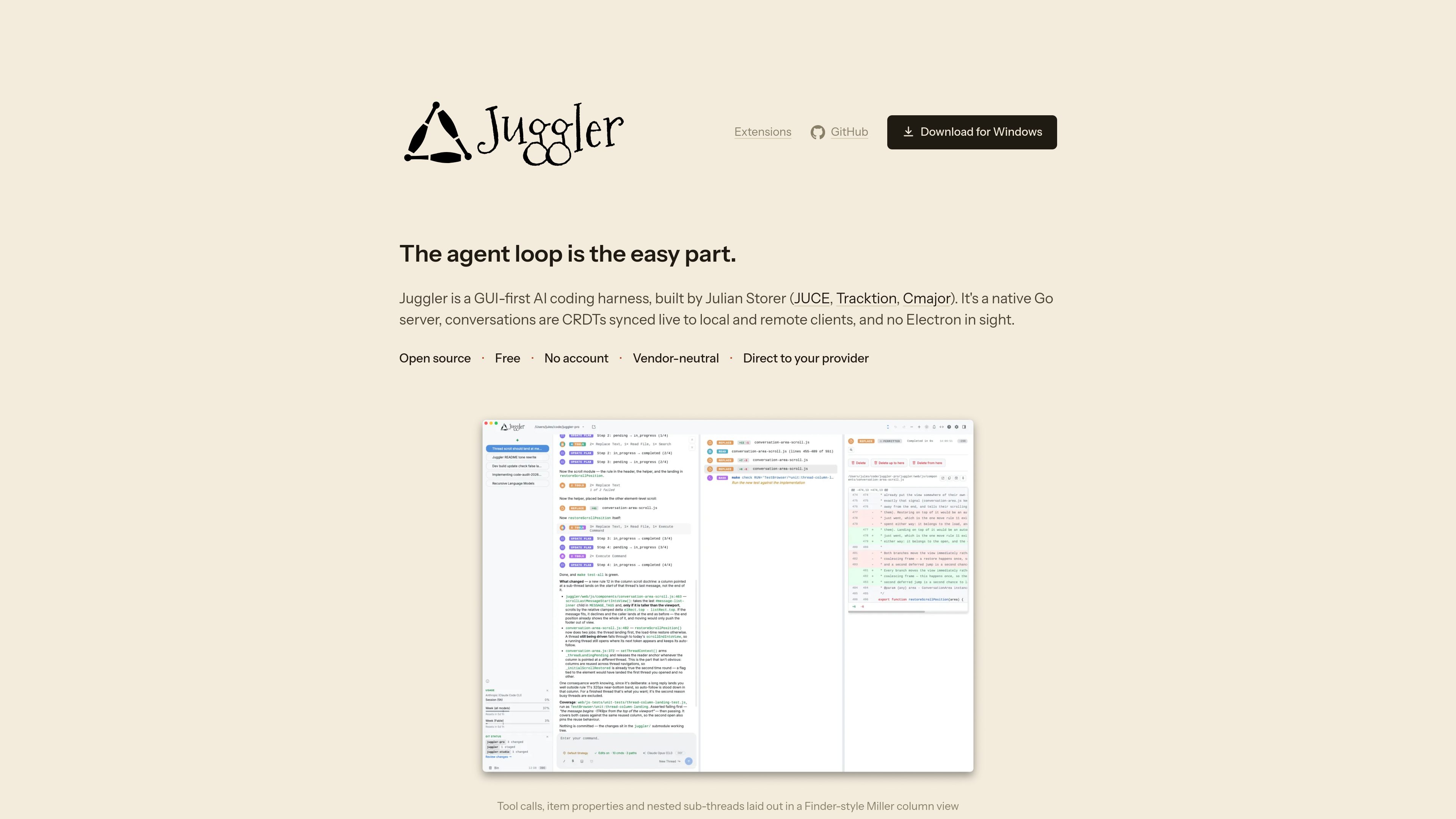
Use the desktop interface and Miller-column navigation to follow substantial conversation history, inspect tool execution, review context, and examine the exact request sent for a model turn.
Branch a conversation into sub-threads for a tangent, delegated task, or competing implementation. Bring back the useful result while keeping the exploratory exchange separate from the primary context.
Assign conversations to Git worktrees, scratch copies, or monorepo subfolders so agents can work in parallel with the isolation or focus appropriate to the task.
Run the terminal server beside the code on a dev box or server, then attach from the desktop app, browser, or phone. Connected clients stay synchronized with the live session.
Create a JavaScript extension for a custom tool, approval policy, slash command, file type, workspace environment, sidebar card, or pinned view. The extension SDK supports local validation and hot reload during development.
No. The site states that Juggler is free to download, open source, and does not require a Juggler account.
The desktop app runs with a matching local server. For remote work, the headless Juggler server can run where the code lives and be accessed from a desktop app or browser; connected sessions can also be viewed on a phone.
Juggler is vendor-neutral and lists Claude Code, Anthropic, OpenAI, Codex, GitHub Copilot, Gemini, Mistral, Z.AI, Ollama, OpenRouter, DeepSeek, and other OpenAI-compatible providers. Users bring an existing subscription or their own API keys, and can switch provider or model mid-conversation.
A conversation can use a Git worktree, a disposable scratch copy, or a project folder. Worktrees provide a separate branch and tree, scratch copies can be applied back or deleted, and project folders confine commands to a subfolder while reads can still see the whole project.
No. Extensions are unsandboxed JavaScript with the full privileges of the app. Juggler displays declared host access before installation, but this is disclosure rather than containment, so only trusted extensions should be installed.

relace.ai
Relace 是面向编程代理的 AI 模型与基础设施平台,支持代码检索、文件合并和源码控制工作流,并提供托管、本地部署及 VPC 隔离部署。

onorca.dev
Orca 是用于借助编码代理交付产品的智能体开发环境,支持在隔离工作树中并行运行多个 CLI 代理,并提供桌面端和移动端协同工作流。

blopai.com
编写、运行、聚类并修复浏览器测试的 QA 代理

rlama.dev
本地 AI 平台,用于构建 RAG 系统和智能代理

kastra.ai
Kastra 是面向 AI 系统的授权基础设施,可在提示词、工具调用、Shell 命令、API 请求和浏览器操作执行前进行检查,帮助团队执行策略、保留签名审计记录,并治理本地及企业级 AI 工作流。

aakar-ai.dev
在一个仪表板中管理 AI 供应商、项目配置、日志和分析,支持 BYOK 工作流。