
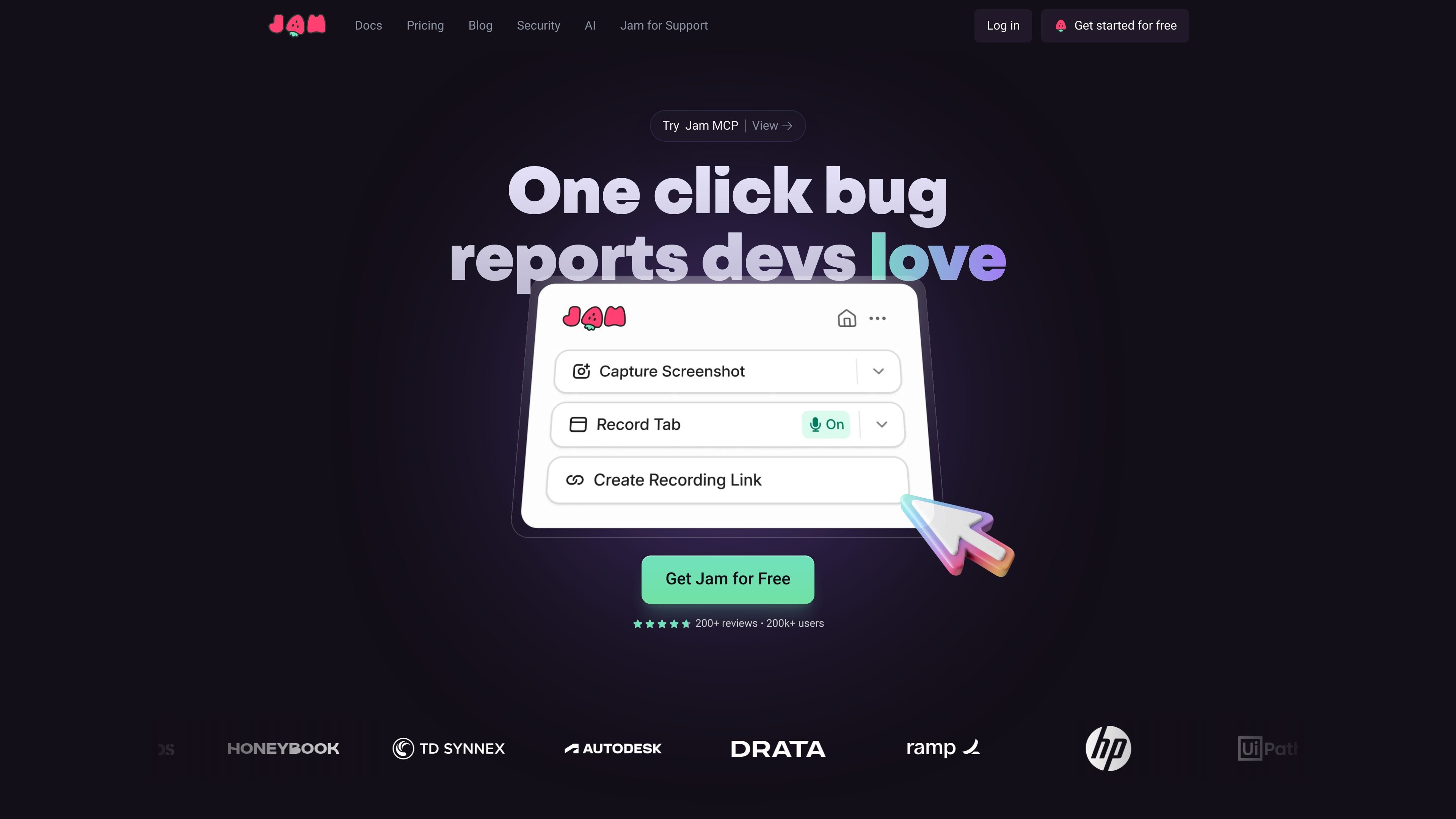
Browser and screen capture
Use the browser extension to record a screen or capture a screenshot. Jam also offers Mac and iOS apps for recording and sharing issues from those devices.

A screen recorder for software teams that captures bugs with shareable technical context.
Jam is a screen recording and feedback capture tool for software teams. It lets people record a bug, idea, or customer issue as it happens and share it as a Jam, with available technical context such as console and network logs, user events, and device details. The goal is to give engineers and coding agents a clearer starting point for investigation than a text description or screenshot alone.
Use the browser extension to record a screen or capture a screenshot. Jam also offers Mac and iOS apps for recording and sharing issues from those devices.
A Jam can include available console logs, network requests, user events, and device metadata alongside the visual report.
Jam AI can suggest a title, summary, and reproduction steps to help structure a report for developers or agents.
The product supports screenshot annotations, video annotations, video blurring, and instant replay. The Mac app supports screen, window, or area recording.
Send Jams to tools including Linear, Jira, and Slack. The site also lists MCP, webhooks, and integrations with issue trackers.
A teammate can record the steps leading to a problem and share the Jam with logs and device details, giving engineers evidence to begin debugging.
Send a Recording Link so a customer can show an issue in context. The pricing page lists five links per month on Free, 150 on Team, and unlimited links on Enterprise.
Route captured feedback into Linear, Jira, or Slack so teams can organize reports in their existing issue or communication workflows.
Share a Jam with AI tooling; the site describes agents using Jams to investigate issues, and lists MCP support.
Jam offers a browser extension, a Mac app, and an iOS app. The browser extension can record a screen or capture a screenshot.
Available context includes console logs, network requests, user events, and device details. Jam also supports custom logs on its pricing comparison.
The site lists integrations with Linear, Jira, Slack, issue trackers, and webhooks. It also lists MCP for agent workflows.
The listed Free plan includes 30 Jams per month, five Recording Links per month, and recordings up to five minutes. Team is listed at $14 per creator per month when billed yearly and includes unlimited Jams, 150 Recording Links, and recordings up to 15 minutes. Enterprise pricing is custom.
Jam says it automatically blurs sensitive content in recordings and obfuscates sensitive data in captured network requests. Users can customize which screen data elements are blurred.
流量数据仅供参考。