Hera logo

Hera

认领

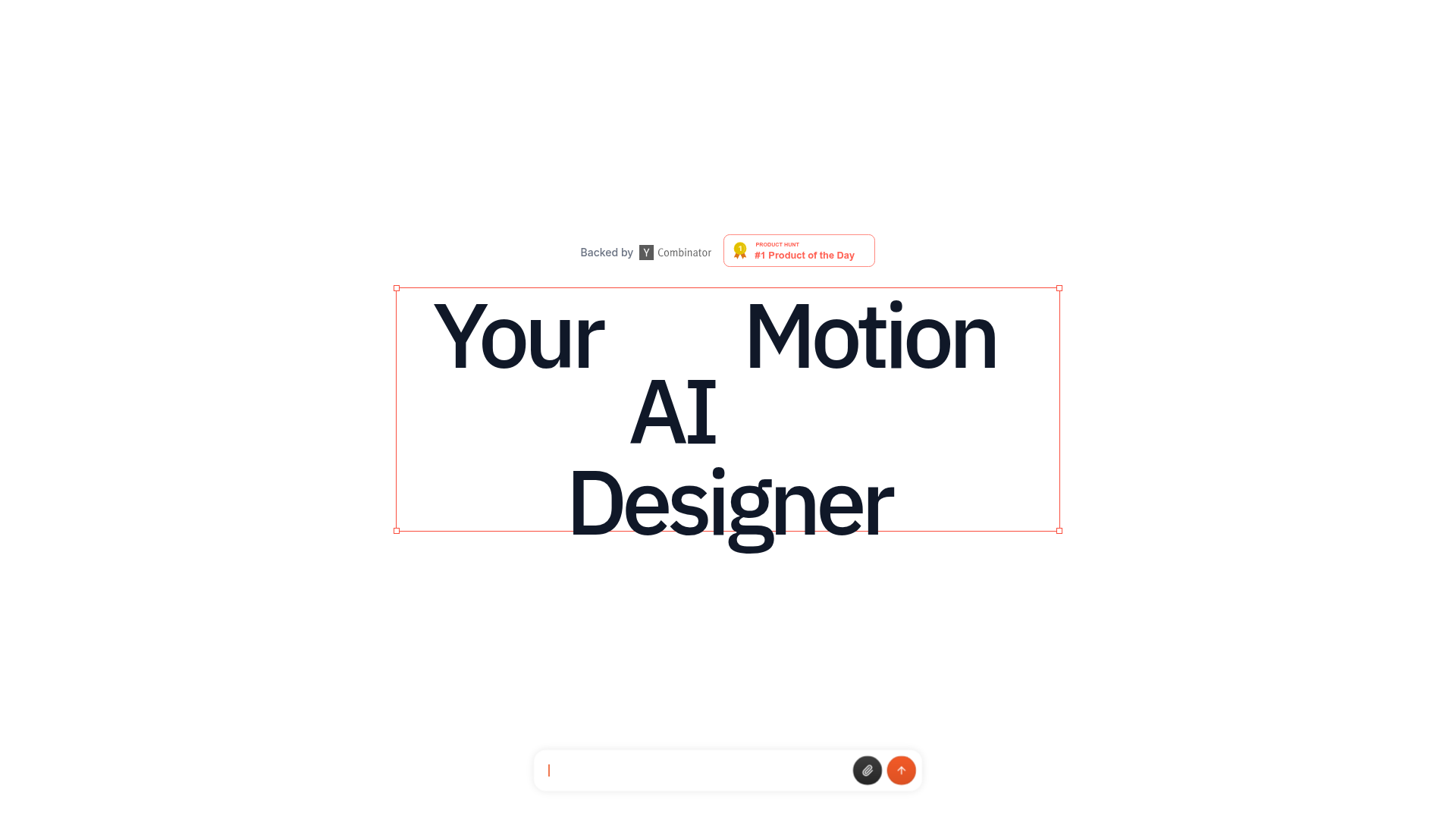
Hera is an AI motion design tool for creating motion graphics, templates, and prompts for launch videos, explainers, infographics, overlays, and branded video assets. It also exposes an API and MCP Server for programmatic generation.

Hera preview

Overview

Hera is an AI motion design product for creating motion graphics, templates, and prompts for branded video work. The site positions it around practical production jobs such as product launch videos, animated infographics, overlay graphics, explainers, and other short-form motion assets.

The product combines a studio-style creation flow, a library of templates, and developer access through an API and MCP Server. It is meant for people who want to turn a written brief, a workflow, or a reusable template into motion graphics without starting from a blank canvas.

Features

Prompt-based motion graphics generation

Describe the motion you want and Hera generates AI motion graphics for product launch videos, explainers, infographics, and other branded assets.

Template library for common video jobs

Choose from hundreds of templates and remix them for different output formats and workflows.

Workflow-specific starting points

Use templates built around launch videos, infographics, overlays, explainers, app demos, ecommerce clips, onboarding, sales follow-up, event promos, brand systems, UI animation, social ads, and report summaries.

Structured creation guidance

Follow guided prompts, asset checklists, and quality checks that are tied to each workflow and template.

Developer access via API and MCP

Connect through the API or MCP Server to generate motion graphics programmatically in an app, workflow, or AI agent.

Video asset outputs

Work with output aimed at product launch videos, animated infographics, overlay motion graphics, explainer videos, and branded video assets.

Use cases

  • Product launch videos

    Create product launch videos for SaaS products, apps, AI features, Product Hunt launches, waitlists, and feature announcements with editable AI motion graphics.

  • Animated infographics

    Turn charts, reports, dashboards, maps, and survey results into motion graphics videos that are easier to scan and present.

  • Overlay motion graphics

    Produce lower thirds, quote cards, callouts, chapter markers, proof labels, and similar overlays for talking-head or interview video.

  • Explainer videos

    Build explainer videos for products, SaaS workflows, education, healthcare, and fintech using motion graphics templates and prompts.

  • Developer-driven generation

    Generate motion graphics programmatically through the API or MCP Server when Hera needs to fit inside an app, workflow, or AI agent.

Pros and Cons

Pros

  • Covers a broad set of motion graphics jobs, from launch videos and explainers to overlays, social graphics, and report videos.
  • Offers reusable templates and prompts that can shorten setup time for repeatable work.
  • Includes workflow-specific guides and quality checks rather than only generic prompt entry.
  • Provides an API and MCP Server for programmatic use beyond the browser experience.

Cons

  • The pricing page is unavailable, so cost and plan structure are not visible from the source.
  • The evidence is strongest on workflows and templates; detailed technical limits and export specifications are not shown in the provided text.

FAQ

What is Hera used for?

Hera is positioned for creating AI motion graphics and related video assets from prompts, templates, and workflow-specific guides. The site highlights launch videos, explainers, animated infographics, overlays, social graphics, and branded motion systems.

Can Hera be used in a workflow or app, not just in the studio interface?

The site shows a browser-based product experience with templates, use cases, and a start-creating flow. It also offers an API and MCP Server for programmatic generation.

What kinds of templates does Hera provide?

The templates page presents reusable script and prompt templates for launch videos, infographics, overlays, explainers, app demos, ecommerce videos, onboarding, sales follow-up, event promos, brand motion kits, UI animation demos, social video ads, and report summary videos.

How much does Hera cost?

The source does not provide a working pricing page. The pricing URL returns a 404, so pricing, tiers, and plan limits are not evidenced here.

Quick Facts

Category
AI motion design
Product type
Web-based motion graphics tool
Primary users
Designers, marketers, product teams, and developers
Source domain
hera.video
Developer surface
REST API and MCP Server
Pricing page
404 on the provided source